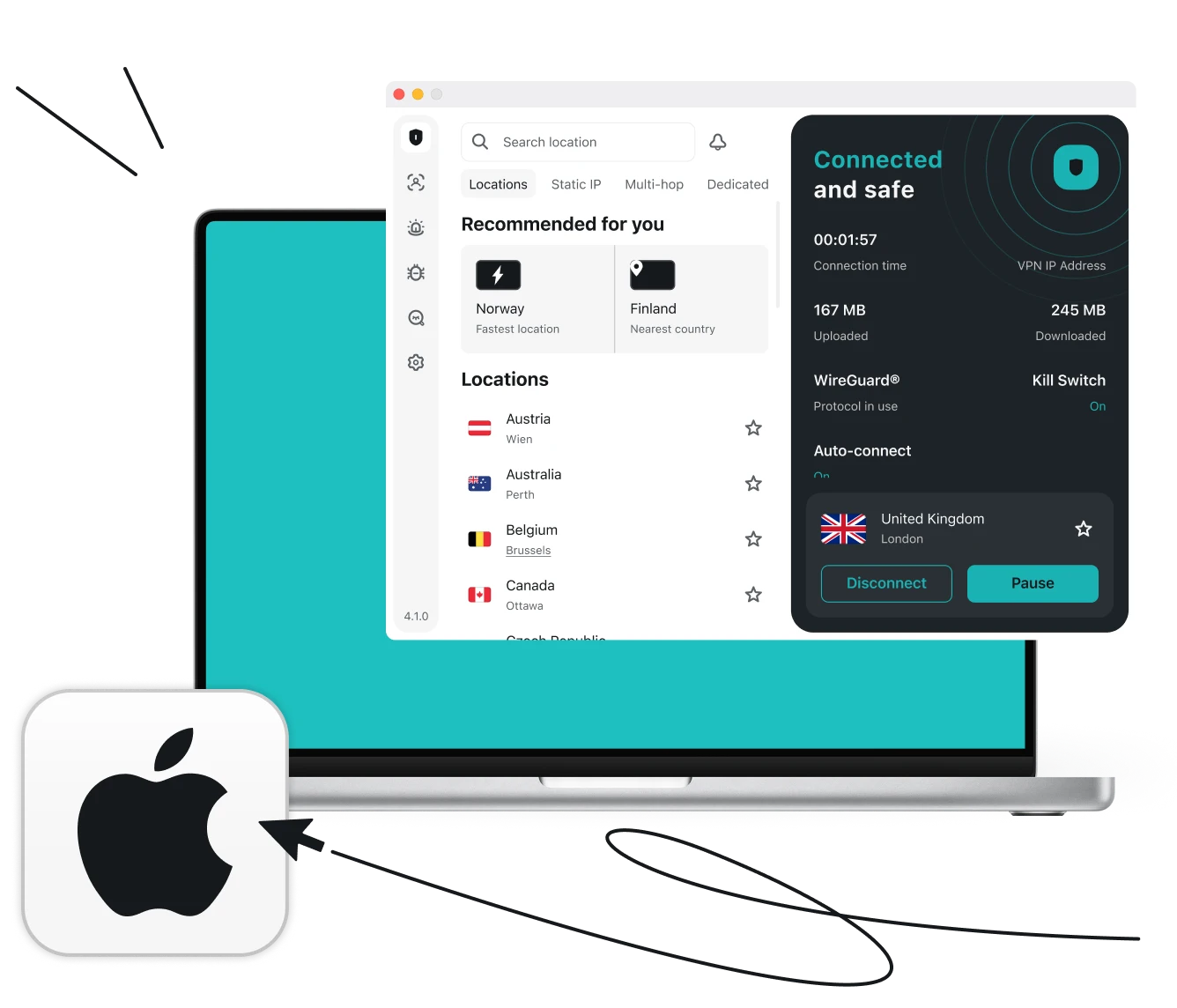







You can find a more in-depth setup guide in our video on how to set up Surfshark on macOS.

Try Surfshark risk-free
Download and try our VPN for Mac risk-free for 30 days. With Surfshark’s 30-day money-back guarantee, you can explore our services without committing long-term:
- Choose a Surfshark plan, buy the subscription, and create your account.
- Download our free VPN app from the App Store or our website.
- Open the app, log in, and try Surfshark VPN risk-free.
If our VPN doesn’t meet your expectations, simply cancel your subscription and request a refund within 30 days. For more details, check our refund guides.