


You can find a more in-depth setup guide in our video on how to set up Surfshark on macOS.
Download a secure VPN for Mac
Get the Surfshark VPN app for Mac and access:
- Fast VPN connection speeds for smooth browsing
- Advanced privacy and security features for macOS
- Worldwide access to 4,500+ servers in 100 countries
Available on macOS 12 (Monterey) and later
Widely trusted with 40M+ global app downloads, rewarded with 30+ recognition awards
Data as of 2026-03-26
Data as of 2026-03-26
How to set up a VPN on macOS

Get a VPN subscription
Choose a VPN subscription that best fits your needs and create an account.

Download the VPN app
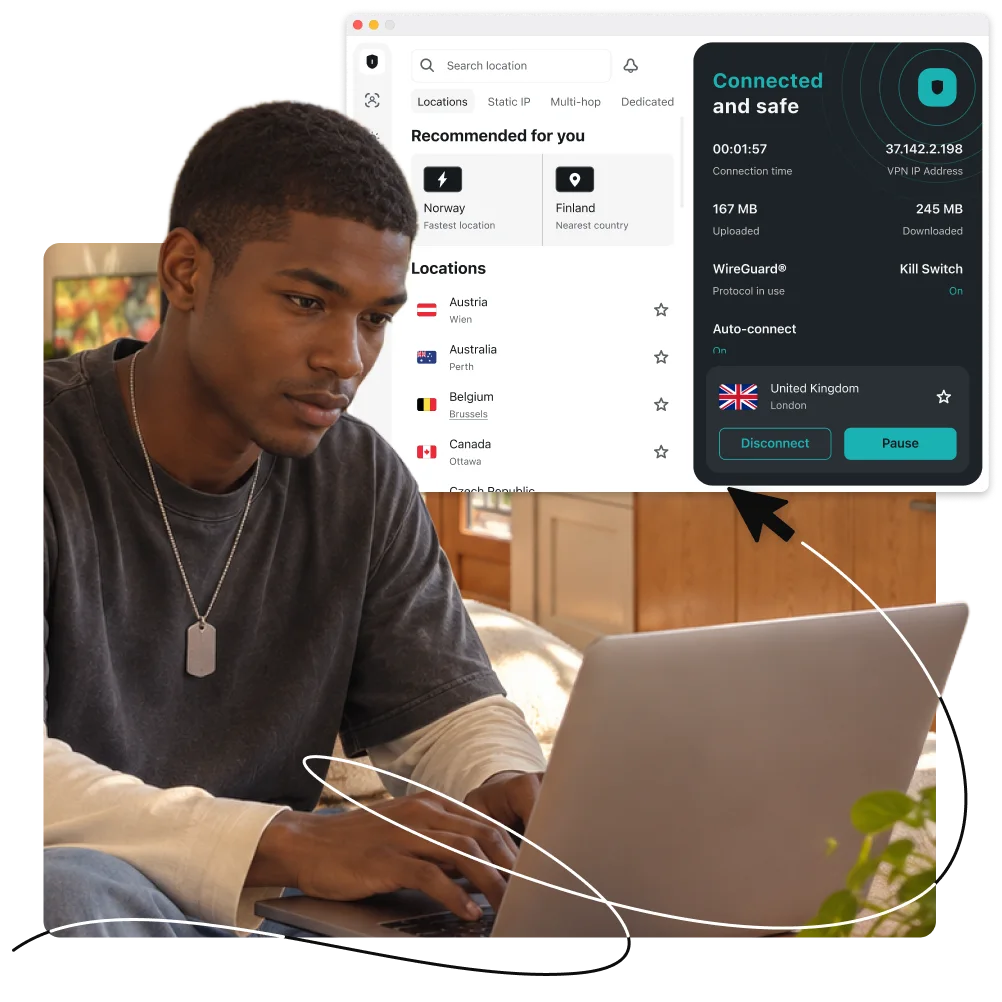
Download the Surfshark VPN app and install it on your Mac.

Connect to a VPN server
Log in, choose a server, and shield your Mac with a VPN.
Set up Surfshark manually on a macOS device following a guide for each of the available VPN protocols.
Need more details? Check out our guide on how to set up a VPN on macOS.
What is a VPN for Mac?
A VPN (Virtual Private Network) encrypts your internet connection, shielding your Mac from hackers, trackers, and unwanted snooping.
Here’s why you need a VPN for Mac:
- Stay safe on open networks: public Wi-Fi at coffee shops, airports, or hotels leaves your Mac vulnerable. A VPN encrypts your internet connection, helping shield your Mac from hackers and data thieves;
- Stop tracking: your browsing activity can be tracked, logged, and sold. VPN encryption prevents websites, advertisers, and ISPs from monitoring your online activity;
- Secure sensitive data: from banking details to personal files, your Mac holds sensitive information. A VPN helps keep personal files, banking details, and online activity private.
With Surfshark VPN for Mac, you can browse, work, and travel with confidence every time you go online.


Why use Surfshark for Mac?
*Dausos is currently available to Surfshark users on macOS. Availability on other platforms is coming soon.
Do Macs need extra security?
Apple’s macOS has strong built-in defenses, but they primarily shield the operating system itself. The moment you connect to the internet, your personal data is exposed to web threats that your OS isn’t designed to stop. Surfshark adds an extra layer of privacy and security, helping you protect your connections, activity, and identity.
Public Wi-Fi protection
Unsecured Wi-Fi in places like cafes and airports leaves your web traffic open to snooping. Surfshark VPN encrypts your connection so your passwords, banking details, and personal data stay private on open networks.
Malware defense
Macs aren’t immune to hidden malware, drive-by downloads, or zero-day threats. Surfshark Antivirus scans incoming files in real time, catching malicious software before it reaches your drive or bypasses your OS safeguards.
Scam detection
Scams and phishing target people, not operating systems. Surfshark’s scam protection solutions help you detect scams and malicious content before you interact with them.
Privacy shield
macOS protects your local files, but ISPs and ad networks still trace your digital footprint. Surfshark hides your IP address and blocks invasive trackers, giving you better control over who sees what you do online.
The best VPN for Mac compatibility
The Surfshark app supports all macOS versions, starting with Monterey (macOS 12) and onwards:
- macOS 12 (Monterey);
- macOS 13 (Ventura);
- macOS 14 (Sonoma);
- macOS 15 (Sequoia).
You can also install older versions of our application:
And it doesn’t stop at Mac. With Surfshark, you can secure your entire Apple ecosystem, including iPhone, iPad, and even Apple TV.

Surfshark vs. free VPN for Mac
Free VPN services often fall short in terms of protecting your privacy and delivering consistent performance. Surfshark VPN provides a safer, reliable online experience you can trust.
|
|
Free VPNs
|
Surfshark
|
|
Data collection risk
|
High: many free services monitor your activity and share data with third parties
|
Low: Surfshark follows a strict no-logs policy that has been independently verified
|
|
Speed and bandwidth
|
Restricted: bandwidth caps and throttled speeds are common among free VPNs
|
Unlimited: Surfshark has no limits on speed or bandwidth
|
|
Ads and trackers
|
Common: free providers may include ads and permit trackers
|
Blocked: Surfshark’s Clean Web blocks ads and trackers
|
|
Customer support
|
Limited: free services usually have no live support and slow response times
|
24/7: Surfshark’s live chat support is available at all times
|
|
VPN servers and locations
|
Few: free VPNs typically have few servers that are often overcrowded
|
Thousands: Surfshark provides access to 4,500+ high-speed servers in 100 countries
|
|
Encryption
|
Unreliable: free tools may not provide strong or modern encryption
|
Strong: Surfshark’s advanced encryption ensures better data security and privacy
|
Surfshark security features
Encryption
Safeguard your data with AES-256-GCM, ChaCha20 and AEGIS-256X2 encryption, the same standards used by cybersecurity experts and governments worldwide.
Post-quantum protection
Future-proof your security online with Surfshark’s advanced post-quantum implementation on WireGuard, designed to resist potential threats from future quantum computers.
No-logs policy
Your browsing habits are your business, which is why Surfshark never tracks, collects, or shares your activity. Our no-logs policy has been independently verified by Deloitte, ensuring total transparency.
Jurisdiction
Based in the Netherlands, Surfshark operates in a favorable legal environment with no mandatory data retention laws. This jurisdiction allows us to uphold our strict no-logs policy with no interference.
Obfuscation
Obfuscation hides your data and makes it much harder to identify that you’re using a VPN. This technology helps you browse freely even in places that highly restrict internet usage.
RAM-only servers
Surfshark’s entire network runs on diskless, RAM-only servers that automatically wipe all data with every reboot. This hardware-level security ensures that no information can ever be physically retrieved from our servers.
Kill switch
Protect your data from accidental exposure with a kill switch — an automatic safety net that cuts your internet if the VPN connection drops. This ensures no unencrypted data leaves your device.
Double VPN
Boost your protection online by routing your traffic through two different VPN servers at once with Multi Hop. This process encrypts your connection twice, making it virtually impossible for anyone to trace your digital footprint.
Everlink
Experience a self-healing connection with Surfshark’s patented Everlink infrastructure that keeps your VPN stable. If a server requires maintenance, Everlink seamlessly switches you to a new one without interrupting your session.
DNS leak protection
Surfshark routes all your DNS (Domain Name System) requests through private, encrypted tunnels. This prevents Wi-Fi eavesdropping and your ISP from seeing which websites you visit, ensuring your browsing history stays private.
Split tunneling
Use Bypasser, Surfshark’s VPN split tunneling feature, to choose which apps and websites need VPN protection and which can access the internet directly without encryption — perfect for IP-sensitive services. iOS users can also add websites to Bypasser directly from Safari without any manual entry.
Rotating IP
Stay ahead of trackers by automatically changing your IP address every few minutes without disconnecting. This constant IP rotation makes it much harder for advertisers and data brokers to profile your online behavior.
More than a VPN
Get a complete cybersecurity suite including a built-in ad blocker, antivirus, and identity masking tools. From blocking malware to generating an alternative persona, Surfshark takes protecting your digital presence to another level.
See why millions trust Surfshark
Check out what users and tech experts around the world have to say about Surfshark.



The reviews highlighted in this section were selected from publicly available posts on social media platforms. They reflect the opinions of individual users at the time of posting and may not represent the full range of our product features and qualities.
The reviews quoted on this page have been published by media outlets associated with Surfshark through affiliate partnerships. Their recommendations are based on their own independent research and insights to ensure value for the readers.
I have been using Surfshark since I got it and I love it!

When I am traveling, I use Surfshark to access the internet quickly and securely, works like a treat in China.

We love Surfshark because it is an easy-to-use app that you can download on all your devices.

The reviews quoted on this page have been published by media outlets associated with Surfshark through affiliate partnerships. Their recommendations are based on their own independent research and insights to ensure value for the readers.
“This is my first year and I absolutely love it. The fact I can have a good antivirus, great VPN, and incognito for like $120 a year is great.”
“I’ve been using Surfshark for 4 years on Android and ChromeOS with zero issues, it’s an absolute bargain”
“I’ve had it for 3 years and just renewed it for the next 2 years. I never have any issues with it and get my full internet speed…”
The reviews highlighted in this section were selected from publicly available posts on social media platforms. They reflect the opinions of individual users at the time of posting and may not represent the full range of our product features and qualities.






Frequently asked questions
What are the best free VPNs for a Mac?
We don’t recommend free VPNs. They usually lack the budget or resources necessary to protect users from the latest security threats. Free VPNs also often have various limitations that negatively affect their quality (very few servers, bandwidth caps, etc.). Some even collect and sell user data to fund their services. Therefore, it’s always best to choose a reliable paid VPN over a free one.
Does Mac have a built-in VPN?
While macOS doesn’t come with dedicated VPN software, it does support VPN functionality. That means you can set up a VPN on a Mac by subscribing to a VPN service, downloading the app to your device, and connecting to a VPN server.
It’s also possible to manually configure one. However, manually setting up a VPN on macOS may be more complex as it requires some technical knowledge and access to VPN server information.
Does Apple recommend using a VPN?
Apple doesn’t have an official stance on this question, but it allows VPN connections on its devices. Having a VPN app for your Mac is a smart choice — it allows you to surf the internet privately, protect your data from third parties, block trackers and invasive advertising, and, in some cases, overcome oppressive internet censorship.
Can I use more than one device at a time with Surfshark?
Yes, Surfshark allows unlimited simultaneous connections. You can protect all your devices at the same time — including computers, smartphones, smart TVs, and media players — with a single subscription.
Does Surfshark work on older Mac devices?
While Surfshark supports macOS 12 and newer, you can still get a legacy app for older macOS versions or set up a VPN with a manual connection. Alternatively, you can install Surfshark on your router, which will extend VPN protection to all of your devices.
Is a Mac VPN safe?
Yes, using a VPN on a Mac is completely safe as long as you choose a trustworthy VPN service. Avoid free VPN services and opt for a reliable, paid provider with a history of independent audits. For the best Mac VPN experience, look for features like nearby VPN server locations, a strict no-logs policy, and modern VPN protocols.
