


• Get Surfshark

Download the best VPN for iOS

Take control of your online privacy with our iOS app, risk-free for 30 days!

  • Connect instantly with an easy-to-use iOS VPN app
  • Browse with confidence with a strict no-logs policy
  • Rated best overall VPN for iPhone by CNET
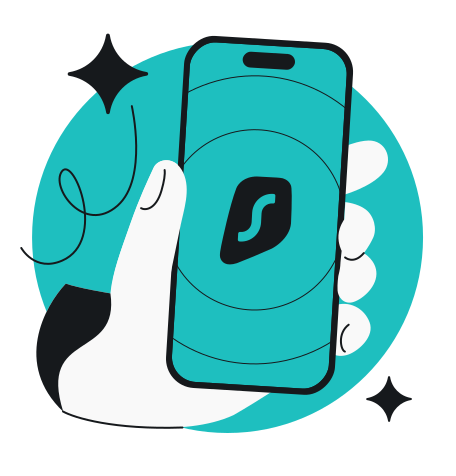
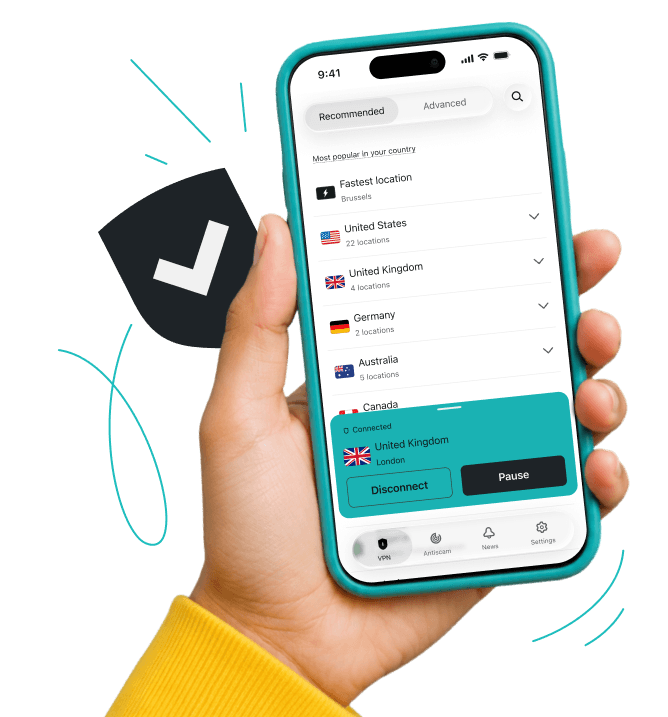
Hand holding a phone showing a VPN location list with United Kingdom connected.
4.3 28K reviews
4.7 109K reviews
4.6 213K reviews

How to set up an iOS VPN

You can set up a VPN on your iPhone or iPad in two ways: automatically via an iOS app or manually using a VPN protocol like OpenVPN or IKEv2.
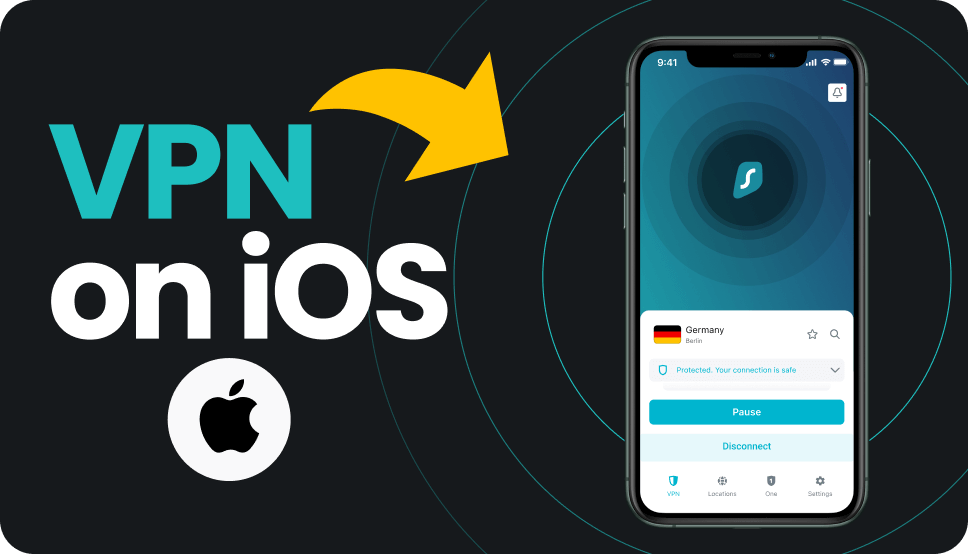

Subscription selection page with heading Select your subscription and plan options.

1. Create an account

Pick a pricing plan and subscribe to Surfshark.

Smartphone screen showing Surfshark on an app store and a Get button.

2. Install the app

Download the VPN for iPhone and other iOS devices on the App Store.

VPN interface on a smartphone showing the Connect button.

3. Connect and surf!

Connect to the fastest VPN server location for the best internet connection.

Get your credentials

1. Get your credentials

Subscribe to Surfshark, get Surfshark’s service credentials, and download the files for your preferred server locations.

Install OpenVPN

2. Install OpenVPN

Download the free OpenVPN Connect iOS app from the App Store and add your VPN configuration files.

Connect and surf!

3. Connect and surf!

Connect to the VPN with a secure connection using a reliable VPN protocol.

Check out the full guide on how to set up OpenVPN manually on iOS.

Get your credentials

1. Get your credentials

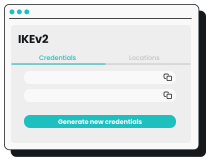
Subscribe to Surfshark, get Surfshark’s service credentials, and find the right VPN server hostnames.

Install IKEv2 profile

2. Install IKEv2 profile

Download the IKEv2 certificate in your Surfshark VPN app and install it.

Connect and surf!

3. Connect and surf!

Connect and enjoy encrypted online traffic with a trusted VPN protocol.

Check out the full guide on how to set up IKEv2 manually on iOS.

Note: For manual setup, you’ll need a device running iOS (iPhone or iPad) and an active Surfshark subscription.

Try Surfshark worry-free

Check out Surfshark with our VPN free trial and see if it’s the best iOS VPN for you.

You can also try our iOS app risk-free with our 30-day money-back guarantee. Simply subscribe through our website and explore everything Surfshark has to offer. If it’s not the right fit, cancel and request a full refund within 30 days.

Try Surfshark worry-free

Why use Surfshark for iOS?

Download an iOS VPN app on iPhone and iPad

A VPN app for your iPhone

A secure iPhone VPN keeps your browsing activity private and boosts your safety online, even on public Wi-Fi. iPhone users can also choose from WireGuard, OpenVPN, or IKEv2 VPN protocols, which are excellent options when using a VPN on your mobile device.

A VPN app for your iPhone

A VPN connection on your iPad

The best iPhone VPN apps should work just as smoothly on your iPad — and Surfshark does. Get a secure VPN connection, shield your personal data from your ISP (Internet Service Provider), mask your IP address, and stay safe from trackers and intrusive ads with an iPad VPN.

Surfshark’s iOS VPN app supports all iPad models, including iPad Pro, iPad Air, and iPad Mini.

A VPN connection on your iPad
Note: Surfshark supports all iPhones and iPads running iOS 16.1.0 or later with a 64-bit architecture (which is the standard for most modern devices).

Surfshark vs. free VPNs

For better privacy and an enhanced user experience, paid iOS VPNs, such as Surfshark, outperform free alternatives across the board.

Free VPNs
Surfshark VPN
Data collection
High: free providers often log your activity and share data with third parties
Low: Surfshark follows a strict, independently verified no-logs policy
Speed and bandwidth
Restricted: free VPNs commonly limit speed and cap bandwidth
Unlimited: Surfshark doesn’t limit speed or bandwidth
Ads and trackers
Common: free tools are known to inject ads or allow trackers
Blocked: Surfshark’s Clean Web offers built-in ad and tracker blocking
Customer support
Limited: free services often have no live support and slow response times
24/7: Surfshark provides round-the-clock support via live chat
VPN servers and locations
Few: free VPNs usually have very few servers that get overcrowded quickly
Thousands: Surfshark offers 4,500+ high-speed servers in 100 countries
Encryption
Unreliable: free tools may use outdated, weak encryption standards
Strong: Surfshark uses strong encryption for robust data and privacy protection

Independently verified Surfshark security:
third-party audits

These independent VPN security audits show that Surfshark’s security claims are backed by evidence. Deloitte provided two assurance reports (in 2023 and again in 2025) verifying that we don’t log user activity, while Cure53 confirmed the security of our server infrastructure. Rather than expecting our users to rely on promises alone, we’ve put our VPN security to the test with the industry’s most respected auditors.

No-logs policy assurance report (2025)

✓ No-activity-logs policy verified

✓ No IP address storage confirmed

✓ Privacy-relevant configuration settings checked

✓ Server infrastructure reviewed

Read the full Deloitte report

(Available only for Surfshark users)

Security assessment (2025)

✓ Web, desktop, and mobile app security validated

✓ Protection against data leaks and unauthorized access verified

✓ Zero critical vulnerabilities found

✓ Browser extension and account security confirmed

Read the full SecuRing report

Infrastructure security penetration test (2025)

✓ No critical vulnerabilities found

✓ No high-risk issues impacting user security identified

✓ Zero tested vulnerabilities leading to serious security threats

✓ Strong infrastructure protection against real-world attack scenarios

Read the full SecuRing report

See why millions trust Surfshark

Check out what users and tech experts around the world have to say about Surfshark.

“Surfshark is a highly polished and powerful VPN that competes with the very best premium providers, all while offering a seriously tempting price point.”
“Surfshark is one of the best VPN services, comes crammed with features, runs on almost anything, and has some of the best download speeds around.”
“Surfshark is an excellent, well-rounded virtual private network that consistently ranks as one of CNET’s best VPNs.”
The reviews quoted on this page have been published by media outlets associated with Surfshark through affiliate partnerships. Their recommendations are based on their own independent research and insights to ensure value for the readers.

I have been using Surfshark since I got it and I love it!

MRWHOSETHEBOSS 20.2M subscribers

When I am traveling, I use Surfshark to access the internet quickly and securely, works like a treat in China.

SAM CHUI 3.61M subscribers

We love Surfshark because it is an easy-to-use app that you can download on all your devices.

MAX & OCCY 265K subscribers
The reviews quoted on this page have been published by media outlets associated with Surfshark through affiliate partnerships. Their recommendations are based on their own independent research and insights to ensure value for the readers.

“This is my first year and I absolutely love it. The fact I can have a good antivirus, great VPN, and incognito for like $120 a year is great.”

Open in Reddit

“I’ve been using Surfshark for 4 years on Android and ChromeOS with zero issues, it’s an absolute bargain”

Open in Reddit

“I’ve had it for 3 years and just renewed it for the next 2 years. I never have any issues with it and get my full internet speed..”

Open in Reddit
The reviews highlighted in this section were selected from publicly available posts on social media platforms. They reflect the opinions of individual users at the time of posting and may not represent the full range of our product features and qualities.
FT 1000: Europe’s Fastest Growing Companies 2024

FT 1000: Europe’s Fastest Growing Companies 2024

Tech Advisor Editors’ Choice 2024

Tech Advisor Editors’ Choice 2024

TechRadar Recommended 2024

TechRadar Recommended 2024

Surfshark Antivirus AV-TEST Top Product 2024

Surfshark Antivirus AV-TEST Top Product 2024

Independent’s Editor’s Choice Best Value VPN 2023

Independent’s Editor’s Choice Best Value VPN 2023

Surfshark supports the open internet

We partner with digital rights organizations to promote online freedom and keep the internet safe and accessible to all.

Stay iSafe on iOS

Secure your device with the best VPN for iPhone

Get Surfshark
30-day money-back guarantee
Stay iSafe on iOS

FAQ

An iOS VPN protects your data when connecting to unsecured public Wi-Fi, helps you connect to your local services when traveling abroad, and keeps your iPhone and iPad activities private.

No, iOS devices don’t have a built-in VPN, but they can still support VPNs. You can use a VPN on an iOS device by downloading a VPN app from the App Store or our website and connecting to a VPN server.

Yes, having a VPN on your iPhone and iPad is a good idea. By masking your IP address and encrypting your internet connection, a VPN increases your safety on Wi-Fi and mobile networks, making it vital for private, more secure internet use.

Yes, using a reputable VPN on an iPhone is generally safe. iOS supports secure VPN protocols, and trusted apps add an extra layer of encrypted protection, especially on public Wi-Fi. Just choose a well-reviewed provider — for example, CNET highlights Surfshark as the best VPN for iPhones — and avoid unknown or free VPNs with unclear privacy practices.

Yes, Surfshark supports split tunneling on iOS and macOS — named “a rarity among VPN providers” by CNET, as this feature is usually available on Windows and Android only.

No, you shouldn’t use a free VPN for iOS. It’s best to avoid free VPNs, as they usually limit speed, data usage, device connections, and the number of available servers. Using a free VPN may also expose your personal data, as many free iPhone apps sell user data.

A free VPN for iOS usually lacks the resources to provide high-quality service, so the best VPN for iOS or any other operating system is a trusted paid VPN.

A VPN may slightly reduce your iPhone connectivity speeds. Encryption, server distance, and server load all contribute. However, a high-quality VPN like Surfshark minimizes slowdowns, so you likely won’t feel any noticeable speed reduction.

WireGuard is generally considered the best VPN protocol for iOS, as it’s both fast and secure. If unavailable, IKEv2 is a good choice due to its native iOS support. OpenVPN is also a secure option, but it can be slower.