
Billions of people rely on WhatsApp for everything from family chats to business deals, and scammers are taking advantage of the app’s popularity. Whether it’s a suspicious link from an unknown number or a sophisticated impersonation of a close contact, WhatsApp scams are evolving fast.
This guide will walk you through how WhatsApp scams work, the latest WhatsApp scams, the red flags that give suspicious messages away, and exactly what to do if you’ve already interacted with a WhatsApp scammer.
What are WhatsApp scams?
WhatsApp scams are fraudulent attempts that use fake messages, phone calls, or video calls on WhatsApp to steal your money, passwords, or personal information. They’re a type of social engineering attack that uses the messaging app as their delivery method. Instead of hacking into WhatsApp’s systems directly, scammers trick users into voluntarily handing over money, verification codes, or personal details.
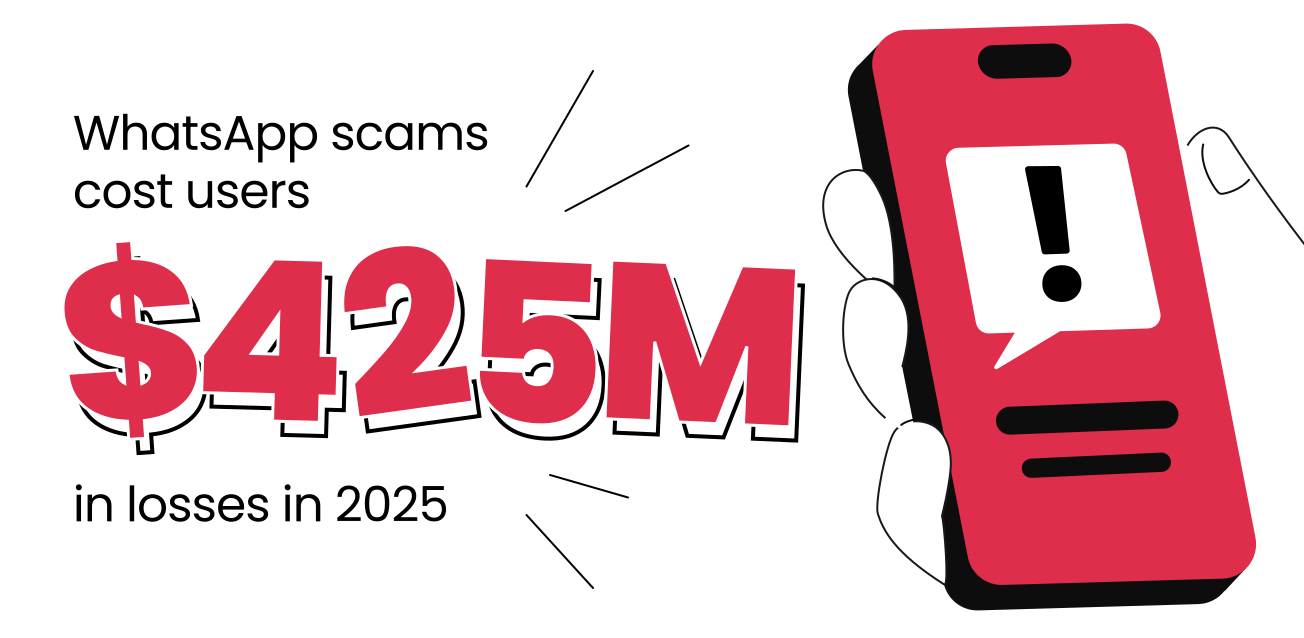
And the financial impact of these tactics is staggering. FTC (Federal Trade Commission) data on social media scams reveals that users reported losing $425M to WhatsApp scams in 2025 alone, underscoring how effectively these tricks translate into real-world losses.
Why scammers prefer WhatsApp
Unlike other platforms that require an approved connection first, almost anyone with your phone number can message you directly on WhatsApp, including through a video call.
Since it’s where you frequently talk to your family members or closest friends, WhatsApp feels more intimate than email. This makes a well-crafted impersonation attempt far more believable.
What scammers are after
WhatsApp scams generally chase one or more of these goals:
- Money sent directly through a bank transfer or funneled into fake crypto scams;
- Your verification codes, which let scammers hijack your account and send scam messages to your contacts;
- Sensitive information, such as bank account details, passwords, or your user ID;
- Access to your device, usually by getting you to download attachments or tap phishing links that install malware.
Pro tip: You generally can’t get hacked just by receiving a message on WhatsApp.
The risk appears the moment you tap a suspicious link, download an attachment from an unknown contact, or share a verification code. That’s when a scammer can gain access to your account or, in rarer cases, install harmful software on your phone.
Most common WhatsApp scams to avoid
Fraud tactics evolve constantly, but some of the most recent tricks fall into a handful of recognizable categories. Here are some of the most recent WhatsApp scams, plus a couple of older ones that are still worth knowing about.
Verification code scams
In a verification code scam, a scammer who already has your phone number tries to register your WhatsApp account on their own device. WhatsApp then sends a six-digit verification code to your phone, delivered just like other in-app text messages and phone calls.
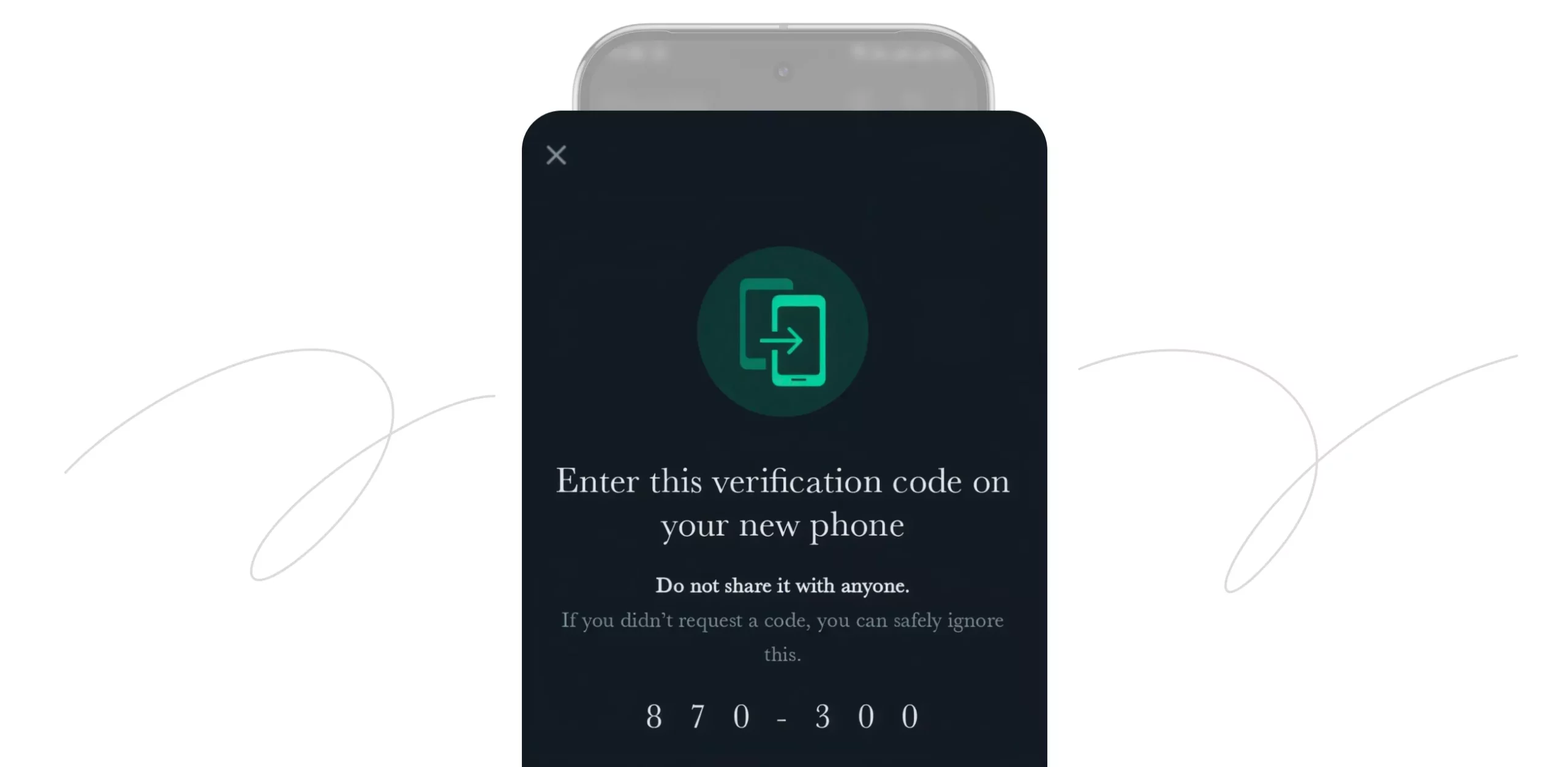
The scammer, often posing as a friend, a delivery service, or even WhatsApp support, messages you asking for the code, claiming it was sent to you by mistake. If you send it, you risk a full account takeover, with the scammer gaining control of your WhatsApp. They can then message your entire contact list, pretending to be you, to run further impersonation scams.
This scheme is closely related to a type of attack known as SIM swapping, in which a perpetrator activates your SIM card on another device. According to FBI data on SIM swapping, victims lost nearly $150M to cybercriminals between 2022 and 2024.
Wrong number scams
Like text message scams, a wrong number scam usually starts with an innocent-looking SMS, such as “Hey, is this Sarah?” or a friendly note that seems to have been sent to the wrong person. If you reply, the scammer keeps the conversation going, slowly building an emotional connection over days or weeks.
Once trust is established, the conversation often shifts toward a fake investment opportunity, frequently a WhatsApp crypto scam involving trading platforms that display fake profits. This type of scam is also known as pig butchering.
Requesting money to top up a trading account you’ve never used is the clearest sign of this scheme. What began as a random WhatsApp message can end with a victim being asked to transfer money to an account they’ll never see again, so be wary of such texts.
Family emergency scams
Family emergency scams, sometimes called “Hi Mom” or “Hi Dad” scams, involve a scammer pretending to be your child or another family member and claiming to be texting from a new number after losing their phone.
Scammers often use generic greetings like “Mom” or “Dad” instead of a name, since they don’t actually know who they’re messaging. The story usually escalates quickly: a request for urgent help with a bill, a broken phone, or bail money, along with a plea to keep it a secret from the rest of the family.
In general, these impersonation scams work because they exploit urgency and love rather than logic. To avoid falling for them, call family members directly on their known number to confirm it’s really them before sending money to anyone who contacts you from an unfamiliar account.
Dating scams
Dating scams on WhatsApp often begin on dating apps or social media, then quickly move to WhatsApp, where conversations feel more private. Scammers build a romantic, emotional connection over weeks or months, frequently using stolen photos to create a fake, attractive profile.
One of the clearest warning signs is someone requesting money before you’ve had a chance to meet them in person. The request usually comes up as a medical emergency, a plane ticket to finally meet, or some kind of investment scam they want to let you in on.
And these dating scams can be surprisingly effective. Over the past decade, FBI data on confidence and romance scams shows that more than $5M was lost to cybercriminals in these schemes.
Business account scams
Fake customer support and business account scams are impersonation scams that exploit your trust in a well-known company, such as a bank or online retailer, by using a verified-looking WhatsApp Business account and logo.
A scammer’s message claims there’s a problem with a delivery or your bank account and asks you to select a link or share personal information to resolve it. This category also covers tech support, where a fake agent claims your device is infected and asks for remote access or payment to fix it.
Job scammers use a similar approach, sending unsolicited calls or messages that promise easy money for simple tasks, such as liking videos or rating products, and often name-drop Amazon or other delivery services. Legitimate employers don’t recruit through unsolicited messages on WhatsApp, and no trustworthy company asks for payment before you can start earning.
Gold scam
The WhatsApp Gold scam promotes a fake premium version of the app called WhatsApp Gold. This version supposedly unlocks benefits like extra features before they’re widely available, but no such premium app exists.
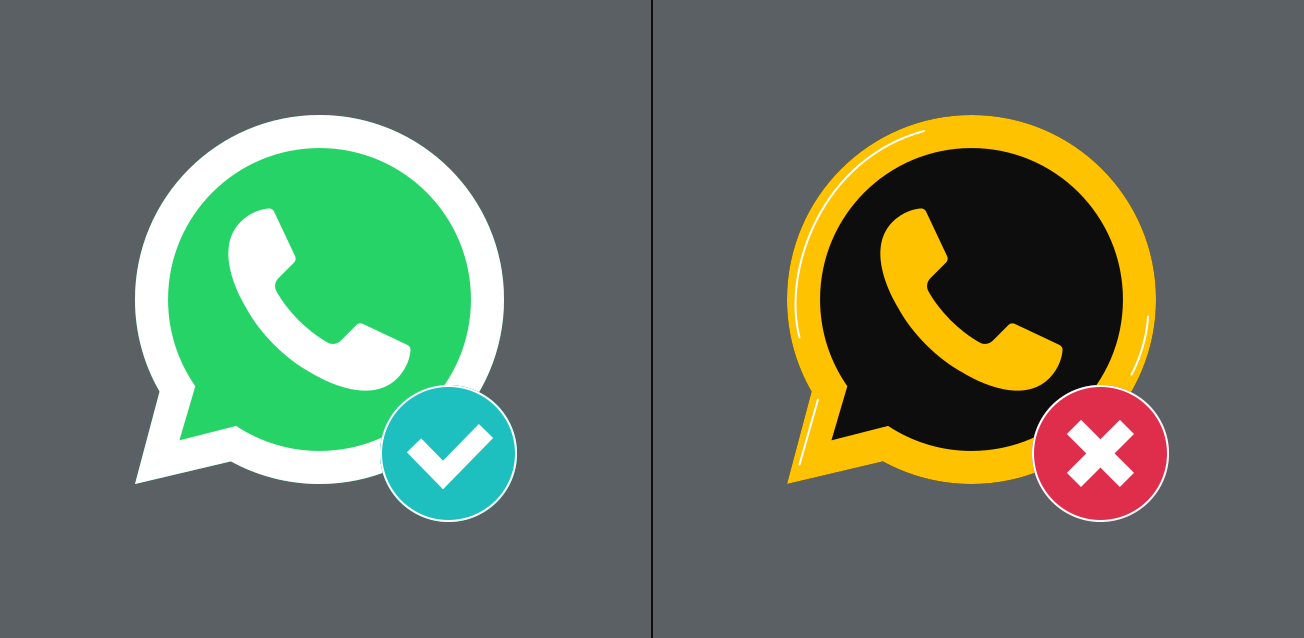
There is no official WhatsApp Gold — any upgrade link you receive usually installs malware that can be used to sensitive information from your phone.
If you ever see a message encouraging you to download WhatsApp Gold or any unofficial version of the app, don’t select any links it contains. Moreover, warn whoever sent it, since their account may already be compromised.
Voting, giveaway, and lottery scams
These schemes tell you that you’ve won a prize, a giveaway, or a lottery you never entered, and ask you to select a link or share personal details to claim it.
The links are usually phishing links designed to steal your passwords or quietly install spyware. Some versions ask you to forward the message to a set number of other WhatsApp users to unlock the reward, but this just helps the scheme spread further.
These scams are particularly dangerous because they have the highest reported average loss per person across all types of scams. According to FBI data on lottery and sweepstakes scams, the average victim lost $27,700 as of 2024.
How to spot a WhatsApp scam
To identify WhatsApp scams, watch out for the following signs:
- Generic greetings or noticeable grammar mistakes;
- Suspicious links or requests to download unexpected attachments;
- Unexpected messages from unknown contacts or unknown numbers;
- Someone asking to move the conversation to another platform or app;
- A stranger asking a lot of personal questions early in the conversation;
- Verification code requests, especially when you didn’t ask to log in anywhere;
- Urgent requests for money or a wire transfer, especially with pressure to act immediately;
- Offers that sound too good to be true, like free money prizes or guaranteed investment returns.
Scammers often create urgency to pressure victims into acting quickly because a rushed decision skips the moment where you’d normally stop and verify who you’re talking to. If a WhatsApp message ticks any of the points above, treat it as suspicious and think carefully before responding.
What to do if you were scammed on WhatsApp
If you’ve already shared information, sent money, or suspect your WhatsApp account has been compromised, take the following actions:
- Reinstall the app with your own phone number. This logs you out on any other device using your WhatsApp account.
- Enable two-step verification. This prevents scammers from re-registering your number without your PIN.
- Review your list of linked devices. Remove anything you don’t recognize.
- Warn your contacts that your account may have sent scam messages or unwanted messages on your behalf.
- Contact your bank if you shared bank details or were pressured to transfer money.
- Report suspicious messages using WhatsApp’s built-in reporting feature.
- Block the scammer’s WhatsApp number to stop further contact.
How to protect yourself from WhatsApp scams
These habits can help keep you safe on WhatsApp:
- Keep WhatsApp updated to patch known security vulnerabilities;
- Enable two-step verification so a stolen verification code isn’t enough to take over your account;
- Never share your WhatsApp verification code with anyone, even someone claiming to be from WhatsApp support;
- Be cautious of unsolicited calls, random message requests on WhatsApp, and interactions with unknown contacts;
- Avoid selecting suspicious links or downloading attachments from people you don’t know;
- Adjust your privacy settings to limit who can see your profile, status, and phone number;
- Report suspicious messages to WhatsApp instead of replying, since scammers often target anyone who engages with them;
- Use antivirus software like Surfshark Antivirus to catch malware before it causes damage;
- Use Surfshark Alert and other identity theft protection tools to regularly monitor whether your personal information, bank details, or login credentials have been leaked.
Pro tip: If you often connect over public Wi-Fi to message friends and family, route your connection through a VPN for WhatsApp and other messaging apps. This adds another layer of privacy protection for your internet traffic on top of WhatsApp’s own end-to-end encryption.
Key takeaway: stay one step ahead of WhatsApp scammers
Scammers keep adapting their tricks. What hasn’t changed is the pattern behind almost every scam: urgency, secrecy, and a request for something you wouldn’t normally hand over to a stranger.
The most effective defense against WhatsApp scams is a healthy sense of skepticism. Protecting your account isn’t about knowing every trick — it’s about never letting urgency override your better judgment.
To better protect yourself, use reliable cybersecurity tools to catch red flags and keep your data private.
FAQ
Can someone steal my identity through WhatsApp?
Yes, identity theft via WhatsApp is possible. If a scammer collects enough personal information, such as your full name, date of birth, address, or bank account details, through phishing links or a fake customer support conversation, they can potentially use it to open new credit lines or commit fraud in your name.
How do I report a WhatsApp scammer?
To report a scammer on WhatsApp, open the chat with the scammer, tap on their name or number, then select Report and Block. WhatsApp reviews reported accounts and can ban numbers associated with common scams.
Can I control who sends me WhatsApp messages?
Yes, you have three main controls in your WhatsApp settings over who can reach you. You can choose who’s allowed to add you to groups, silence calls from unknown numbers so they don’t ring through, and block specific numbers to stop them from contacting you altogether.
Can someone hack my WhatsApp without my verification code?
Hacking a WhatsApp account without a verification code is difficult, though not impossible. Your verification code is the main defense for your account, so most scammers focus on tricking you into giving it up rather than bypassing it technically. Turning on two-step verification adds a PIN to your code, which blocks most account takeover attempts even if a scammer somehow intercepts your verification code requests.