Learn more about the benefits of Surfshark VPN on your devices and find more app versions:
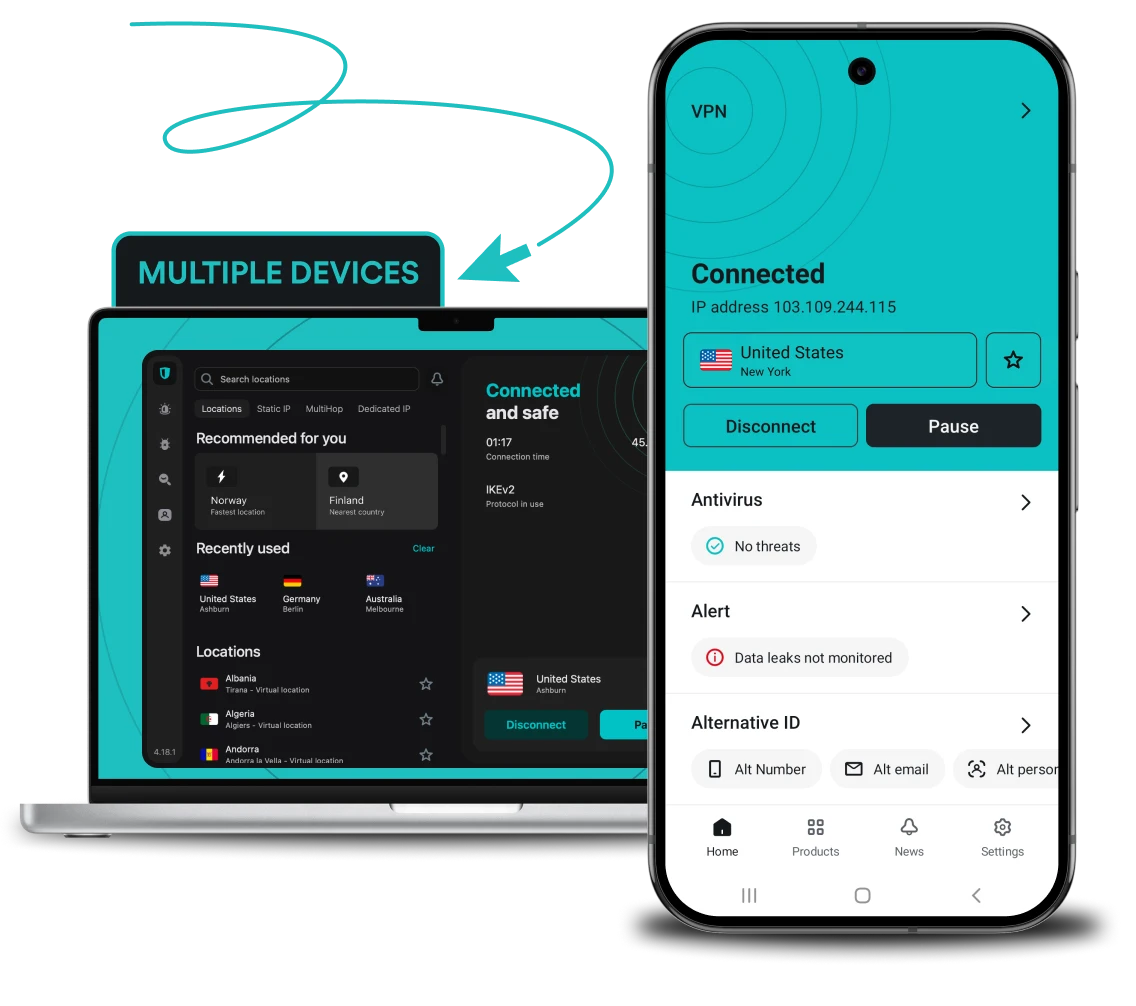
The best VPN for multiple devices
From
0
0
/mo.
+ mo. EXTRA
-
Unlimited simultaneous connections
-
A family VPN that protects every device in your household
-
Easy router setup for network-level security
But that’s not all! You can also protect your whole home network at once by setting up a VPN on your router to simultaneously secure every device connected to your network. That includes smart TVs, Nintendo Switch, Xbox, PlayStation, Oculus Quest, Apple Vision Pro, and even Raspberry Pi.
Why do you need a VPN for multiple devices?
To protect your loved ones online
Do you chat with friends and family online a lot? If so, it’s important to keep them protected, too. Get the best VPN for your family with unlimited connections under one account.
To stay secure even when multitasking
Browsing on your phone while watching a podcast on another device? No worries — with Surfshark’s VPN for all devices, you can do that stress-free. One subscription protects all your devices, and your browsing habits cannot be tracked across them.
To secure your entire household
Do you have smart devices at home, like TVs or security cameras? They’re often overlooked when it comes to online security, but they can also be hacked. With Surfshark’s VPN for unlimited devices, you can protect your entire home network and secure any smart device connected to your Wi-Fi.
To have access no matter where you go
Do you switch between devices when you travel or work remotely? Whether it’s your phone, laptop, or tablet, you shouldn’t have to worry about location-based restrictions. With Surfshark, you can access your home content on all your devices, no matter where you are.
To keep your financial data safe at all times
Do you shop or bank online? Your sensitive financial information travels across the internet every time you make a transaction. Surfshark encrypts your internet connection, helping keep your banking and payment data safe from potential interceptors, even on public Wi-Fi networks.
To stay consistent across work and play
Do you juggle personal and professional tasks across multiple devices? With a single Surfshark account, you can ensure that both your sensitive work data and personal information are securely protected, whether answering emails on your phone or shopping on your tablet.
Disclaimer: Please note that using Surfshark services for any illegal activities is strictly forbidden and violates our Terms of Service. Make sure that any use of Surfshark services for your particular activities conforms to all relevant laws and regulations, including those of any service providers and websites you access using Surfshark.

How to set up a VPN for multiple devices

1. Create an account on one of your devices.

2. Download the Surfshark app for that device.

3. Log in with your credentials and connect to any server.
4. Download Surfshark on another device.
5. Log in with the same credentials and connect to any server.
6. Repeat until you run out of devices!
Sign in with code for easier logins on multiple devices
You don’t need to re-enter your credentials on each device — you can now log in to Surfshark with a code:
Step 1. Make sure you’re logged in to the Surfshark app.
Step 2. Navigate to Settings, click on Account, and choose Log in with code.
Step 3. Get the code.
Step 4. Open the Surfshark app on a device you haven’t logged in on yet.
Step 5. Choose Log in with code.
Step 6. Enter the code within 5 minutes, and enjoy Surfshark VPN on unlimited devices!

Do you need to install a VPN on each device?
While you can install a VPN on each device individually, setting it up on your router may be a much better option.
As smart devices like Roombas, Alexas, and Google Homes become more common, cybercriminals get more opportunities to exploit your network’s vulnerabilities. A router-based VPN protects all the devices in your home and prevents your ISP (Internet Service Provider) from snooping or throttling your connection. Plus, it’s incredibly convenient!

How to set up a VPN manually
Sometimes, a hands-on approach is necessary. Perhaps your system doesn’t support VPN apps, or maybe you’re on a restrictive network that prevents regular VPN connections. Here are our guides for manually setting up a VPN on:

See why millions trust Surfshark
Check out what users and tech experts around the world have to say about Surfshark.



The reviews highlighted in this section were selected from publicly available posts on social media platforms. They reflect the opinions of individual users at the time of posting and may not represent the full range of our product features and qualities.
The reviews quoted on this page have been published by media outlets associated with Surfshark through affiliate partnerships. Their recommendations are based on their own independent research and insights to ensure value for the readers.
I have been using Surfshark since I got it and I love it!

When I am traveling, I use Surfshark to access the internet quickly and securely, works like a treat in China.

We love Surfshark because it is an easy-to-use app that you can download on all your devices.

The reviews quoted on this page have been published by media outlets associated with Surfshark through affiliate partnerships. Their recommendations are based on their own independent research and insights to ensure value for the readers.
“This is my first year and I absolutely love it. The fact I can have a good antivirus, great VPN, and incognito for like $120 a year is great.”
“I’ve been using Surfshark for 4 years on Android and ChromeOS with zero issues, it’s an absolute bargain”
“I’ve had it for 3 years and just renewed it for the next 2 years. I never have any issues with it and get my full internet speed…”
The reviews highlighted in this section were selected from publicly available posts on social media platforms. They reflect the opinions of individual users at the time of posting and may not represent the full range of our product features and qualities.





Can I use a free VPN on multiple devices?
In theory — yes, you can. But you might not want to once you learn that free VPNs:
- Are much slower than paid VPNs;
- Have unreliable service;
- Usually have bandwidth and data caps;
- Have fewer quality-of-life features;
- Are significantly less secure;
- May contain malware or depend on selling your information.
For the best VPN for all devices, go with Surfshark — a secure, reliable, and high-performance VPN for multiple users.

Surfshark security features
Encryption
Safeguard your data with AES-256-GCM, ChaCha20 and AEGIS-256X2 encryption, the same standards used by cybersecurity experts and governments worldwide.
Post-quantum protection
Future-proof your security online with Surfshark’s advanced post-quantum implementation on WireGuard, designed to resist potential threats from future quantum computers.
No-logs policy
Your browsing habits are your business, which is why Surfshark never tracks, collects, or shares your activity. Our no-logs policy has been independently verified by Deloitte, ensuring total transparency.
Jurisdiction
Based in the Netherlands, Surfshark operates in a favorable legal environment with no mandatory data retention laws. This jurisdiction allows us to uphold our strict no-logs policy with no interference.
Obfuscation
Obfuscation hides your data and makes it much harder to identify that you’re using a VPN. This technology helps you browse freely even in places that highly restrict internet usage.
RAM-only servers
Surfshark’s entire network runs on diskless, RAM-only servers that automatically wipe all data with every reboot. This hardware-level security ensures that no information can ever be physically retrieved from our servers.
Kill switch
Protect your data from accidental exposure with a kill switch — an automatic safety net that cuts your internet if the VPN connection drops. This ensures no unencrypted data leaves your device.
Double VPN
Boost your protection online by routing your traffic through two different VPN servers at once with Multi Hop. This process encrypts your connection twice, making it virtually impossible for anyone to trace your digital footprint.
Everlink
Experience a self-healing connection with Surfshark’s patented Everlink infrastructure that keeps your VPN stable. If a server requires maintenance, Everlink seamlessly switches you to a new one without interrupting your session.
DNS leak protection
Surfshark routes all your DNS (Domain Name System) requests through private, encrypted tunnels. This prevents Wi-Fi eavesdropping and your ISP from seeing which websites you visit, ensuring your browsing history stays private.
Split tunneling
Use Bypasser, Surfshark’s VPN split tunneling feature, to choose which apps and websites need VPN protection and which can access the internet directly without encryption — perfect for IP-sensitive services. iOS users can also add websites to Bypasser directly from Safari without any manual entry.
Rotating IP
Stay ahead of trackers by automatically changing your IP address every few minutes without disconnecting. This constant IP rotation makes it much harder for advertisers and data brokers to profile your online behavior.
More than a VPN
Get a complete cybersecurity suite including a built-in ad blocker, antivirus, and identity masking tools. From blocking malware to generating an alternative persona, Surfshark takes protecting your digital presence to another level.

Frequently asked questions
Can a single VPN subscription cover all my devices?
Yes, a family VPN like Surfshark supports unlimited connections under a single subscription. This includes phones, laptops, smart TVs, and more, offering comprehensive protection for all your gadgets.
Do I have to connect all my devices to the same VPN server?
No, you can choose servers based on location or performance for each device separately.
Should I set up a VPN on my router or get it for all my devices individually?
Installing a VPN on your router protects all devices connected to your home network at once, but you can also install the VPN on individual devices for more control and protection when you’re on the go.
Can I share my VPN with my family?
Yes, a single VPN account can typically be shared across multiple devices, so your entire family can stay safe online with no need for individual subscriptions.
Does Surfshark have a family plan?
Surfshark doesn’t have a dedicated family VPN plan, but its unlimited simultaneous connections policy means you can secure as many devices as you like under one account, which is a great option for families.
Will connecting multiple devices slow my VPN down?
Connecting multiple devices may slightly affect speed depending on the VPN service and server load, but most paid VPNs are designed to handle multiple connections with minimal impact on performance.
Can two devices on one VPN account share an IP address?
Yes, two devices connected to the same VPN server can share an IP address. This actually enhances privacy by making activity tracking harder.
