A VPN alone can help protect you from hackers who go after your connection — but not from phishing, scams, or malware. A VPN creates a secure connection, like an encrypted tunnel, between your device and a remote server, making your internet traffic much harder to read or intercept.
It’s important to know how a VPN works, what a VPN can and can’t do, and how a bundle such as Surfshark One can help with some of the rest.
How does a VPN protect you from hackers?
Here are the key ways a VPN (Virtual Private Network) helps protect you from hackers:
Encryption
Encryption turns information into a secret code. When you connect to the internet a VPN encrypts your traffic. This means that even if a hacker intercepts your encrypted data, it looks like gibberish to them. Think of it as sending a postcard inside a sealed envelope.
Hiding your IP address
Your IP (Internet Protocol) address is like your online home address, telling websites where to send the information you request. If leaked, it can be the first step toward tracking your activity or even infiltrating your network. A VPN replaces your real, public IP address with the VPN server’s address. This IP masking makes it much harder for hackers to target you.
Ad blocking
Many modern VPNs come with built-in ad blockers, such as Surfshark’s Clean Web. These help block annoying ads, as well as malicious ads that could lead to phishing sites or malware.
Kill switch
A kill switch is a safety feature designed to help protect your data if your VPN connection drops unexpectedly. Depending on the app and platform, it either cuts your internet connection until the VPN reconnects or tries to reconnect automatically.

The most common hacks a VPN can protect you against
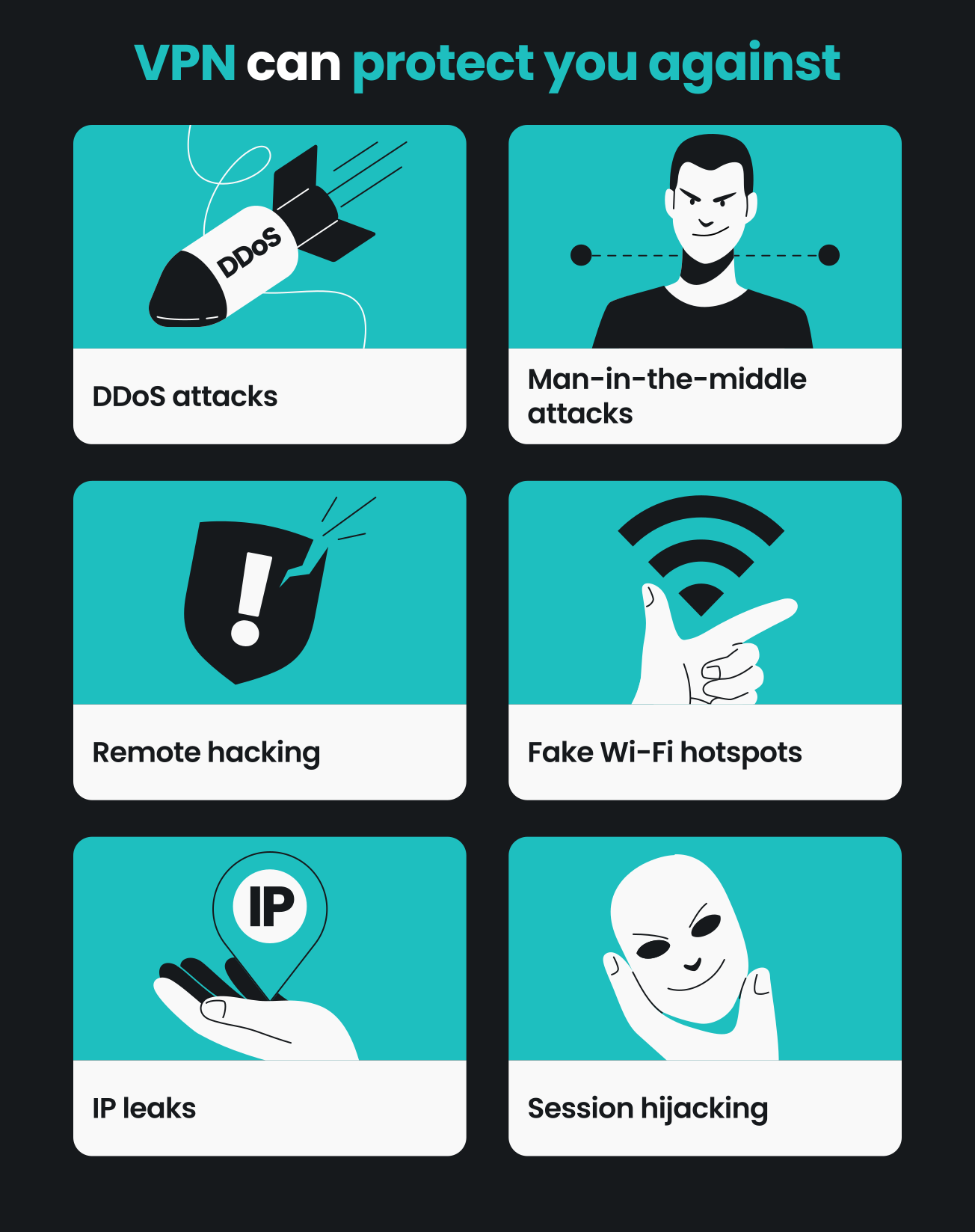
A VPN can help protect you from quite a few common types of cyberattacks, including:
Man-in-the-middle attacks
A man-in-the-middle attack occurs when a hacker gets in between you and the website you’re visiting. With a VPN, your data is encrypted, which makes it difficult for hackers to read or alter your information, even if they manage to intercept it.
DDoS attacks
A Distributed Denial of Service (DDoS) attack involves overwhelming your device or network with traffic, causing it to crash. By masking your IP address, a VPN makes it much harder for attackers to target your specific device and engage in a DDoS attack.
Fake Wi-Fi hotspots
It’s not uncommon for hackers to set up fake Wi-Fi hotspots or target unsecured public Wi-Fi networks with the intention of stealing your data. When you connect to these hotspots, a malicious third party can see any unencrypted traffic you send.
HTTPS (Hypertext Transfer Protocol Secure) already encrypts what you send to most websites, and it now covers over 90% of web traffic. But HTTPS alone isn’t enough: it can still reveal which sites you visit to whoever runs the network. That’s why a VPN still matters — it helps keep those visits private from the network and masks your IP address, too.
However, a VPN can’t stop you from typing your login credentials into a fake page, so be wary of any hotspot that asks for personal details just to get online.
Remote hacking
Remote hacking involves unauthorized access to your computer or network from a distant location. A VPN helps by hiding your real IP address and encrypting your internet traffic, making it much harder for hackers to locate and infiltrate your system.
Session hijacking
Session hijacking happens when a hacker takes over your active web session. This can occur when you’re logged into an online account. A VPN secures your connection, making it harder to hijack your session.
IP leaks
An IP leak happens when your real IP address is exposed to websites, apps, or other people online. It can reveal your approximate location and be tied to your browsing activity, which gives hackers a starting point for targeting you. A VPN hides your IP address, by showing the VPN server’s address instead.
Cyberthreats a VPN can’t protect you against
Here’s the plot twist: the most common ways hackers get in have little to do with your Wi-Fi. In Verizon’s 2026 Data Breach Investigations Report, which analyzed more than 22,000 confirmed breaches, the top three ways attackers got in were software vulnerabilities (31%), phishing (16%), and stolen or misused credentials (13%).
Here’s a quick overview:
|
VPN feature
|
Strengths
|
Weaknesses
|
|
Data encryption
|
Encrypts internet traffic, making it difficult for hackers to read
|
A VPN cannot stop malware, viruses, or keyloggers
|
|
Public Wi-Fi security
|
Makes it much harder for hackers to intercept data on unsecured Wi-Fi
|
A VPN cannot stop you from entering passwords on a fake login page, including on a fake Wi-Fi network (evil twin attack)
|
|
IP address protection
|
Hides your real IP, reducing the risk of targeted attacks
|
A VPN cannot stop hackers from finding you if you expose personal info on social media
|
|
ISP monitoring
|
Makes it much harder for your ISP (Internet Service Provider) to see which sites you visit
|
A VPN cannot protect your data if the VPN provider itself is compromised
|
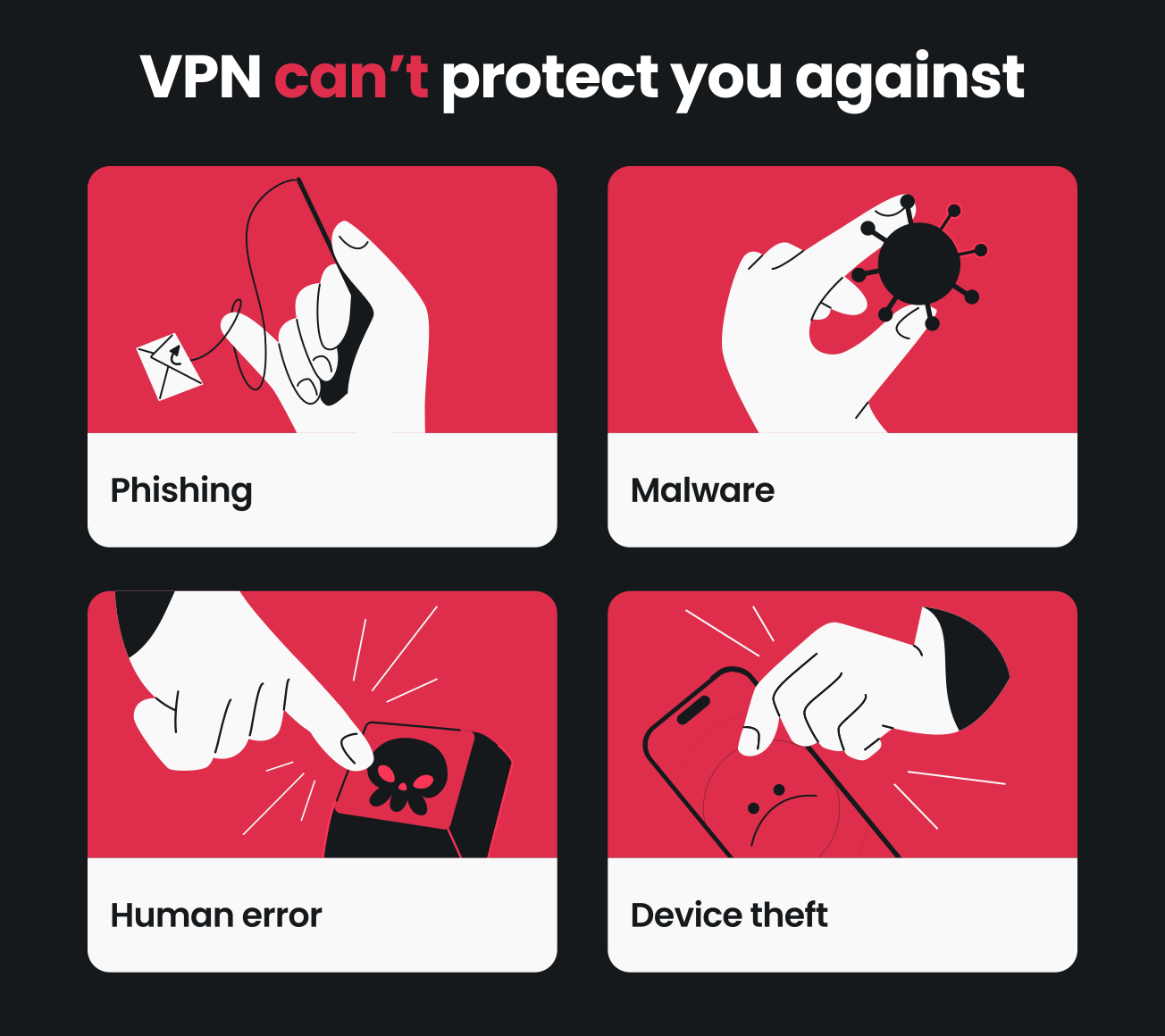
Here are some cyberthreats that a VPN alone can’t protect you from:
Malware
Malware is a catch-all term for viruses, trojans, ransomware, and other malicious software that can harm your device or steal your data. A VPN alone doesn’t scan for or block malware — to protect against it, you need good antivirus software. Luckily, Surfshark One and Surfshark One+ bundles include a VPN, Surfshark Antivirus, and other features.
Phishing attacks
Phishing attacks are a form of social engineering designed to trick you into providing sensitive information by pretending to be a legitimate entity, such as a bank or social media site. The cost adds up: Surfshark’s research found that tech-driven scams cost Americans at least $5.75 billion in 2025. While a VPN alone won’t protect you from these scams, Surfshark’s scam protection can help you spot them.
Human error
Human error, such as using weak passwords or clicking on malicious links, remains a significant security risk. Although a VPN secures your connection, it can’t prevent you from making these mistakes. For ways to build safer habits, such as using strong passwords, see the tips in the next section.
Insider threats
Insider threats come from individuals within an organization who misuse their access to steal sensitive information or cause harm. A VPN can’t prevent trusted individuals from misusing their access — companies, especially those with remote workers or multiple locations, need their own security policies and monitoring systems to deal with this risk.
Physical theft of devices
Physically stealing a device is the most straightforward way of accessing your data, and VPNs have no way to protect you against it. Keep your devices within arm’s reach and use features like device encryption and remote wipe to protect your data in case of physical theft.
What else can I do to protect myself against hackers?
In addition to using a VPN, there are many more things that can help protect you against hackers.
- Enable 2FA (Two-factor Authentication): it adds an extra layer of security by requiring a second form of verification, such as a code from an authentication app;
- Use a password manager: password managers help you create and store strong, unique passwords for all your online accounts. This helps stop one leaked password from unlocking your other accounts;
- Keep software up to date: software updates often include security patches that fix security flaws. Regularly updating your operating system, apps, and other software helps protect you from the latest online threats;
- Use antivirus software: antivirus software scans your devices for viruses and other cybersecurity threats and helps remove them. Surfshark Antivirus is included in the Surfshark One and One+ bundles;
- Be cautious of phishing: understanding how phishing works and recognizing suspicious emails, messages, or websites is crucial to avoiding scams;
- Use Alternative ID: create a new name and email address with Alternative ID to use instead of your own. This helps keep your regular contact information private when signing up for free trials, discounts, or newsletters, which can reduce the risk of identity theft and spam;
- Use Incogni: Incogni sends data removal requests to data brokers on your behalf (available to residents of the US, UK, EU, Switzerland, and Canada), so there’s less personal information for hackers to target. Good news: it’s included in the Surfshark One+ bundle;
- Help protect your identity: Surfshark Alert sends data leak alerts when your personal details show up in a leak, so you can react quickly. Learn more about identity theft protection with Surfshark;
- Use scam protection: scam text protection flags suspicious text messages, and the email scam checker looks for phishing signs in your Gmail inbox, so you can spot risky messages sooner.
Disclaimer: Identity theft coverage is available for new Surfshark One+ customers residing in the US, including US territories and the District of Columbia, except for New York State residents. Surfshark is not a licensed insurance producer. Benefits under the Master Policy are issued and covered by HSB Specialty Insurance Company. You can find further details and exclusions in the summary of benefits for the state of Washington and the rest of the US.

Conclusion: how to protect yourself from hackers with a VPN
So, does having a VPN protect you from hackers? Partly. While a VPN is a great way to boost your online security, it’s just one piece of the puzzle. You also need to adopt a set of smart practices to cover the security gaps a VPN can’t fill.
Cyberthreats keep evolving, so your protection should, too. Surfshark One pairs a secure VPN with an Antivirus to help with malware, scam protection to help you spot phishing, Alert to flag data leaks, and Alternative ID to help keep your details private. Stay one step ahead of hackers with smart online habits.
Frequently asked questions
Can you be hacked while using a VPN?
Yes, you can be hacked while using a VPN, because it secures your connection but doesn’t make you invincible. Hackers can still target VPN users through methods like phishing, malware, mirroring your phone, or exploiting software vulnerabilities.
What are three things a VPN cannot protect you from?
A VPN can’t protect you from malware, phishing, and human error. It helps secure your connection, not your device, your inbox, or the choices you make online.
Does a VPN protect against man-in-the-middle attacks?
Yes, a VPN helps protect against man-in-the-middle attacks by encrypting your internet traffic, making any intercepted data difficult for hackers to read. It can’t help if your device is already infected with spyware.
Will a VPN stop phishing?
No, a VPN alone can’t stop phishing, because phishing relies on tricking you into giving away personal information. Pairing it with Surfshark’s scam protection (which flags suspicious texts and, in Gmail, suspicious emails) and Alternative ID (which helps keep your regular contact details private) can help reduce the risk.
Does a VPN make your phone untraceable?
No, a VPN doesn’t make your phone untraceable. It hides your IP address, but your phone can still be tracked through other methods, like GPS and cell tower data.
Can a VPN be hacked?
Yes, it’s possible: a VPN can be hacked if it uses weak encryption or has vulnerabilities. Choosing a reputable VPN provider is crucial, so look for strong encryption, modern protocols, and regularly updated apps.
Will a VPN protect me from hackers on public Wi-Fi?
Yes, a VPN can help protect your connection on public Wi-Fi. It encrypts your traffic, making it much harder for other people on the network to read it, but it won’t stop phishing or malware.
Can a VPN protect you from hackers at home?
Yes, partly: a VPN helps protect your online activities at home by encrypting your traffic and hiding your IP address, but it doesn’t protect against threats already on your home network or devices, like malware. Combining a VPN with antivirus software, 2FA, and regular software updates helps cover the gaps.