Enjoy secure streaming with Surfshark VPN.
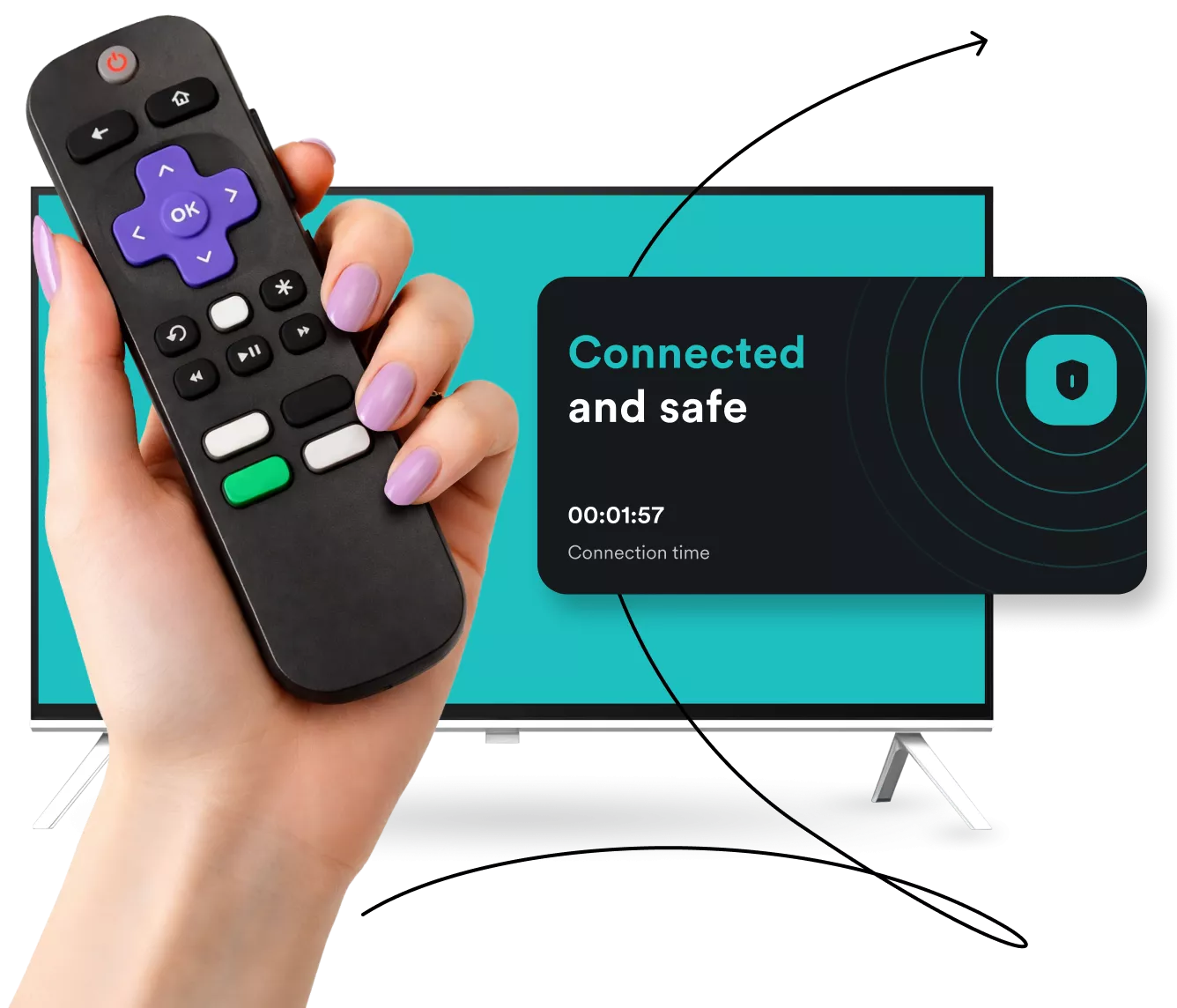
Stream safely on Roku
-
Mask your IP address for private streaming on any Roku device
-
Leave buffer screens behind with a high-speed VPN
-
Connect to an expansive VPN server network hassle-free
How does a VPN on Roku work?
Before we dive into the setup, it’s important to clarify a quick technical detail: Roku devices currently don’t support installing VPN (Virtual Private Network) apps directly.
Unlike other streaming devices, such as Android TV or Fire TV Stick, you won’t find a VPN app in the Roku Channel Store.
However, protecting your Roku connection is still simple — instead of installing software on the device itself, you secure the entire network your Roku connects to.
How a VPN on Roku works:
|
By using a VPN-enabled router or a virtual hotspot from your PC, your Roku automatically gains an encrypted connection.
|
• Zero configuration: no extra apps or settings are needed on your Roku;
• Instant protection: once your network is secure, your Roku streams through the VPN just like any other device; • Set it and forget it: connect once, and every channel you watch stays protected. |
How to easily set up a VPN for Roku TV
There are two ways to get a VPN on Roku: connecting your router to a VPN or setting up a virtual router. With VPN services like Surfshark, you can choose either option.
1. Find a compatible router
Make sure you have a VPN-compatible router. Most routers will work, but you can check the manufacturer’s website or router manual to be certain.
2. Get a VPN
Subscribe, download, and install a VPN app, such as Surfshark, on your router. Read our guide on connecting your router to a VPN for a detailed explanation.

3. Connect
Connect to a VPN server for a private streaming experience on your Roku device and improved security across all devices on the same network.
1. Create your VPN connection
Subscribe to a VPN provider like Surfshark and install the VPN app on your Windows PC. Set the protocol to OpenVPN and then disconnect.
2. Configure your mobile hotspot
Enable a mobile hotspot in your Windows settings and choose a network name and password. Check out our virtual router setup guide for more info.
3. Share your VPN
Adjust your network sharing settings so your hotspot uses the VPN connection. Connect your Roku device to the hotspot to stream with elevated privacy.
Why do you need a VPN for Roku?
A Roku VPN can help you:
Stream with lightning-fast speeds
Surfshark’s high-speed VPN servers — including the world’s first 100 Gbps servers — deliver smooth streaming with minimal buffering, so you can count on crisp streams even for 4K and UHD videos.

Enjoy greater privacy
With Surfshark VPN on Roku, your streaming traffic is always protected by industry-leading VPN encryption, even on public Wi-Fi.
A VPN app also makes it harder for your ISP (Internet Service Provider) to see that you’re using Roku, which is information they could otherwise sell to advertisers.
Overcome ISP bandwidth throttling
ISPs often slow down — or throttle — your internet connection if they detect streaming or other high-bandwidth activity, including Roku traffic.
You can use a VPN to help prevent activity-based throttling. Your ISP won’t be able to tell one kind of traffic from another, so you can stream from your smart TV without bandwidth limits.

Mask your IP address
Your IP (Internet Protocol) address can disclose your approximate location and browsing activity to prying eyes and bad actors.
When you route your traffic through a VPN server, you hide your IP address from third parties. To anyone trying to track you, it’ll look like you’re accessing the web from the server’s IP address.

How to choose the best VPN provider for Roku
To find the best VPN for Roku, look for a VPN service with these features:
Wide server coverage
With a network of 4,500+ servers in 100 countries, the physical distance between you and your desired server location isn’t likely to impact your streaming speeds.
Unlimited devices
Enjoy the benefits of a VPN not only on your Roku TV but on other devices as well. Surfshark allows unlimited simultaneous connections with a single VPN account.
Disclaimer: Please note that using Surfshark services for any illegal activities is strictly forbidden and violates our Terms of Service. Make sure that any use of Surfshark services for your particular activities conforms to all relevant laws and regulations, including those of any service providers and websites you access using Surfshark.
See all features
Keep your favorite devices safe with Surfshark
More than a Roku VPN, Surfshark helps you stay private and protected on all major platforms. With Surfshark’s unlimited simultaneous connections, you don’t have to limit your VPN use to a single streaming device.
Surfshark VPN vs. free VPNs
Free VPN apps are never actually free — you can get your activity data logged and sold, become overloaded with ads, or worse. The best VPN services are usually paid options like Surfshark.
|
|
Free VPNs
|
Paid VPNs
|
|
Cost
|
Free, but often supported by ads or data collection
|
Subscription-based
|
|
Privacy
|
May log or share your data with third parties as a source of revenue
|
Often use strict, independently-verified no-logs policies
|
|
Speed
|
Tend to be slower due to limited resources
|
Frequently have faster, optimized servers
|
|
Server choice
|
Usually offer fewer locations with crowded servers
|
Wide range of global servers
|
|
Data limits
|
Daily or monthly caps are common
|
Typically unlimited
|
|
Security
|
Basic encryption that may be outdated
|
Modern protocols and robust security
|
|
Ads
|
May show ads to make money
|
Generally ad-free (Surfshark even has an ad blocker)
|
|
Advanced features
|
Basic VPN protection
|
Often come bundled with other tools for comprehensive protection against malware, data leaks, and other online threats
|

See why millions trust Surfshark
Check out what users and tech experts around the world have to say about Surfshark.



The reviews highlighted in this section were selected from publicly available posts on social media platforms. They reflect the opinions of individual users at the time of posting and may not represent the full range of our product features and qualities.
The reviews quoted on this page have been published by media outlets associated with Surfshark through affiliate partnerships. Their recommendations are based on their own independent research and insights to ensure value for the readers.
I have been using Surfshark since I got it and I love it!

When I am traveling, I use Surfshark to access the internet quickly and securely, works like a treat in China.

We love Surfshark because it is an easy-to-use app that you can download on all your devices.

The reviews quoted on this page have been published by media outlets associated with Surfshark through affiliate partnerships. Their recommendations are based on their own independent research and insights to ensure value for the readers.
“This is my first year and I absolutely love it. The fact I can have a good antivirus, great VPN, and incognito for like $120 a year is great.”
“I’ve been using Surfshark for 4 years on Android and ChromeOS with zero issues, it’s an absolute bargain”
“I’ve had it for 3 years and just renewed it for the next 2 years. I never have any issues with it and get my full internet speed…”
The reviews highlighted in this section were selected from publicly available posts on social media platforms. They reflect the opinions of individual users at the time of posting and may not represent the full range of our product features and qualities.





Frequently asked questions
Can you use Surfshark on Roku?
Yes, you can use Surfshark on Roku. You can’t download a VPN app directly onto your Roku, but you can connect to a VPN-enabled router to cover it and other streaming devices with Surfshark’s VPN protection.
Is there a free VPN for Roku?
Yes, free VPNs for Roku are available, but using them isn’t recommended. Free VPNs often sell user data to generate money or offer inferior service through congested servers or outdated security.
Using a paid Roku VPN is a safer choice if you want faster speeds, more servers, and greater security.
How do I add a VPN to my Roku TV?
You can add a VPN to your Roku TV by either connecting your Roku to a physical VPN router or setting up a virtual VPN router on a Windows computer. Roku doesn’t natively support VPN apps.
Can you install a VPN on Roku?
No, it’s not possible to install a VPN directly on Roku, as it doesn’t support virtual private networks. However, you can still set up a VPN on your router to extend all VPN connection benefits to your Roku device.
How do I use a VPN on my TV?
To set up a VPN on a smart TV, you can directly download the desired VPN app — if your provider offers one and if your smart TV supports VPN apps. Alternatively, you can try methods like setting up a VPN on your router.
Check here for detailed instructions on how to use a VPN on our TV.