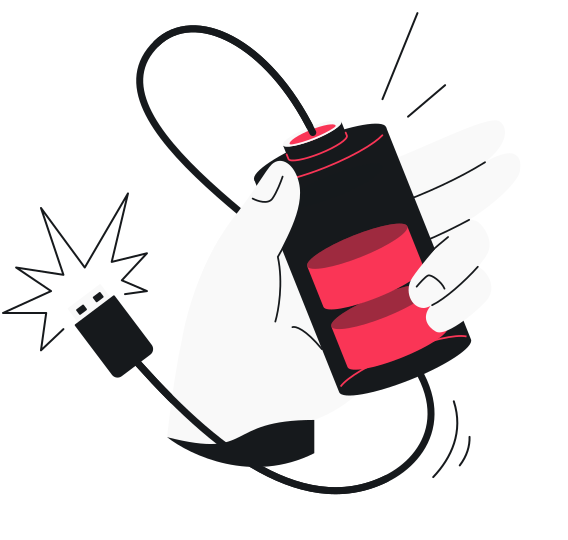
Grabbing a quick charge at an airport or café feels like a lifesaver when your battery is low. However, that convenient USB port might come with hidden risks due to a cyberattack known as juice jacking.
Top US agencies like the FBI (Federal Bureau of Investigation) and FCC (Federal Communications Commission) have issued alerts warning travelers about juice jacking, urging them to be cautious with public USB charging stations.¹
Read on to explore what juice jacking attacks are, how they work, and how to protect yourself from them.
What is juice jacking?
Juice jacking is a cyberattack that uses compromised public USB charging ports or cables to steal data from or install malware on your device.
These attacks are possible because USB cables can perform two functions: charging your phone and transferring data.
When you plug into a tampered port, you might be getting more than a quick battery boost. Personal information — like your passwords, photos, and financial data — could be flowing straight to an attacker as well.
How does juice jacking work?
Juice jacking usually happens in one of two ways.
First, a criminal might modify the hardware inside a public charging kiosk. They add components that can access data from connected devices.
Second, an attacker may leave behind a charging cable that’s been tampered with. The cable looks completely normal, but it contains a hidden microchip that can compromise whatever plugs into it.
Whichever method is used, these attacks are effective due to two key factors: the anatomy of a USB cable and the “handshake” process between your device and a connected system.
The anatomy of a USB cable
Many USB cables aren’t just power cords — they carry both electricity and data. Inside these charging cables, there are separate pins dedicated to power or data transfer.
Using data pins, a compromised public port or cable can behave like a computer. It can attempt to read files, ask for data access, install malware, and more.
The “handshake” process
When you plug into a USB port, your device and a host perform what’s known as a quick “handshake.”
A host is any system at the other end of a USB cable that controls the connection and requests data. In other words, it’s a charging station’s built-in computer.
Examples of a host include:
- A café/airport charging station;
- A car infotainment system;
- An airplane seat console.
During this handshake process, the host asks your device what it has permission to do. Your device responds with a list of options, such as charging or file sharing. In general, older devices automatically allow data transfer, which makes juice jacking easier.
The good news is that many modern mobile devices default to “charge only” mode during the handshake, prompting you to enable data exchange. Android asks if you want to allow data transfer, while iOS shows a Trust This Computer? alert.
As long as you don’t tap Allow or Trust, your chances of encountering a juice jacking attack remain low.
Types of juice jacking attacks
Juice jacking attacks vary depending on what the attacker wants to accomplish. Here are the most common types of juice jacking:
Data theft
The most direct juice jacking approach involves copying personal information straight from your device. Anything from photos, passwords, and text messages can be siphoned off in a matter of minutes.
Since this info is copied and not necessarily deleted, you may not discover any data theft until much later, if at all.
Malware injection
Instead of stealing data on the spot, some attackers push malicious software onto your device. Spyware, ransomware, or trojans give them ongoing access after you’ve unplugged and walked away.
The malware runs quietly in the background, collecting information or waiting for further instructions.
Multi-device infection
A compromised smartphone can become a carrier that infects other devices. When you later connect it to your laptop or share your charging cable with someone else, the malware spreads.
As a result, a single public charging session can lead to a chain of infected devices across your home or office.
ChoiceJacking
ChoiceJacking is a newer variant that tricks your device into thinking it’s connected to a keyboard or other input device rather than a charger. This lets the attacker send commands directly to your device, potentially approving data transfers and changing settings without any action on your part.
Where juice jacking happens
Juice jacking thrives in places where people are in a hurry or desperate to charge their battery.
The following locations pose the highest risk:
Airports and train stations
Charging stations in transportation hubs are common targets for juice jacking attacks because they handle a high volume of travelers who may be looking for a quick charge. Since they’re frequently rushed or distracted, passengers are less likely to check the security of a given charging point.
Additionally, seat-back ports on planes and trains can have juice jacking risks of their own.
Hotels and hospitality venues
Travelers are frequently targeted in juice jacking attacks once they reach their destination as well. Places like hotel lobbies and reception areas usually feature public charging stations that are left unattended for long periods, making them easy targets.
Hotel rooms themselves aren’t much safer. Bedside USB ports can also be compromised, preying on guests when they feel most comfortable.
Public kiosks and shopping centers
A public charging kiosk at a café, food court, or shopping mall can be extremely helpful. The thing is, the open access these points offer is a double-edged sword.
Sure, these stations make it easy to get a quick charge when you’re in a bind. However, they tend to have little monitoring whatsoever, attracting bad actors looking to steal your data.
Rideshare vehicles
Just like travelers on planes or public transport, passengers in rideshare vehicles have a greater risk of experiencing a juice jacking attack.
Many drivers go the extra mile and let you use their USB ports or cables, but others are far more nefarious and want to exploit any connected device.
Signs you’ve been a juice jacking victim
Some juice jacking infections produce no visible symptoms, which is part of what makes them so dangerous. Nevertheless, these red flags can indicate your device has been compromised:
Unexpected pop-ups
Random pop-ups can signal that malicious processes are running behind the scenes. You may see repeated Allow file transfer? or Trust This Computer? prompts while charging.
Other pop-ups to watch out for are installation requests, messages about new USB accessories, or full-screen ads with a browser overlay.
Rapid battery drain
Malware running in the background uses processing power and generates heat. If your device feels warm or starts dying faster than usual without explanation, you might be running something that was installed via a juice jacking attack.
Slow performance
Malware often sends stolen information back to the attacker, which appears as unusual network activity and causes the device to suffer performance issues. If your mobile device is transmitting data somewhere it shouldn’t, you may also notice spikes in cellular data usage.
Unknown apps
New apps you don’t remember downloading can indicate unauthorized access from juice jacking. The same goes for settings and permissions that have been altered without your input.
How to prevent juice jacking
Protecting yourself from juice jacking is straightforward once you know what to watch for. Here are some simple habits to help minimize your juice jacking risks:
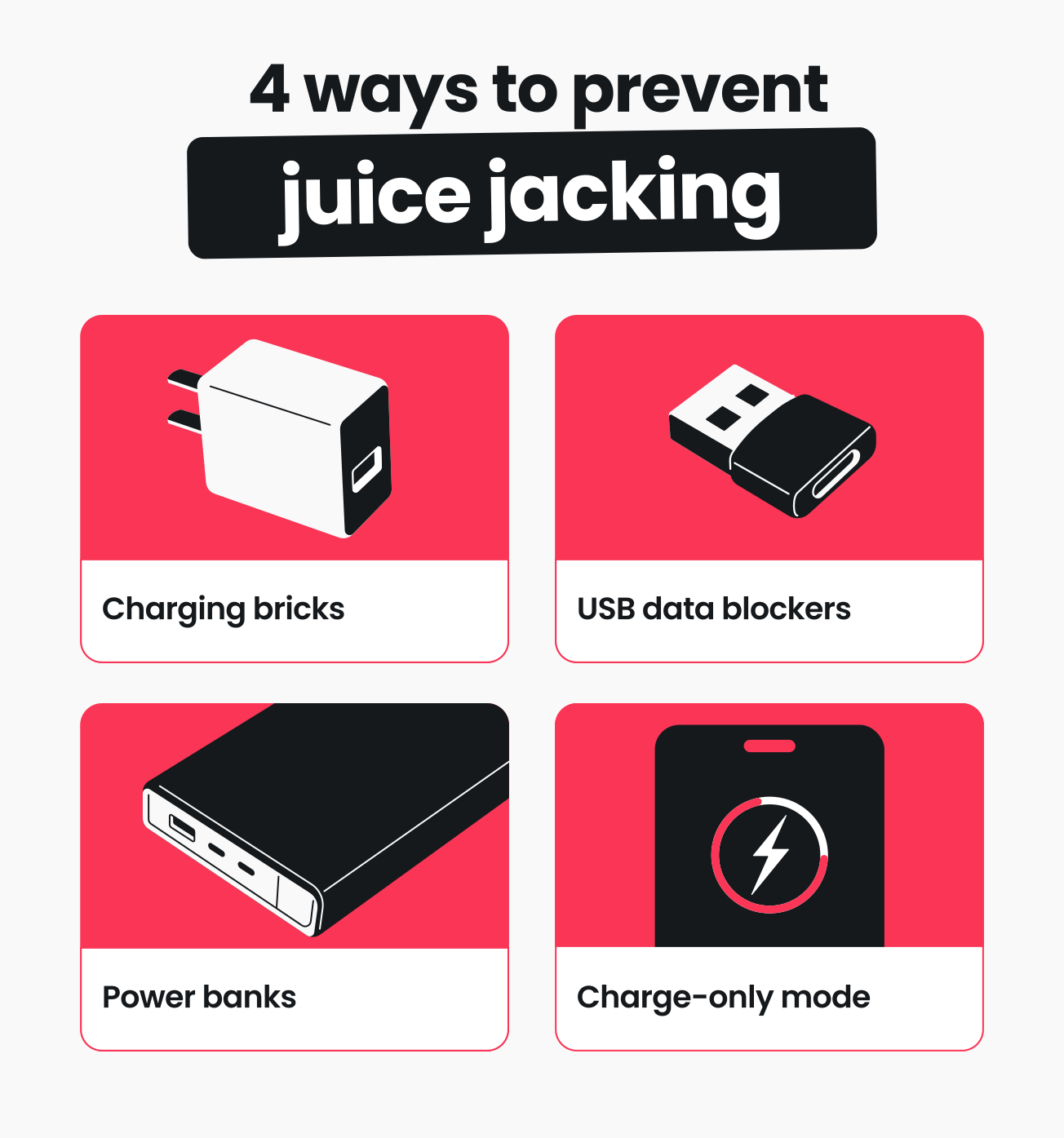
Use your own charging brick
Using your own charging brick, also known as a wall charger, eliminates the risk of juice jacking because you’ll get power without exposing your device’s data connection.
A typical brick isn’t a USB host, so there’s no data handshake. These tools also keep you from connecting to kiosks or computers that could probe your device, ensuring you’re isolated from unknown hardware.
Use a USB data blocker
A USB data blocker, sometimes called a “USB condom,” is a small adapter that physically disconnects a port’s data transfer pins while allowing power to pass through.
Small enough to fit on a keychain, you can plug a data blocker into any USB charging station and safely refill your battery.
Carry a power bank
A charged power bank means you never have to rely on public USB ports. These portable accessories can offer a lot of peace of mind, as they give you full control over where and how you charge.
Enable your device’s charge-only mode
When your Android or iOS device prompts you to allow data transfer, simply decline.
On Android, select Charging only when asked what you want to use a USB for. iOS users can tap Don’t Trust when they see the Trust This Computer? pop-up.
What to do if you suspect a juice jacking attack
If you suspect your device was compromised at a public charging station, acting quickly limits the damage. Follow these instructions step by step to increase your safety:
- Disconnect from the charging source immediately: unplugging your device stops any ongoing data transfer or malware installation.
- Revoke trusted devices: in your phone’s or tablet’s security settings, review the list of trusted devices and remove any you don’t recognize.
- Change your passwords: if an attacker captured your credentials, changing passwords limits what they can access.
- Run a full malware scan: use a tool like Surfshark Antivirus to scan your entire device for malicious software or infected files.
- Consider a factory reset: if malware persists, a factory reset, professional support, or device replacement may be necessary.
Bottom line: charge smart, stay secure
Juice jacking is a threat worth having on your radar, but verified cases remain uncommon.² Modern devices offer meaningful safeguards, but these defenses still rely on user choice and up-to-date software.
Stay vigilant, and you’ll be able to continue enjoying convenient on-the-go power without compromising your data.
Sources used:
¹ https://edition.cnn.com/2023/04/12/tech/fbi-public-charging-port-warning
² https://www.travelandleisure.com/what-is-juice-jacking-11859551
FAQ
Do VPNs prevent juice jacking?
A VPN (Virtual Private Network) can’t prevent juice jacking, but using one offers many other cybersecurity benefits. A leading VPN like Surfshark can encrypt your internet connection and mask your IP (Internet Protocol) address to offer more security and privacy online.
Is juice jacking still a real threat?
Documented cases of juice jacking remain limited, and some security researchers debate the extent of the threat. The attack method may remain largely theoretical, but agencies like the FBI and FCC have issued public warnings about it.
The precautions against juice jacking are simple, so protecting yourself makes sense regardless of how often attacks occur.
Can wireless chargers be used in juice jacking attacks?
No, wireless chargers can’t be used in juice jacking. Typical wireless chargers — like the Qi wireless charging standard — only transfer power, not data. As a result, wireless charging pads are inherently safer than USB connections.