Download Surfshark Antivirus for Android
- Protect your Android devices from malware and spyware
- Detect and block malicious apps and files with real-time scanning
- Enjoy seamless protection that works quietly in the background
Available on Android OS 6.0 or later.
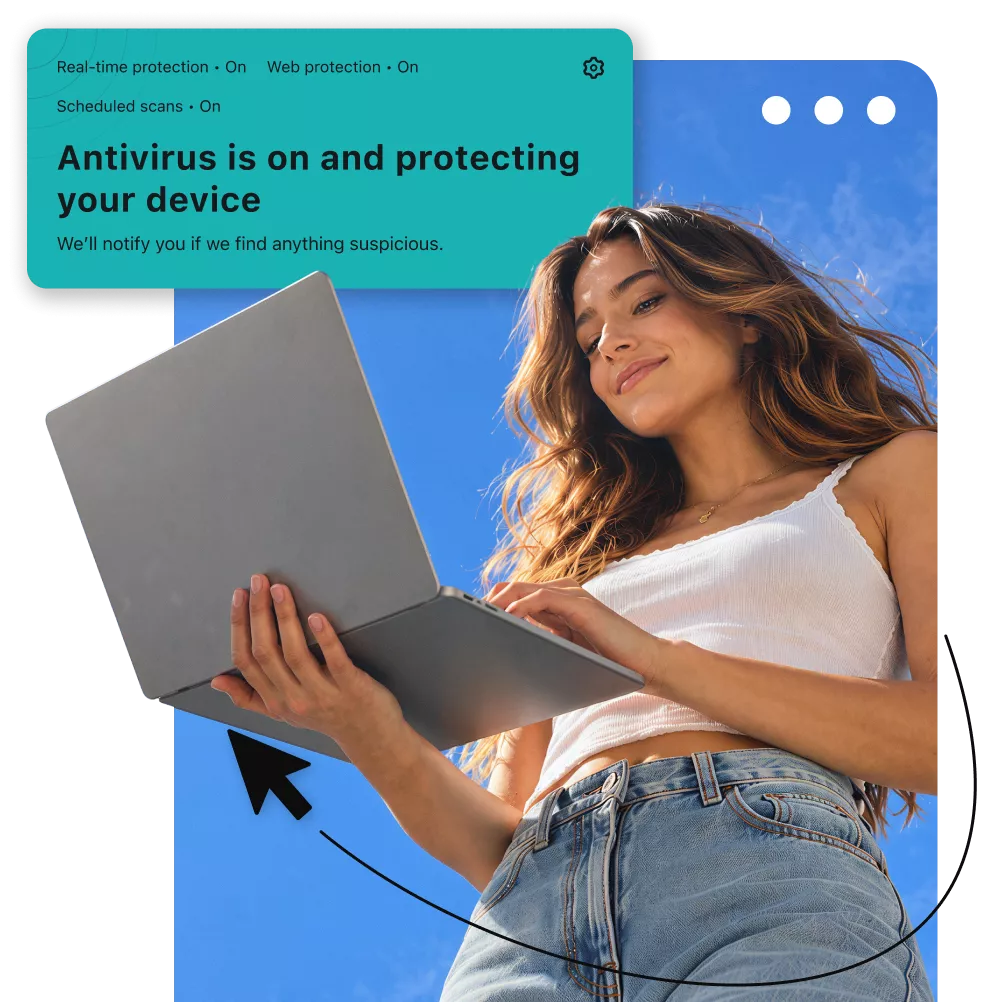
Do Android phones need antivirus protection?
While Android devices include built-in security like Google Play Protect, it’s not always enough. Sophisticated spyware, phishing links shared in messaging apps, and malicious websites can bypass standard defenses, leaving your device vulnerable to evolving online threats.
An advanced antivirus app for Android can enhance security and protect your device:

- Stop zero-day threats: detect hidden spyware and complex malware strains before they can track your location or compromise your data;
- Protect your devices with real-time scanning: intercept dangerous downloads and malicious apps the moment they hit your mobile devices;
- Remove malware before any harm is done: a reliable malware scanner will instantly notify you about harmful files if an infected download slips onto your device.
How to download Surfshark Antivirus for Android
Follow these steps for an easy Android antivirus download:
1. Get Surfshark
Select a plan that includes Surfshark Antivirus — Surfshark One or One+.
2. Download the app
Install the Surfshark Android app from the Google Play Store and sign in.
3. Start scanning
In the app, navigate to Antivirus, tap Scan, and follow the setup directions.
Once the initial scan is complete, customize your Android antivirus by enabling real-time protection, scheduling a system scan, and allowing storage scans.
Check out our Surfshark Antivirus on Android guide for in-depth instructions. For other operating systems, we also have guides for Antivirus for Windows and Antivirus for macOS.
Why choose Surfshark Antivirus for Android?
Surfshark Antivirus is designed to catch threats without slowing down your phone, affecting battery life, or interrupting your daily activities. Get robust protection against malware on up to five devices under a single subscription with Surfshark’s advanced security features:
Real-time protection
Antivirus’s real-time protection constantly monitors your device in the background. Detect and block threats before they get on your device with lightweight 24/7 protection.

On-demand scans
Protect your devices from malware and other threats on your terms. Start a manual scan anytime to quickly check your Android for potential threats or schedule scans for ongoing device protection.

Exclude from scanning
Exclude trusted apps from antivirus checks — fully customize your Antivirus scans and save scan time by adding specific apps to the exclusion list.

Antivirus software is only as good as its threat database is up to date. Surfshark’s database is updated every two hours, allowing the Antivirus to detect and delete emerging threats and protect you from the newest malware and viruses.
Download Antivirus with a Surfshark subscription
You can get Antivirus for Android with our Surfshark One or One+ cybersecurity suites, which provide a comprehensive set of security tools to keep you safe on and off the web. Not sure where to start? Test all the features before committing — with our Antivirus free trial.
Go beyond antivirus protection with Surfshark
Fully securing your phone requires more than just stopping malicious files. With Surfshark One and One+ bundles, you also get a list of security solutions like VPN, identity theft protection, and scam protection:
Secure your connection
Surfshark VPN safeguards your online activity by encrypting your internet traffic and masking your IP address, keeping you safe on public Wi-Fi networks. With 4,500+ servers across 100 countries, you get enhanced protection and fast connection speeds on unlimited devices.
Keep your details private
Generate an online persona and up to three alternative email addresses with Surfshark’s Alternative ID. Sign up for websites and mailing lists without exposing your primary address to spam emails or giving away your personal contact details.
Protect against scams
Stop scam messages from reaching you with Surfshark’s scam text protection. It automatically scans incoming SMS messages for phishing links, urgent language, and suspicious sender info, warning you if a text looks dangerous and letting you safely manage it.
Get data leak alerts
Stay informed with Surfshark Alert. It notifies you whenever your personal information, your email addresses, passwords, credit card details, or ID numbers are exposed online so you can take action immediately.
Reclaim your privacy
Automatically remove your personal information from people-search sites and data brokers’ databases with Incogni. It continuously monitors 420+ data aggregators and sends removal requests on your behalf to make sure your data stays off the web.
Shield your identity
Get financial backup and recovery assistance if your identity is ever stolen — up to $1M in identity theft coverage* to reimburse recovery costs, such as legal fees, document replacement, and lost wages, plus one-on-one support from a licensed identity theft investigator.
*Disclaimer: Identity theft coverage is available for new Surfshark One+ customers residing in the US, including US territories and the District of Columbia, except for New York State residents. Surfshark is not a licensed insurance producer. Benefits under the Master Policy are issued and covered by HSB Specialty Insurance Company. You can find further details and exclusions in the summary of benefits for the state of Washington and the rest of the US.
Try Surfshark Antivirus risk-free
Explore Surfshark’s antivirus software for Android worry-free with our money-back guarantee. If you aren’t fully satisfied with your mobile security, contact us and request a full refund within 30 days of your purchase.