






One subscription protects up to five devices — just pick the download that matches yours below.
Download Surfshark Antivirus to block malware
Runs on Windows 10+, Windows on ARM, Android 6+, and macOS 12 (Monterey) or later
- Try antivirus protection risk-free
- Detect and block malware in real time
- Protect multiple devices with one subscription
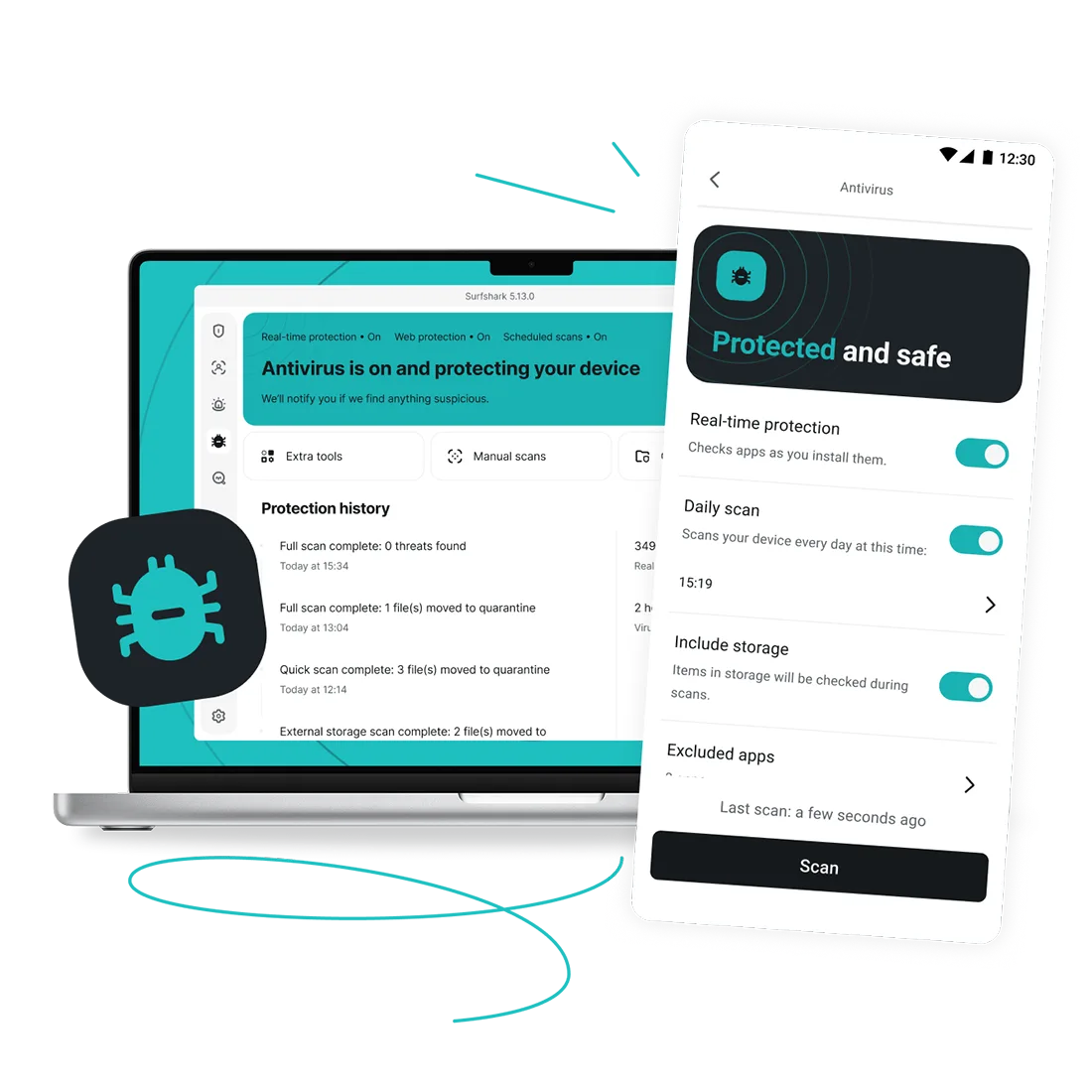
Widely trusted with 40M+ global app downloads, rewarded with 30+ recognition awards
Data as of 2026-03-26
Data as of 2026-03-26


How to download Surfshark Antivirus
1. Subscribe
Get Surfshark One or Surfshark One+. Antivirus is included with both.
2. Download
Download the Surfshark app following the relevant link above.
3. Log in
Log in and start using the Antivirus. You will be guided throughout the process.
Download Antivirus with a Surfshark One subscription
Surfshark One and Surfshark One+ both include Antivirus, along with a VPN, Alert, scam protection, and more.
Not ready to commit? Get a Surfshark Antivirus free trial before subscribing.
Surfshark vs. free antivirus
Free antivirus tools can help in a pinch, but most trade away real-time protection, frequent updates, or even your privacy. Here’s how Surfshark Antivirus compares.
|
|
Free antivirus tools
|
Surfshark Antivirus
|
|
Real-time protection
|
Often on-demand only: scans run when you start them, not continuously
|
Always-on: scans files as you open, download, and install them
|
|
Threat database updates
|
Manual and infrequent
|
Automatic and regular
|
|
Web protection
|
Rare or basic
|
Built-in protection blocks malicious sites and risky downloads
|
|
Pop-ups and upsell prompts
|
Common pop-ups and upsell prompts
|
No upsells or pop-ups
|
|
Customer support
|
Limited, usually no live help
|
24/7 live chat
|
|
Device coverage
|
Usually one device per license
|
Up to 5 devices on one subscription
|
Why choose Surfshark Antivirus?
Here’s what’s included in Surfshark Antivirus:
Real-time protection
Surfshark Antivirus scans files continuously as you browse, download, and open them, so threats get blocked in real-time, before they cause harm.
On-demand scans
Run a manual scan anytime you want extra peace of mind. Choose a quick check or a full system scan.

Scheduled scans
Set a day and time once, and Surfshark Antivirus runs quick or full scans automatically from then on.

Quarantine folder
Suspicious files get isolated into a quarantine folder instead of being deleted outright. You can restore them if needed — anything untouched clears automatically after 60 days.

Web protection
Block malicious websites and risky downloads while you browse.

Certified device security
Surfshark Antivirus is certified by the leading independent testing firm AV-TEST.