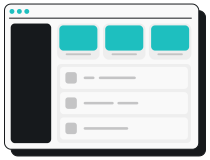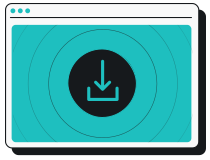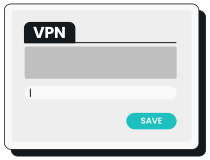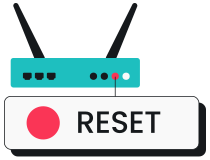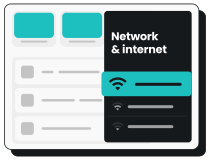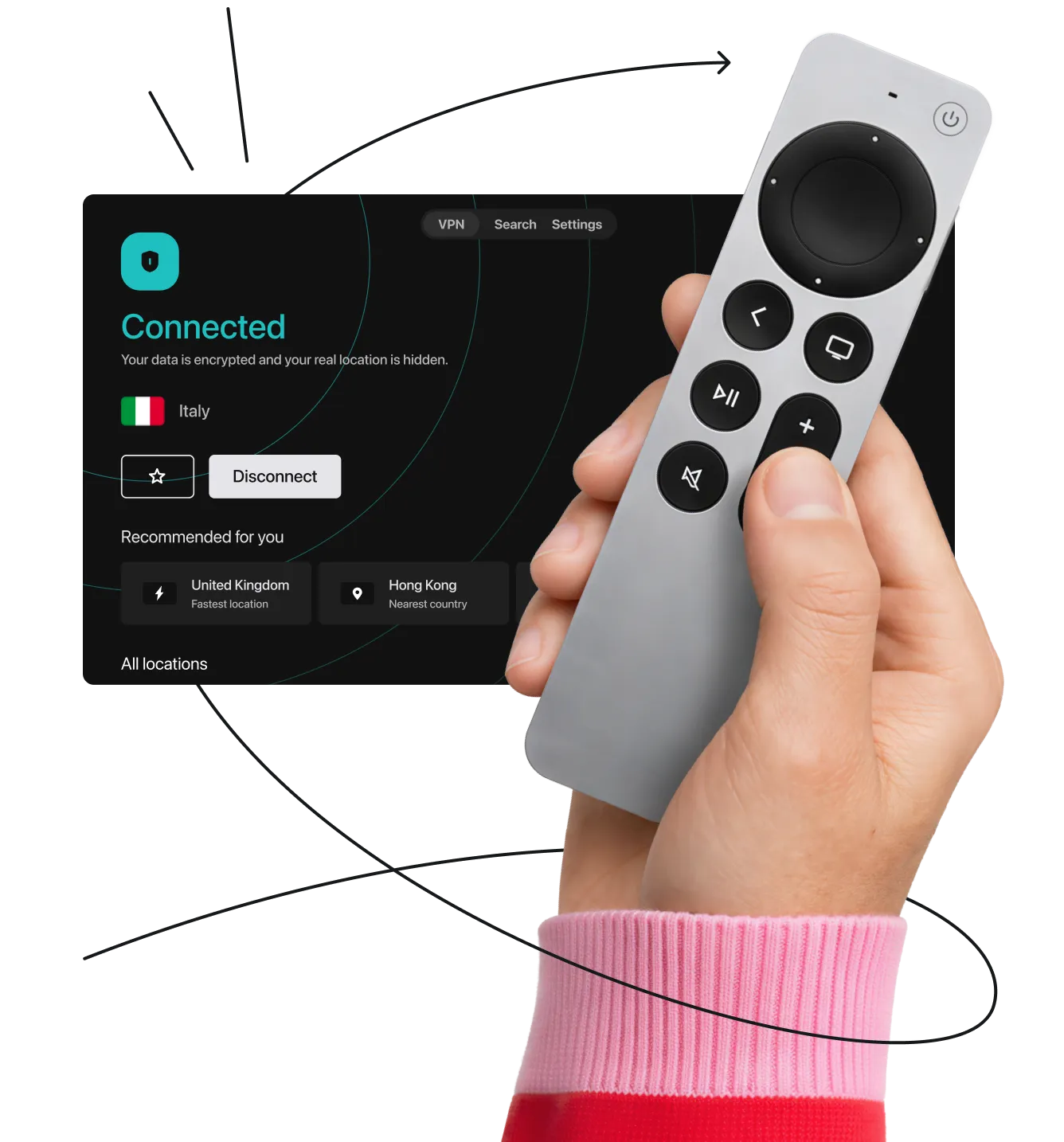
- Go to the App Store or Play Store.
- Download your VPN provider’s app.
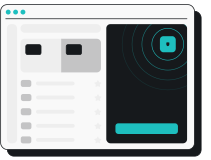
- Log in and connect to a location.
Note: Remember to follow these steps before launching other apps or visiting platforms on your smart TV.
VPN solutions for Apple TV, Samsung TV, Fire TV, Roku, Android TV, Chromecast, Nvidia Shield, and others!
Need help setting up? We have VPN smart TV setup guides that cover almost any option you can dream of:
Note: Remember to follow these steps before launching other apps or visiting platforms on your smart TV.
Note: Before subscribing to a service, check if your router can run a VPN.
Need a more detailed guide on how to set up a VPN on smart TV? We have one.
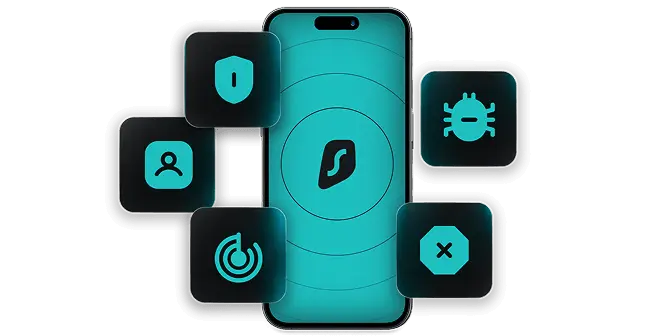
Enjoy safe, high-speed streaming with these VPN benefits:
Disclaimer: Please note that using Surfshark services for any illegal activities is strictly forbidden and violates our Terms of Service. Make sure that any use of Surfshark services for your particular activities conforms to all relevant laws and regulations, including those of any service providers and websites you access using Surfshark.
A free VPN service may give you a sub-par streaming experience while exposing your privacy and data to potential dangers.
Most free VPNs have fewer servers and limit data usage. Some even sell user data to sustain their business. The worst kind of free VPNs may infect your device with malware.
We recommend skipping free VPNs and opting for premium ones.
If you have a TV without app functionality, you can get a streaming adapter* (streaming dongle or a streaming stick) and install a VPN. If your dongle is Amazon’s Fire TV Stick, here’s how to set up a VPN on it:
*A streaming adapter is a small external streaming device that plugs into your TV’s HDMI port.
If you’re not sure whether Surfshark is for your TV, don’t worry. Test it out with our 30-day money-back guarantee. If it’s not for you, request a refund within your first 30 days and get your money back.
Yes, you can run a VPN on your smart TV — if the manufacturer and operating system are right. If your smart TV has an app store that features VPN apps, it’ll be really easy to set up. In other circumstances, you might need to put in some extra work, like setting up a VPN on a router.
A VPN may slow down your internet connection since your data takes an additional step to “visit” the VPN servers. But with a fast VPN like Surfshark, the speed drop is minimal and shouldn’t interfere with streaming too much.
There aren’t any free VPNs dedicated to smart TVs, but there are free VPNs in general out there. A large number of those have a bad track record of maintaining user privacy. Many free VPN providers also sell their user data to third parties.