 Surfshark
We’re proud to unveil our latest innovation — an upgraded rotating IP. This cutting-edge tool is designed to take your online privacy to the next level. Read on to discover how it works and why you should use it.
Why is this feature important?
These days, we spend most of our time online, whether working, catching up with friends, or watching movies. All these activities require an internet connection, which, unfortunately, can attract snoopers.
To protect your privacy from snoopers, rotating IP ensures that your actions appear to originate from different IP addresses across sessions.
The IP rotator automatically changes your IP address every 5 minutes, based on your chosen global location. This reduces the ability of advertisers and data brokers to link your visits and build profiles, thereby diminishing the reach of targeted ads.
What is a rotating IP?
A rotating IP is a feature that automatically changes your IP address every five minutes. Rotating IP works within your selected country, region, or globally, ensuring your online activities remain virtually untraceable.
How does rotating IP work?
Rotating IP automatically switches your IP address within your chosen location. This means that even if you stay connected to the same country or city, your IP address will change, making it difficult for third parties to track what you do online.
What makes this feature possible?
It’s all thanks to Surfshark Nexus, built on patented, unique Surfshark technology. It uses Software Defined Networking (SDN) to connect our VPN servers to a single global network.
Once all servers are in the same network, you can connect to any country you want, add another one, change the server, and still keep your VPN connection, as all servers are part of the same network.
The united server network — Surfshark Nexus — improves your experience when using a VPN and makes your connection safer and stronger. Nexus also creates many opportunities for cutting-edge innovations, such as rotating IP.
How do you use this feature?
Currently, rotating IP is available for Surfshark macOS users. It can be enabled in the Advanced settings.
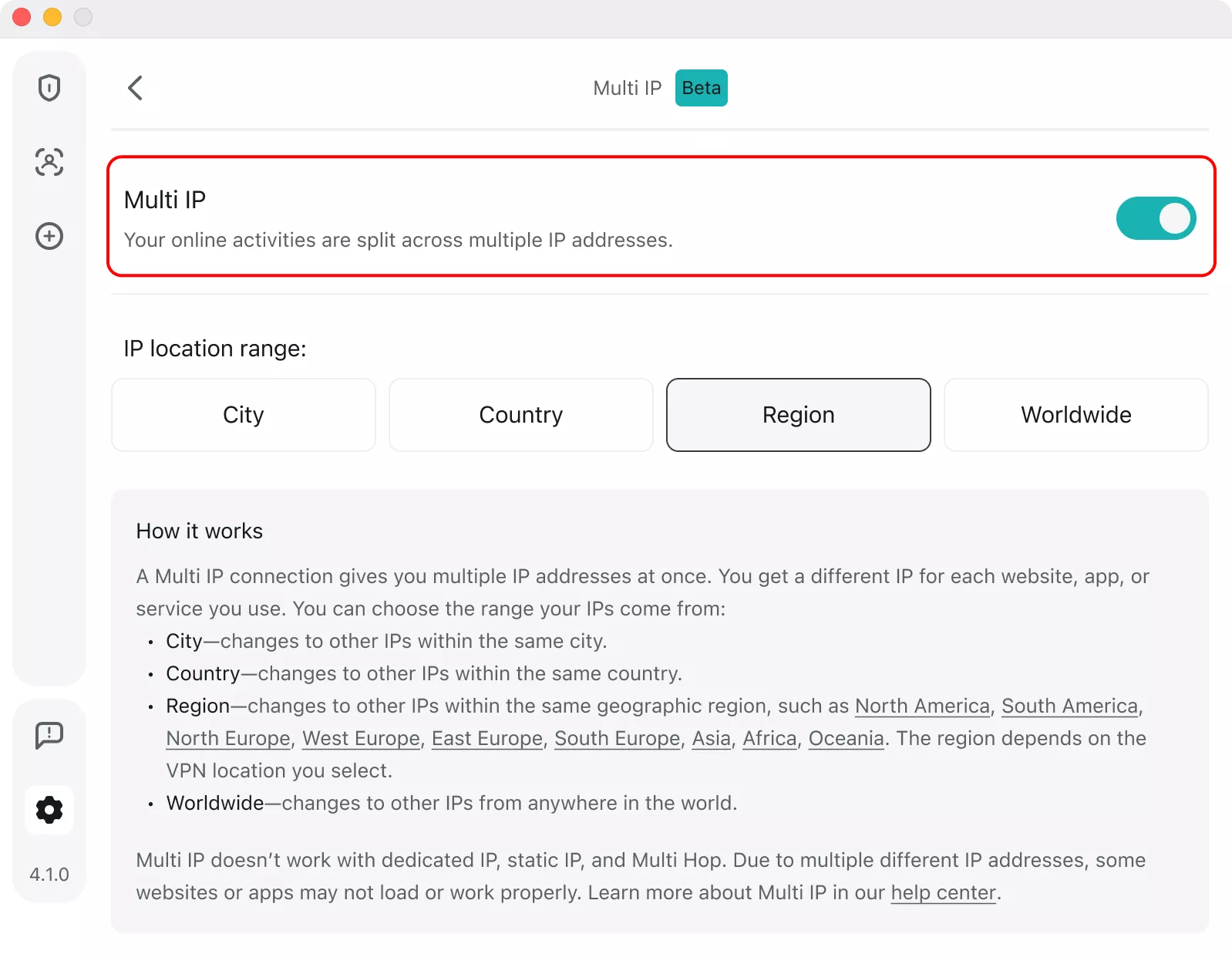
The feature is intended for those requiring the utmost privacy. Selecting to rotate your IP globally with rotating IP may affect your internet experience, as some websites or apps might not work properly with a frequently changing IP.