 Surfshark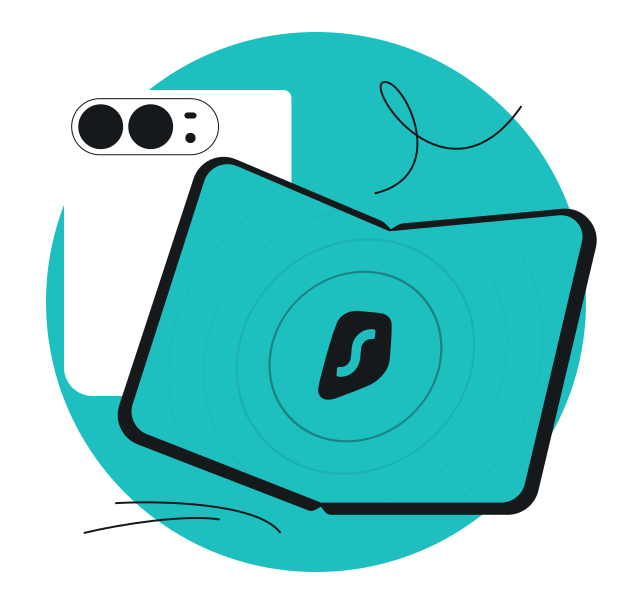
If you’re unboxing the iPhone Duo today, here’s something to celebrate: Surfshark is ready for it.
Our team has been working to ensure that Surfshark runs flawlessly on Apple’s first foldable iPhone — whether you’re using the compact outer display or the expansive inner screen. Here’s what you need to know about protecting your privacy on this device.
Why the adaptation was necessary
Apple’s first foldable phone introduced a technical challenge: two screens, two different sizes, and constant transitions between them. Apps that weren’t built with this in mind could break connections, freeze during screen switches, or display awkwardly when the device folds.
For a VPN, that’s a problem. A dropped connection during a fold means exposed data. An interface that doesn’t scale properly means you can’t see whether you’re protected. And if the app doesn’t play well with the new layout, you’re stuck fighting the interface instead of using it.
We needed to make sure Surfshark worked reliably across both displays, maintained your connection when you fold or unfold the device, and adapted to the new operating system without getting in your way.
What changed and how Surfshark adapts to iPhone Duo
We’ve optimized Surfshark to take full advantage of the iPhone Duo’s unique capabilities:
Dual-display continuity
Open Surfshark on the outer display, then unfold your iPhone Duo — the app transitions smoothly to the larger inner screen without dropping your connection or requiring you to reopen anything. Your VPN stays active, your server stays connected, and the interface scales perfectly to the new screen size.
Split View support
iPhone Duo introduces Split View to iPhone, letting you run two apps side by side. Want to browse securely while messaging friends? Surfshark works seamlessly in split-screen mode, so you can keep an eye on your connection status, switch servers, or adjust settings while multitasking across apps.
Adaptive interface
Whether you’re using iPhone Duo closed or fully open, Surfshark’s interface automatically adjusts to give you the clearest view of your connection, server selection, and settings.
The core of Surfshark remains unchanged — you still get access to 4,500+ VPN servers in 100 countries, industry-leading encryption, our scam protection tools, and more. What’s different is how naturally everything flows on your foldable device.
Getting started is simple
If you’re setting up your new iPhone Duo:
- Download Surfshark from the App Store.
- Log in with your existing account (or start a free trial if you’re new).
- Tap Quick-connect, and you’re protected.
Connect to Surfshark on any device
As devices evolve, so does Surfshark. We adapt to new technology so your security doesn’t have to wait for it. Download Surfshark and stay protected, no matter what you’re using.