• Get Surfshark
  1. Home
  2. Download
  3. PlayStation

High-speed VPN for PS5 and PS4: secure your gaming

Keep your gaming private and smooth with a PlayStation VPN

  • Connect to 4,500+ servers worldwide for the best speeds
  • Shield your data and gameplay from hackers and ISPs
  • Stay protected from connection attacks
Get Surfshark
30-day money-back guarantee
A smiling young woman with brown hair wearing a silver headset and holding a game controller next to a checkmarked shield.

Why do you need a VPN on PlayStation?

There are several reasons to use a VPN (Virtual Private Network) with your PlayStation:

  • Enjoy smoother gaming & streaming — prevent your ISP (Internet Service Provider) from throttling gaming and streaming traffic speed;
  • Prevent DDoS (Distributed Denial-of-Service) attacks — shield your device with a VPN connection to lower the risk of malicious distributed denial-of-service attacks;
  • Connect with global gamers — join VPN servers in different countries to play with your friends worldwide;
  • Boost your privacy and security — protect yourself from third-party trackers and snoopers;
  • Keep your data private — mask your IP (Internet Protocol) address and location.
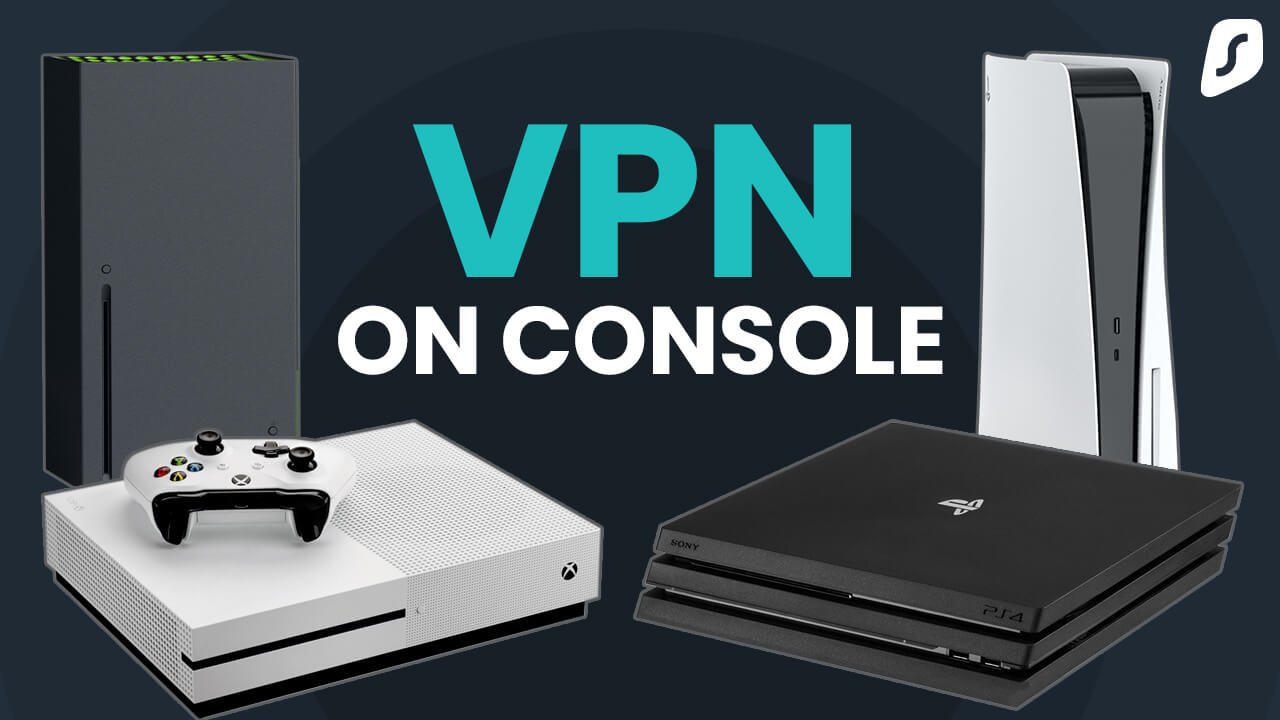
How to set up a VPN on PlayStation

PlayStation consoles don’t natively support VPNs. However, you can set up Surfshark VPN on your PlayStation in three different ways:

You can set up Surfshark VPN on PS4 or PS5 using your Wi-Fi router. We recommend this method as it protects all devices on your home network, too. Here’s how you can do it:
  1. Set up the
    VPN on your router.
  2. Configure your console:
    • Go to Settings;
    • Select Network;
    • Choose Set Up Internet Connection;
    • On PS4, select Use Wi-Fi and set the connection method to Easy. If prompted, select Do Not Use a Proxy Server.
    • On PS5, choose Wi-Fi and connect.
  1. You’re all set!
You can share a VPN connection from a Windows computer to your PS4 or PS5 — all you need is a desktop PC and an Ethernet cable:
  1. Get and install Surfshark VPN for PC.
  2. Connect your PlayStation to the PC with an Ethernet cable.
  3. Configure an Ethernet connection on your PC.
  4. Connect to your preferred server location in the VPN app.
  5. Configure your console:
    • Go to Settings;
    • Select Network Settings;
    • Choose Set Up Internet Connection;
    • On PS4, select Use a LAN Cable and set the connection
      method to Easy. If prompted, select Do Not Use a Proxy Server.
    • On PS5, choose Set Up Wired LAN and hit Connect.
  1. You’re done!
You share a VPN connection from a Mac to your PS4 or PS5 using an Ethernet cable. Here’s how:
  1. Get Surfshark VPN for Mac.
  2. Install the app and connect to a server.
  3. Link your Mac and your PlayStation with an Ethernet cable.
  4. On Mac, go to System Settings.
  5. Select General.
  6. Click Sharing.
  7. Select Internet Sharing.
  8. In the Share your connection from menu, choose Wi-Fi.
  9. In the To devices using menu, select Ethernet adapter. 
  10. Ensure that Internet Sharing is On.
  11. Connect on your console:
    • Go to Settings;
    • Select Network;
    • Choose Set Up Internet Connection;
    • On PS4, select Use a LAN Cable and set the connection method to Easy. If prompted, select Do Not Use a Proxy Server.
    • On PS5, choose Set Up Wired LAN and hit Connect.

Why choose Surfshark as your PlayStation VPN?

Disclaimer: Please note that using Surfshark services for any illegal activities is strictly forbidden and violates our Terms of Service. Make sure that any use of Surfshark services for your particular activities conforms to all relevant laws and regulations, including those of any service providers and websites you access using Surfshark.

Surfshark vs. free VPNs

Free VPNs often compromise on privacy and performance. Surfshark VPN offers a more secure browsing experience you can trust.

Free VPNs
Surfshark VPN
Data collection risk
High: free options often track your activity and share data with third parties
Low: Surfshark’s strict no-logs policy was independently verified by Deloitte in 2023 and 2025
Speed and bandwidth
Restricted: speed throttling and bandwidth limits are common
Unlimited: no bandwidth or speed caps are in place
Ads and trackers
Common: free tools may inject ads or allow trackers
Blocked: Clean Web offers built-in ad and tracker blocking
Customer support
Limited: often no live help and slow response times
24/7: round-the-clock live chat support
VPN servers and locations
Few: frequently have overloaded servers that slow your connection
Thousands: lets you connect to 4,500+ high-speed servers in 100 countries
Encryption
Unreliable: may lack strong encryption standards
Strong: modern AEGIS-256X2 and encryption standards AES-256 and ChaCha20 for increased protection

Get Surfshark for every device you own

But that’s not all. You can also protect your whole home network at once by setting up a VPN on your router to simultaneously secure every device connected to your Wi-Fi. That includes your smart TVs, Nintendo Switch, Xbox, PlayStation, Oculus Quest 2, Apple Vision Pro, Chromebook, and even Raspberry Pi.

See why millions trust Surfshark

Check out what users and tech experts around the world have to say about Surfshark.

“Surfshark is a highly polished and powerful VPN that competes with the very best premium providers, all while offering a seriously tempting price point.”
“Surfshark is one of the best VPN services, comes crammed with features, runs on almost anything, and has some of the best download speeds around.”
“Surfshark is an excellent, well-rounded virtual private network that consistently ranks as one of CNET’s best VPNs.”
The reviews quoted on this page have been published by media outlets associated with Surfshark through affiliate partnerships. Their recommendations are based on their own independent research and insights to ensure value for the readers.

I have been using Surfshark since I got it and I love it!

MRWHOSETHEBOSS 20.2M subscribers

When I am traveling, I use Surfshark to access the internet quickly and securely, works like a treat in China.

SAM CHUI 3.61M subscribers

We love Surfshark because it is an easy-to-use app that you can download on all your devices.

MAX & OCCY 265K subscribers
The reviews quoted on this page have been published by media outlets associated with Surfshark through affiliate partnerships. Their recommendations are based on their own independent research and insights to ensure value for the readers.

“This is my first year and I absolutely love it. The fact I can have a good antivirus, great VPN, and incognito for like $120 a year is great.”

Open in Reddit

“I’ve been using Surfshark for 4 years on Android and ChromeOS with zero issues, it’s an absolute bargain”

Open in Reddit

“I’ve had it for 3 years and just renewed it for the next 2 years. I never have any issues with it and get my full internet speed..”

Open in Reddit
The reviews highlighted in this section were selected from publicly available posts on social media platforms. They reflect the opinions of individual users at the time of posting and may not represent the full range of our product features and qualities.
PC Mag Best of 2026 Award Badge
FT 1000: Europe's Fastest Growing Companies 2024, 2025, 2026 Badge
CNET Editors’ Choice 2026 Badge
VPN Trust Initiative certification 2026 Badge
Forbes Technology Council member 2026 Badge
SECURE YOUR INTERNET CONNECTION

Try Surfshark VPN risk-free

Get a PlayStation VPN with no commitments. Our 30-day money-back guarantee lets you test Surfshark VPN and other services risk-free for 30 days. 

Get Surfshark
Try Surfshark VPN risk-free

Frequently asked questions

You can’t install a VPN directly on a PS4, but you can connect it to a router that has a VPN configured or share a VPN connection from a computer that has a VPN installed. 

Yes, you can use a VPN with a PS5, but you cannot install it directly on the console — the VPN needs to be set up on a router or shared from a computer.

To use a VPN on a PS5 without a PC, you can set up the VPN on a compatible router that your PS5 can connect to or use a Mac with the VPN app installed and share the connection. 

While free VPN options are available, they typically have multiple downsides, such as slow speeds, limited bandwidth, and potential privacy risks. For optimal performance and security, it’s generally better to choose a reliable paid VPN.

The best VPN for a console typically offers fast speeds, an extensive server network, and robust security features. Look for services that support router configurations and have a user-friendly interface. 

Sometimes — a VPN can lower ping if it routes your connection through a less congested path than your ISP’s default one. It also adds a small amount of overhead, though, so results vary depending on your connection and the server you choose.

Yes — masking your real IP address makes it much harder for other players to target your connection with a DDoS attack. It won’t stop every attack, but it removes the address attackers need to launch one in the first place.

Yes, since PlayStation consoles don’t support VPN apps natively, you need a router that can run one, or a PC/Mac to share the connection instead. Surfshark provides step-by-step setup guides for supported routers using WireGuard, OpenVPN, or L2TP.