BBC iPlayer is a video streaming service that lets you watch all BBC programs live and on demand. It’s available on a range of devices, including smartphones, tablets, PCs, Macs, and smart TVs.
What is BBC iPlayer?


BBC iPlayer is a video streaming service that lets you watch all BBC programs live and on demand. It’s available on a range of devices, including smartphones, tablets, PCs, Macs, and smart TVs.
Using a VPN (Virtual Private Network) to access BBC iPlayer adds an extra layer of security and privacy to your streaming device.
A VPN service can help you:

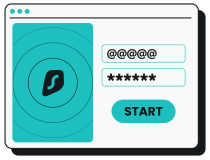
Choose a Surfshark subscription plan that fits your needs, create an account, and download the VPN app.
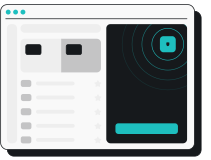
Select a UK VPN server located close to you for a fast connection with a UK IP address.

Create a free account with your UK postal code and tune in to watch the BBC with Surfshark.
Our high-speed VPN servers — including the world’s first 100 Gbps ports — allow for lightning-fast connection speeds, making Surfshark a reliable choice for watching BBC iPlayer and other streaming services.
Surfshark uses AES-256 encryption, a powerful standard that scrambles your data. It makes your VPN connection much harder to crack, keeping your online activity private and secure, even when accessing BBC iPlayer on public Wi-Fi.
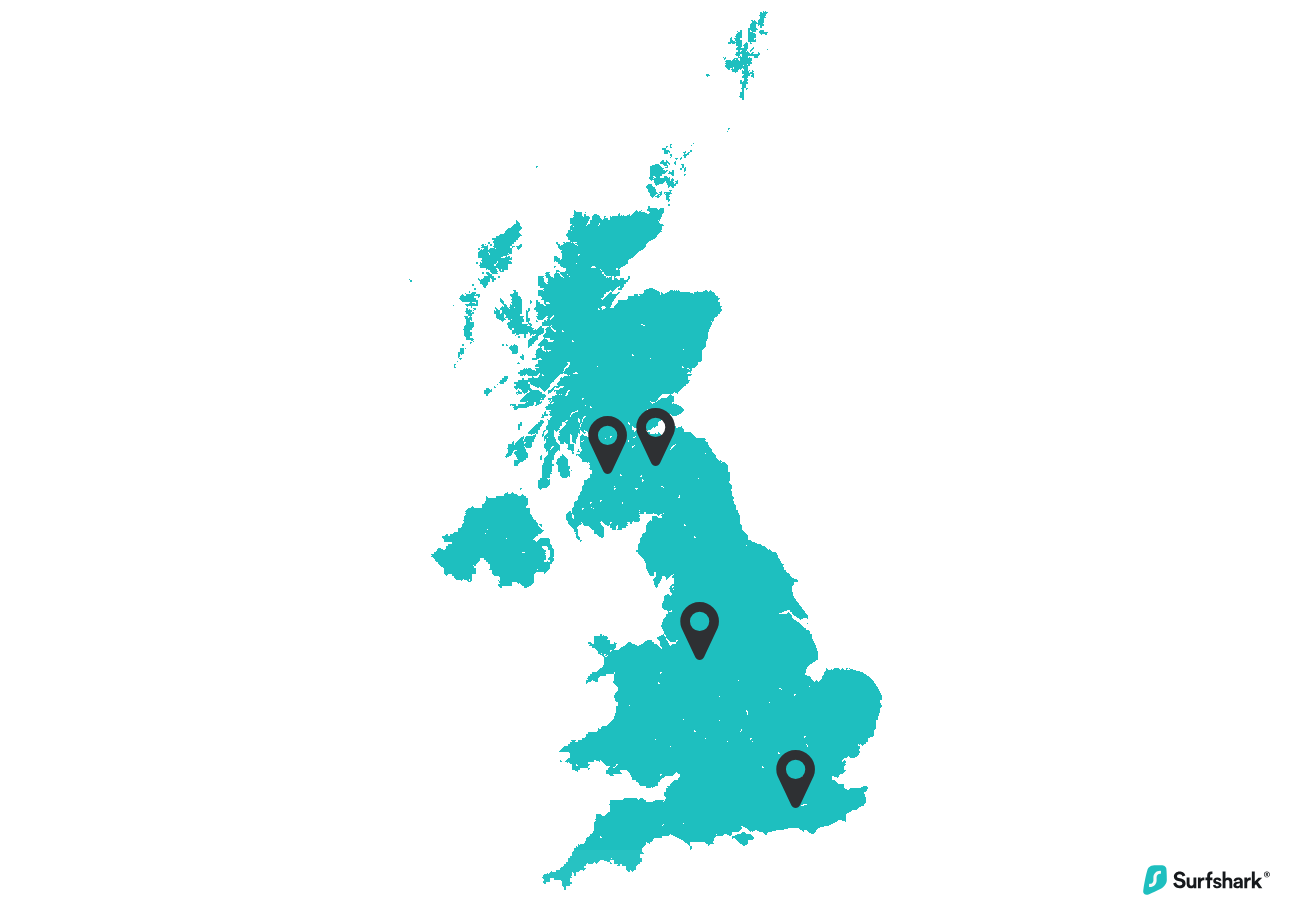
With Surfshark’s network of over 440 VPN servers in four UK cities, finding a nearby available server when you’re in the UK is a breeze. Minimal congestion allows you to enjoy BBC iPlayer content on your streaming device free from non-stop buffering screens.
Our VPN service offers unlimited simultaneous connections with a single account. Securely watch BBC iPlayer and your other favorite streaming services with a British IP address on all your household devices for added safety.
Whether you’re connecting from the bustling streets of London or the untamed Scottish Highlands, Surfshark makes it easy to maintain fast connection speeds. With 440+ UK servers spread across London, Manchester, Glasgow, and Edinburgh, Surfshark lets you boost your online security and visit streaming platforms while keeping a UK IP address.
Ready to take Surfshark for a spin? There are two ways to ensure a secure and fast stream on your TV:
Need more details on setting up a VPN for BBC iPlayer? We’ve got you covered — set up a VPN on your smart TV with ease.
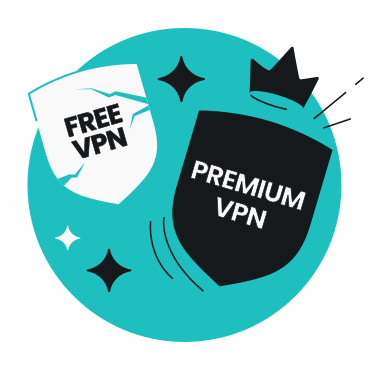
A paid VPN service is often a better option than a free tool if you want high-speed servers and a reliable infrastructure. Free VPNs may sell user data, restrict bandwidth, or offer limited UK servers.
For most users, the best VPN is a paid app with advanced features like a kill switch, DNS leak protection, and unlimited simultaneous connections.
Here are some of the biggest differences between paid and free VPNs.
|
|
Paid VPNs
|
Free VPNs
|
|
Cost
|
Subscription-based
|
Free, but often supported by ads or data collection
|
|
Privacy
|
Often strict, audited no-logs policies
|
May log or share data with third parties
|
|
Speed
|
Faster, optimized UK servers
|
May have slower UK servers due to limited resources
|
|
Server choice
|
Wide range of UK server locations
|
Crowded, limited UK servers
|
|
Data limits
|
Typically unlimited
|
Daily or monthly caps common
|
|
Security
|
Modern encryption protocols, stronger security features
|
Basic encryption, not always up to date
|
Surfshark is flexible enough to offer VPN apps for Windows, macOS, Android, iOS, and major streaming devices like Apple TV, Android TV, and Fire TV Stick. You can also protect your whole home network by setting up a VPN on your router, making it even easier to safely access BBC iPlayer.