• Get Surfshark
  1. Home
  2. Use cases
  3. LinkedIn VPN

Download a VPN app for LinkedIn

  • Keep your social media use private
  • Connect to 4,500+ servers worldwide
  • Stay safe with industry-leading encryption
Get Surfshark
30-day money-back guarantee
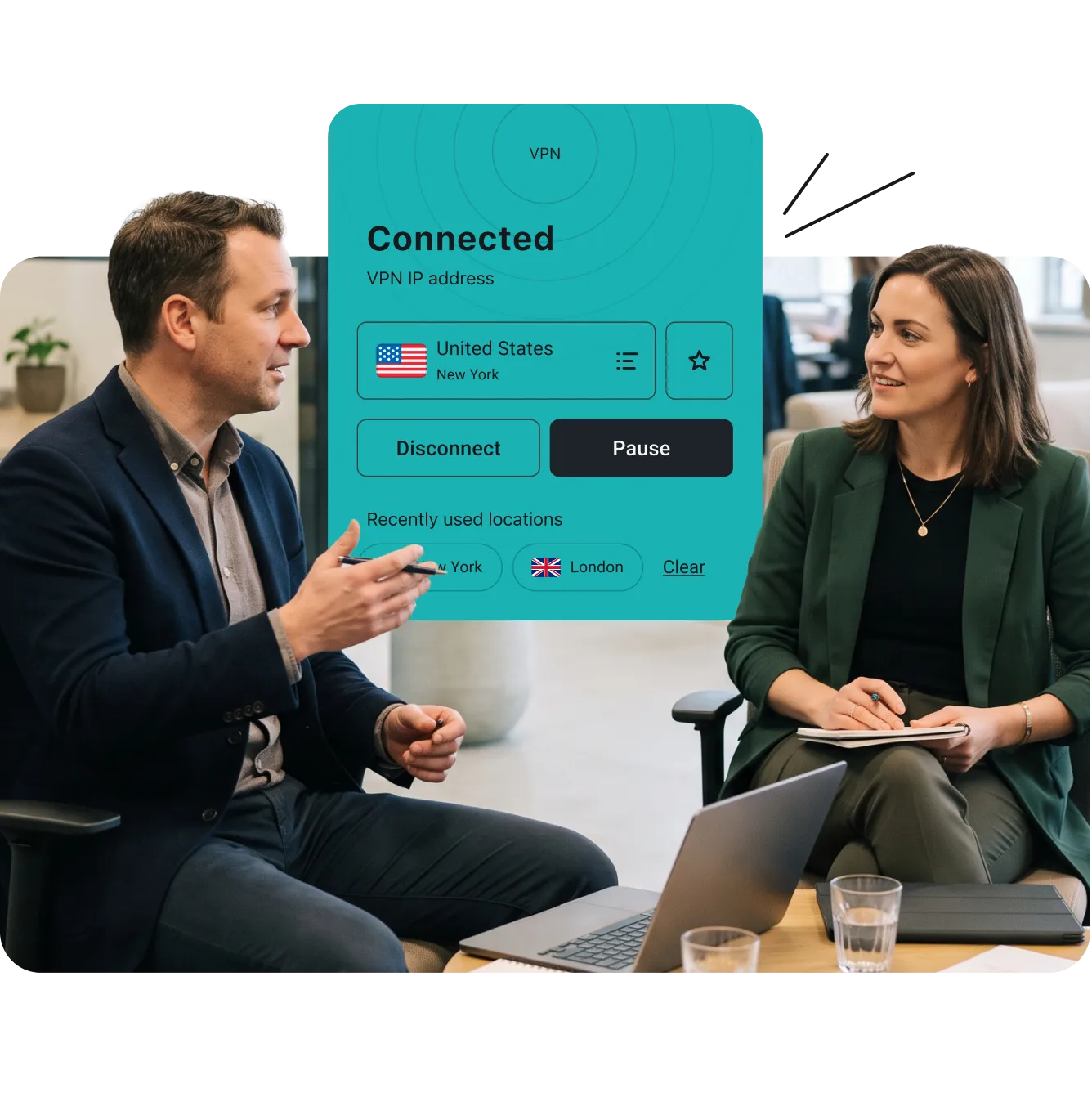
Man and woman in an office setting with a Surfshark VPN interface overlay showing Connected status to a US location.

Why should I use a VPN for LinkedIn?

Hand holding a shield with a check mark.

Stay connected to a VPN

Don’t let anyone restrict your online freedom

How to use LinkedIn with a VPN

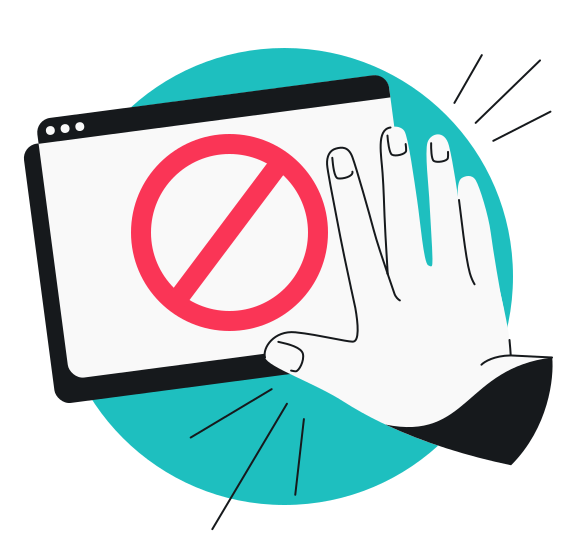
Why is my LinkedIn blocked?

In some cases, LinkedIn may be blocked on your network. This is commonly done with most social media platforms on school or workplace networks. The same has been done on a larger scale as well, with some authoritarian governments banning LinkedIn country-wide.

Typically, you will be able to overcome such blocks by connecting to a VPN. It hides your online activity, including the fact that you’re trying to access LinkedIn, so the network doesn’t see a reason to block your access to the platform.

Hand reaching toward a browser window with a red prohibition symbol

What makes Surfshark one of the best VPNs for LinkedIn?

Get Surfshark for all your devices

Since Surfshark offers unlimited simultaneous connections, there’s no reason to ever go online without protecting your privacy first. Download Surfshark on your smartphone, computer, tablet, and SmartTV, or set up the VPN on your router to protect your entire network.

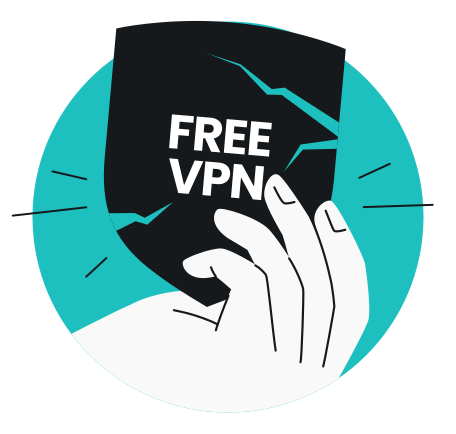
Hand holding a cracked black shield labeled FREE VPN on a teal background

Should I use a free VPN for LinkedIn?

You should not use a free VPN for LinkedIn if you care about your privacy. In fact, using a free VPN can sometimes be worse than not using a VPN at all. Over 25 million user records were exposed by free VPNs in 2022. And if you don’t want your data to be added to that list, you’re better off choosing a premium VPN provider instead.

SECURE YOUR INTERNET CONNECTION

Try Surfshark VPN
for 30 days risk-free

Explore all Surfshark has to offer for 30 days. If you aren’t fully satisfied, contact us and get a full refund within 30 days of your purchase.
Get Surfshark
Try Surfshark VPN
for 30 days, risk-free!

FAQ

Yes, using a VPN for LinkedIn is perfectly legal. You can use it to protect your privacy whenever you’re on the social media platform. But keep in mind that a VPN won’t hide your LinkedIn posts or your other public activity on the platform, so make sure to always comply with LinkedIn’s professional community policies.

If your IP address has been blocked by LinkedIn, chances are that you’ve violated its User Agreement or professional community policies. If you feel like you’ve done nothing wrong, make sure to reach out to LinkedIn’s customer support team, who may be able to provide the reasons for blocking your IP or unblock your LinkedIn account if it’s a mistake on their part.

If you’re looking for a reliable VPN service for LinkedIn, you should avoid free VPN services and choose a premium provider instead. Surfshark has a strict no-logs policy, a vast server network, and industry-leading security features to ensure a smooth and secure connection at all times.