• Get Surfshark
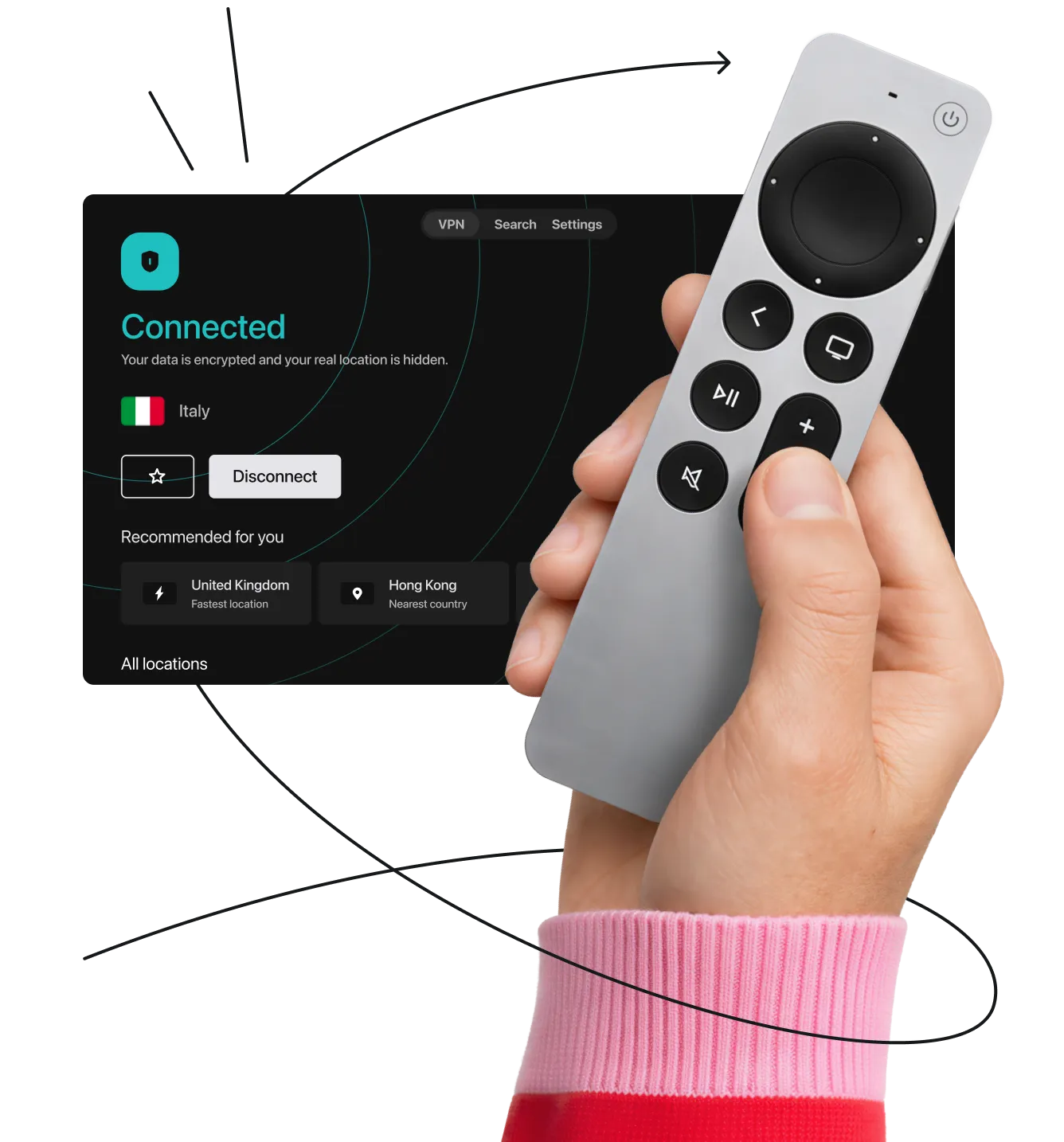
Hand holding a smart TV remote in front of the Surfshark VPN app interface showing a connection to an Italian server.

Best VPN for smart TV: fast, secure, & easy to set up

Seamless VPN protection for Apple TV, Fire TV, Android TV, and more with simple apps or router setup.

  • Stop ISP throttling for buffer-free 4K
  • Keep your viewing habits private
  • Secure your Smart TV from network snoops
Get Surfshark
30-day money-back guarantee

Set up the fastest VPN on any smart TV

Need help setting up? We have VPN smart TV setup guides that cover almost any option you can think of:

Safety online & offline

Take care of your online activities, device security, and digital identity

See pricing
30-day money-back guarantee
Safety online & offline

How to install a VPN on a smart TV

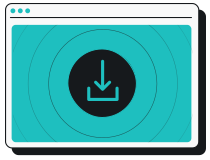
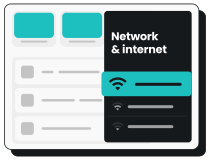
Go to the App Store or Play Store

1. Go to the App Store or Play Store

Download your VPN provider’s app

2. Download your VPN provider’s app

Log in and connect to a VPN server location

3. Log in and connect to a VPN server location

Note: Remember to follow these steps before launching other apps or visiting platforms on your smart TV.
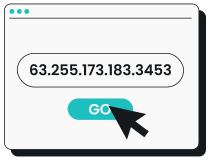
Type your IP address in your browser’s URL bar to access your router’s control panel.

1. Type your IP address in your browser’s URL bar to access your router’s control panel.

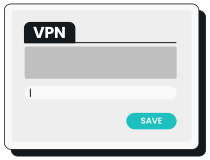
Find the VPN tab on the router’s interface and enter your VPN provider’s details.

2. Find the VPN tab on the router’s interface and enter your VPN provider’s details.

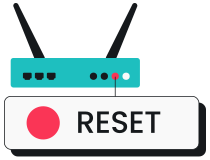
Save the changes and restart your router.

3. Save the changes and restart your router.

Connect your smart TV to the router’s network.

4. Connect your smart TV to the router’s network.

Note: Before subscribing to a service, check if your router can run a VPN.

Need a more detailed guide on how to set up a VPN on smart TV? We have one.

See guide

How can I benefit from a VPN on my smart TV?

Enjoy safe, high-speed streaming with these VPN benefits:

Avoid activity-based ISP throttling

With a VPN, your ISP can’t see your internet traffic and therefore can’t slow down your streaming speeds.

Keep your habits private

Keep your habits private

A VPN encrypts your streaming activities, stopping third parties, advertisers, and data brokers from tracking what you and your family watch.

Protect your smart home

Smart TVs can be the most vulnerable devices on a home network. A VPN secures your connection and helps keep hackers out.

Defend from malicious attacks

Defend from malicious attacks

Stay protected from malicious ads and invasive trackers across all your TV’s streaming apps and browsers.

Disclaimer: Please note that using Surfshark services for any illegal activities is strictly forbidden and violates our Terms of Service. Make sure that any use of Surfshark services for your particular activities conforms to all relevant laws and regulations, including those of any service providers and websites you access using Surfshark.

How to choose the best smart TV VPN

To find the best VPN for your smart TV, look for a service that offers the following features:

Wide server network

The more VPN servers a provider offers, the bigger the chance one is near you, which means better speeds. Surfshark operates 4,500+ servers in 100 countries, making it easy to find one close by.

Device compatibility

Device compatibility

Check for VPN app compatibility with your smart TV’s operating system, or ensure it supports router setup. Surfshark supports all major platforms and allows unlimited simultaneous connections with a single account.

Trusted security and privacy

Trusted security and privacy

Go for a provider that uses industry-leading VPN encryption and protocols, and has an independently verified no-logs policy to ensure your data or browsing history isn’t stored and shared.

Customer support and satisfaction

Look for a VPN service that provides 24/7 live support and offers a risk-free trial period and/or a money-back guarantee.

Should I use a free VPN for smart TVs?

Free VPNs often compromise on privacy and performance. A reliable VPN like Surfshark offers a more secure and stable browsing experience.

Free VPNs
Surfshark VPN
Data collection risk
High: free options often log browsing history and sell data to third parties
Low: Surfshark’s strict no-logs policy is independently verified
Speed and bandwidth
Restricted: speed throttling and bandwidth caps are common
Unlimited: no bandwidth or speed restrictions are in place
Ads and trackers
Common: free tools may inject ads or allow trackers
Blocked: Clean Web offers built-in ad and tracker blocking
Customer support
Limited: usually lack live help and have slow response times
24/7: email and live chat support are available
VPN server locations
Few: frequently have congested servers that slow your connection
Thousands: lets you connect to 4,500+ high-speed servers in 100 countries
Encryption
Unreliable: may lack secure encryption protocols
Strong: robust encryption provides increased privacy protection

How to stream securely on a
non-smart TV

If your TV doesn’t have built-in apps, you can still get VPN protection. All you need is a streaming device (a small adapter that plugs right into your TV’s HDMI port).

If you are using a device like an Amazon Fire TV Stick, follow these quick steps to set up a VPN on it:

  1. Plug in the device and turn on your TV.
  2. Open the app store and search for Surfshark.
  3. Download the VPN app and log in to your account.
  4. Connect to a server for instant privacy and smooth HD streaming.
How to stream securely on a non-smart TV
SECURE YOUR INTERNET CONNECTION

Try Surfshark VPN
for 30 days risk-free

Explore the fastest VPN on the market risk-free with Surfshark’s 30-day money-back guarantee. If you’re not fully satisfied, cancel within 30 days and request a full refund.

Get Surfshark
Try Surfshark VPN
for 30 days, risk-free!

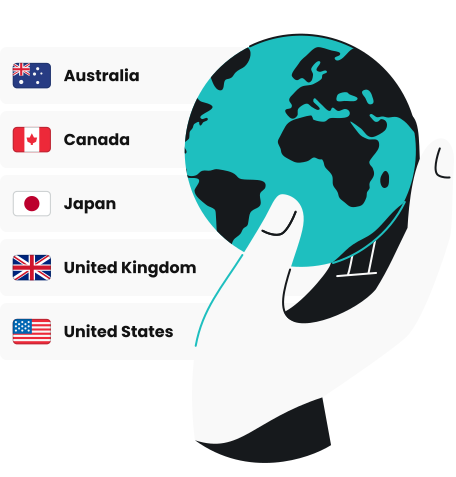
4,500+ servers
100 countries
6 continents

All servers
4500+ servers, 100+ countries, 6 continents

Watch globally. Stream securely.

Turn your TV into a private theater

Get started
30-day money-back guarantee
Watch globally. Stream securely.

FAQ

Most modern smart platforms support smart TV VPN apps directly, including Amazon Fire TV (except the newest Vega OS), Google TV, Android TV, and Apple TVs running tvOS 17 or later. For operating systems that don’t have native apps (like Samsung TV Tizen or LG TV webOS), you can easily connect them by setting up the VPN on your router.

Yes. For many TVs, it is as simple as downloading the VPN app directly from your TV’s built-in app store. If your specific smart TV doesn’t support native VPN apps (like Roku or older models), you can easily protect it by setting up the VPN connection on your home Wi-Fi router instead.

It depends on your device, but it usually takes just a few minutes. If your TV has an app store, simply search for Surfshark, download the app, and log in. If your TV doesn’t support direct installation, you can configure the VPN on your Wi-Fi router. This method instantly protects your TV and every other device connected to your home network.

Because a VPN routes your internet connection through a secure server, it can theoretically cause a slight dip in base speed. However, with a high-speed VPN like Surfshark, the difference is usually unnoticeable. In fact, if your internet provider is secretly throttling your video traffic, using a VPN can actually improve your streaming speeds and stop buffering.

Yes. With Surfshark, you get unlimited simultaneous connections. That means you can install the app and protect every smart TV, streaming stick, smartphone, and laptop in your household using just a single account.

Not at all. Downloading a native VPN app on a smart TV is exactly like installing Netflix or YouTube. Even if you need to use the router setup method for devices like Roku or Samsung, we provide simple, step-by-step guides and 24/7 live customer support to help you get connected in minutes.

While general free VPNs exist, we strongly advise against using them for your TV (or any other device). Free VPNs are known to have strict data caps, slow speeds, and limited servers, which leads to constant buffering. More importantly, many free providers compromise the privacy you are trying to protect by tracking and selling your viewing habits to third parties.

VPN deal that Rocks

Get % off + mo. EXTRA
Get VPN Deal