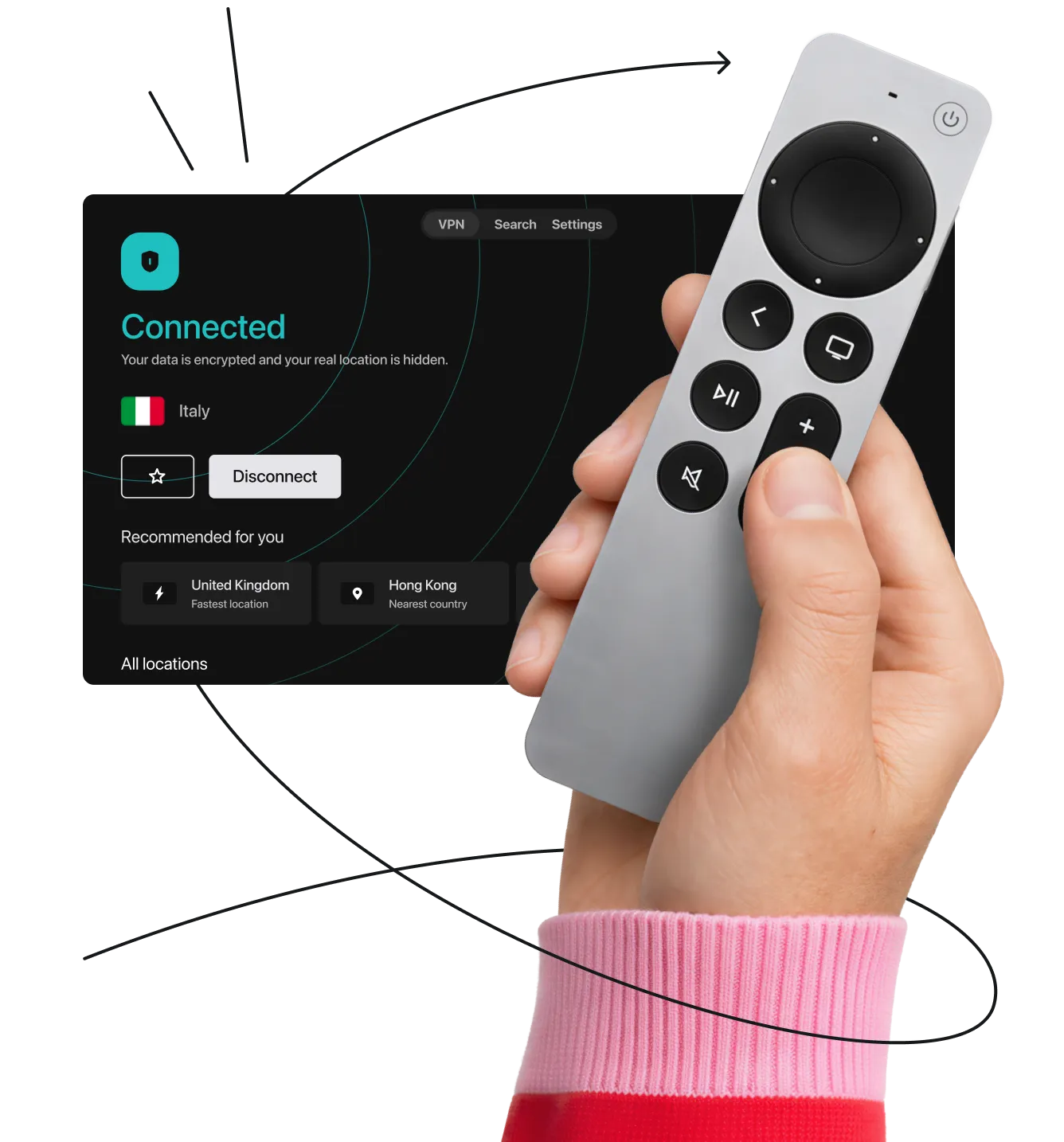
Seamless VPN protection for Apple TV, Fire TV, Android TV, and more with simple apps or router setup.








How to stream securely on a
non-smart TV
If your TV doesn’t have built-in apps, you can still get VPN protection. All you need is a streaming device (a small adapter that plugs right into your TV’s HDMI port).
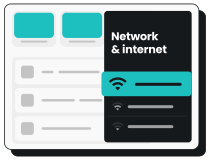
If you are using a device like an Amazon Fire TV Stick, follow these quick steps to set up a VPN on it:
- Plug in the device and turn on your TV.
- Open the app store and search for Surfshark.
- Download the VPN app and log in to your account.
- Connect to a server for instant privacy and smooth HD streaming.