





• Get Surfshark

Protection for Fire TV, Android TV, Streaming Apps, Add-ons & IPTV

From 0 0 /mo.
+ mo. EXTRA

  • Blazing fast download and upload speeds
  • Kill Switch for worry-free protection on Fire TV & Android TV
  • Unlimited device connections and home library access on the go
Get Surfshark
30-day money-back guarantee

Award-winning VPN security with Surfshark Starter

Comes with a VPN & Alternative ID — essentials for your daily browsing.
VPN
ALTERNATIVE ID
CLEANWEB
Perfect if you seek all-round security for your browsing, devices, and identity.
ANTIVIRUS
ALERT
SEARCH
Keeps your online activities & devices safe, with extra focus on identity protection.
INCOGNI
% off + mo. EXTRA
From
0 /mo.
Get Surfshark
30-day money-back guarantee

We had an issue loading prices

We’re having a technical issue with fetching our prices. Try refreshing this page in a few minutes.

Refresh Page

How to install Surfshark VPN on Firestick & Android TV

Setting up protection on your Fire TV stick & Android TV with the Surfshark VPN app is a breeze.
Create an account

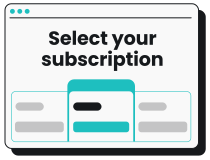
1. Create an account

Choose the pricing plan that works for you and subscribe to Surfshark.

Download the app

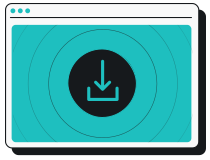
2. Download the app

Search for Surfshark in the Amazon App Store or Google Play and install the VPN app on your streaming device. 

Connect and stream

3. Connect and stream

Log in, boot up your preferred streaming service, and get the popcorn ready!

Want detailed instructions on how to use a VPN on Fire Stick, Fire TV or Android TV? Take a look at our easy step-by-step guides on installing a VPN on Amazon Fire TV, Amazon Fire TV Stick and Android TV.

Protect all your internet-connected devices with one account

Protect all your phones, computers, smart TVs, gaming consoles, tablets, and routers — you only need one Surfshark VPN subscription to secure them all.

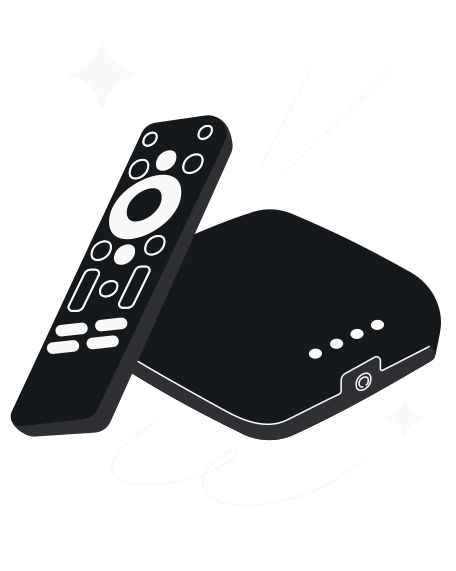
Why do you need Surfshark VPN for Fire Stick & Android TV?

You should get Surfshark to:

  • Ensure streaming privacy: neither your ISP (Internet Service Provider) nor anybody else needs to know what you’re streaming or downloading;
  • Access your home library whenever you’re away: connect to your streaming service while abroad and continue watching your favorite shows as if you were at home;
  • Beat bandwidth throttling: if your ISP doesn’t know you’re streaming, they can’t limit your bandwidth;
  • Overcome local firewalls: trying to use your device at school, work, or a hotel? Use Surfshark VPN to get past local Wi-Fi blocks on Fire TV, Android TV, computers, phones, and tablets.
Why do you need Surfshark VPN for Fire Stick & Android TV?

Why Surfshark is the best VPN for Fire Stick & Android TV

Data tracking prevention

Your IP (Internet Protocol) address can reveal your identity, location, and browsing history. Prevent personal data tracking by connecting to Surfshark VPN with an IP address not tied to your identity.

Wide server coverage

Surfshark offers 4,500+ servers in 100 countries. More servers mean better streaming speeds and the ability to browse the internet as a local.

Unlimited devices

Why stop at Fire Stick or Android TV when you can enjoy Surfshark VPN benefits on all your devices? Surfshark supports all major operating systems — you get unlimited simultaneous connections, both at home and on the road, with a single account.