Surfshark
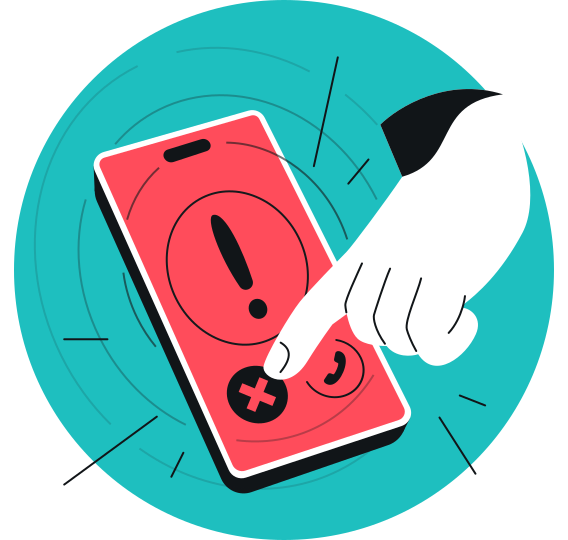
Phone scammers are persistent. They’ll try any number, any time, using increasingly sophisticated tactics to steal money or personal information. Today, we’re announcing the rollout of scam call protection to all Surfshark users on iOS and Android — a feature that stands between you and fraudulent callers before you even pick up.
What is scam call protection?
Scam call protection is a security feature designed to safeguard you from fraudulent and unwanted phone calls. Its primary goal is to identify and manage unknown calls in real time, from scammers, telemarketers on Android to financial services, fundraisers, utilities, government agencies, healthcare, etc. on iOS reducing both your risk of fraud and the annoyance of constant interruptions.
Surfshark’s scam call protection doesn’t record your conversations, monitor your private calls, or use your personal data to train AI models. It’s a privacy-first approach to a problem that’s only getting worse.
How it works
When you receive a call from an unknown number, the feature instantly checks the incoming number against a database of known scam phone numbers.
On iOS, the feature identifies potential:
- Scams;
- Telemarketing;
- Healthcare calls;
- Utility calls;
- Government calls;
- Fundraising calls.
You receive a clear notification on your incoming call screen, allowing you to decide whether to answer.
On Android, the feature checks for potential scams and marketing calls. You can set it to automatically block these calls before your phone even rings, or simply receive a warning.
Why scam call protection matters
Vishing attacks are on the rise. Fraudsters impersonate banks, government agencies, and tech support teams to create urgency and extract sensitive information. A single successful call can lead to drained accounts, stolen identities, or compromised devices.
Why we released this feature
At Surfshark, we believe digital security doesn’t stop at your internet connection. Your phone is one of the most personal devices you own, and it’s also one of the most targeted. We built scam call protection because online threats don’t live in a single channel — they follow you across email, text, and now voice.
This feature is part of our broader commitment to comprehensive digital protection. We want to make sure that whether you’re browsing the web, checking your messages, or answering a call, you’re covered.
How to get it
If you’re not a Surfshark user yet, you can access scam call protection by choosing the Surfshark One or One+ bundle.
Surfshark One is your complete security suite, including a VPN, ad blocker, antivirus, and data leak monitoring. You’ll also get specialized scam protection tools like our email scam checker, message protection, and a web content blocker.
Surfshark One+ includes everything in One, plus Incogni to automatically remove your personal data from the web.
How to turn it on
Scam call protection is now available to Surfshark users on iOS and Android. To activate it:
- Open the Surfshark app on your device.
- Enable Scam call protection.
- Follow the on-screen instructions to grant the necessary permissions.
Once enabled, the feature runs quietly in the background, checking every incoming call and alerting you when something looks suspicious.
Stay one step ahead
Phone scams aren’t going anywhere — but now, neither is your protection. With scam call protection, you can answer your phone with confidence, knowing that Surfshark is filtering out the noise and keeping you safe.
Ready to take control? Open the Surfshark app and turn on scam call protection today.