 Surfshark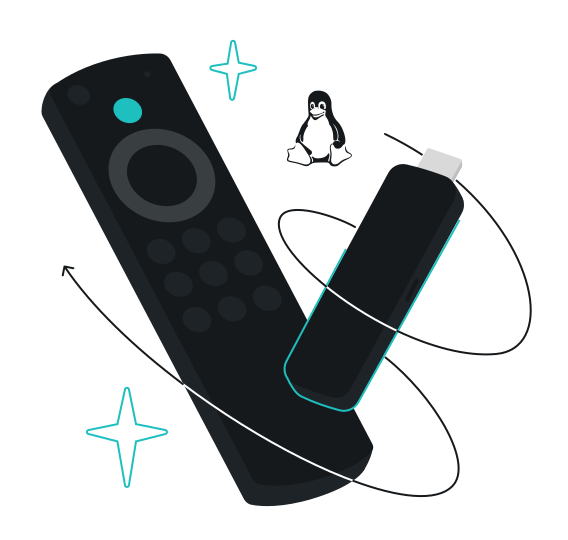
If you’re using Vega OS on your smart TV, you can now protect your connection with Surfshark VPN. We’re introducing the Surfshark app for Vega OS — bringing privacy, security, and secure access to your streaming experience.
What is Vega OS?
Vega OS is Amazon’s new Linux-based operating system designed for Fire TV devices and smart TVs. Launched in October 2025, it replaces the previous Android-based Fire OS.
Why use a VPN on your smart TV?
Using a VPN on your smart TV offers several key benefits:
- Privacy — your streaming activity is encrypted, keeping it private from your internet service provider (ISP) and third parties interested in your online habits;
- ISP throttling prevention — a VPN hides the fact that you’re streaming video, preventing ISPs from selectively slowing down your connection during peak hours or high-bandwidth activities;
- Access while traveling — if you’re away from home, a VPN lets you watch your home country’s content abroad, so you don’t miss your favorite shows;
- Data collection reduction — smart TVs collect viewing data, and advertisers and ISPs may monitor your habits. A VPN masks your IP address, adding an extra privacy layer and reducing the amount of data tied to your identity.
How does VPN on your TV fit into your setup?
Surfshark VPN for Vega OS works alongside your existing devices. With unlimited simultaneous connections, you can protect your smart TV, phones, laptops, tablets, and other devices — all under one account. Whether you’re streaming on your TV or browsing on your phone, your entire household stays protected.
If you use a Fire TV Stick or Android TV box, you also have a simple setup option: connect the stick to your TV and download Surfshark directly from the app store.
Important: Keep in mind that our Vega OS app is new and currently offers only core VPN capabilities.
How to set up Surfshark on Vega OS
Getting started with Surfshark VPN on Vega OS is straightforward:
- Open the app store on your Vega OS Fire TV Stick device.
- Search for Surfshark and select the app.
- Download and install it.
- Log in with your Surfshark account credentials.
- Connect to a server.
Our Vega OS app supports the WireGuard protocol, designed for fast, stable, and secure connections, now on your TV.
Protect your streaming with a VPN
Whether you want to keep your streaming habits safe or avoid throttling, the app is designed to fit seamlessly into your setup.
Disclaimer: Please note that using Surfshark services for any illegal activities is strictly forbidden and violates our Terms of Service. Make sure that any use of Surfshark services for your particular activities conforms to all relevant laws and regulations, including those of any service providers and websites you access using Surfshark.