Email leak monitoring
- Monitor your email for known data breaches
- Get alerts if your email appears in leaked databases
- Defend against identity theft and account takeover
Widely trusted with 40M+ global app downloads, rewarded with 30+ recognition awards
Data as of 2026-03-26







Data as of 2026-03-26
What happens when your email is leaked?
Email addresses are exposed in data breaches every day, and most people don’t find out theirs has been leaked until the damage is already done. Because your email is tied to most of your online accounts, a single leak can set off a chain of serious risks.
Phishing and scam emails
Attackers use leaked email addresses to send targeted phishing emails designed to trick you, friends, or family members into clicking malicious links or handing over sensitive information.
Spam campaigns
A leaked email address can lead to significantly more junk mail in your inbox. Phishing emails can blend in with this noise, making malicious messages from scammers harder to spot.
Account takeover
A leaked email paired with a stolen password gives cybercriminals direct access to your account. If you reuse passwords, a single breach can compromise multiple online accounts.
Identity theft
An email address leak might seem harmless on its own, but combine it with details like your name, phone number, and date of birth, and it becomes the starting point for identity theft.
Comprehensive identity theft protection includes checking for exposed emails, changing passwords for affected accounts, and taking additional security measures to detect future leaks.
Check if your email has been leaked
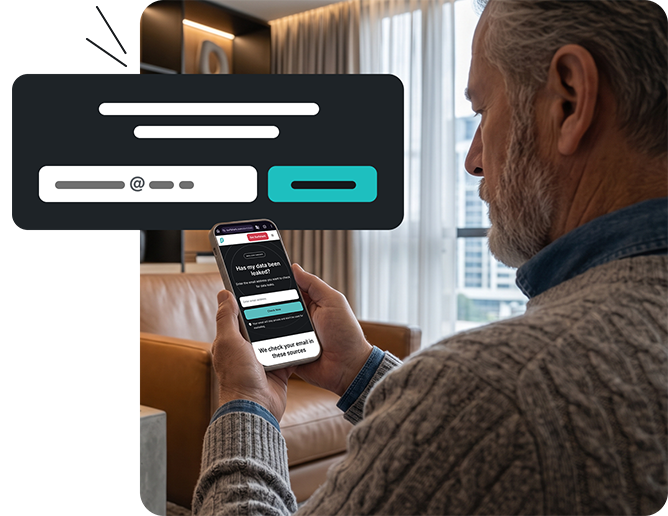
Surfshark’s Data Leak Checker scans known data breaches to instantly find out if your email address has been compromised. Here’s how it works:
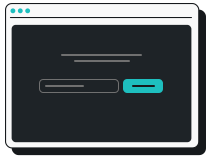
1. Enter your email address
Go to our free Data Leak Checker, type in the email address you want to review, and hit Check Now.
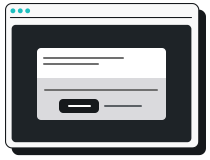
2. Get your results
The tool scans for your email in databases of known data breaches and shows whether your personal information has been exposed.
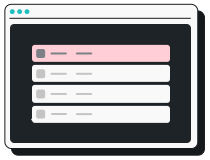
3. See what was compromised
You’ll see where the leaked email came from and what data was compromised, like your password or username.
What to do if your email has been leaked
If you suspect an email leak has happened, secure yourself with these steps:

Change your passwords
Create strong, unique passwords for every affected account. For your security, never reuse a password that has appeared in a breach.
Turn on 2FA (Two-factor Authentication)
Adding a second verification step, like an authenticator app, makes it much harder for criminals to access your accounts.
Check for unauthorized transactions
Review your banking transactions, credit card statements, and other accounts for strange activity and report anything suspicious.
Monitor future email leaks with Surfshark Alert
A single email leak check gives you a snapshot of your exposure right now, but you need ongoing monitoring with instant alerts to stay on top of new breaches. That’s where Surfshark Alert comes in.
Surfshark Alert notifies you whenever your email appears in a newly discovered breach. Here’s how it works:
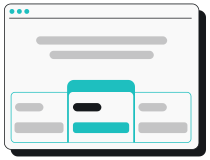
1. Get Surfshark
Choose the pricing plan that’s best for you. Alert is available in the Surfshark One and One+ bundles.
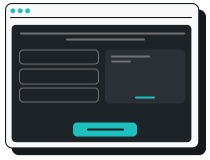
2. Add your email addresses
Go to the Surfshark web app and connect all the email addresses you want to monitor. The more accounts you add, the more coverage you get.
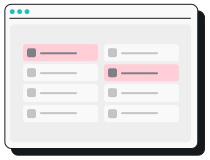
3. Receive alerts
Get instant alerts when your info appears in a new data leak. Take the recommended next steps to secure your accounts.
No manual checks — just continuous security for your email addresses, passwords, and more.
Why choose Surfshark?
Protecting your email addresses is critical, but it’s only one piece of staying safe online. Surfshark brings together multiple tools to offer all-around security.
Secure your connection
Surfshark VPN encrypts your internet connection and masks your IP address to help prevent snooping and keep your data private on public Wi-Fi. With 4,500+ servers in 100 countries, Surfshark gives enhanced protection and faster speeds on unlimited devices.

Protect your devices
Surfshark Antivirus blocks malware, including software that harvests saved credentials and email data directly from your device. Detect, neutralize, and delete infected files, downloads, and attachments before they’re opened, and scan for threats that could expose your email address to attackers.

Reclaim your privacy
Incogni requests that data brokers, people search sites, and other pages remove your personal information from their databases. It continuously monitors the web for your exposed data — including your email address — and works to remove it before it can be used against you.

Keep your details private
Surfshark’s Alternative ID generates alternative email addresses you can use to sign up for websites and online services. Keep your primary contact info out of databases that could be breached and limit the amount of personal data you share on the internet.

Together, these security tools go beyond responding to a single email address leak, helping you protect your digital identity wherever you go online.
Choose your level of protection
Alert’s ongoing email leak protection is available in our Surfshark One and One+ bundles, which offer an all-in-one suite of cybersecurity tools.
Stay protected against email leaks
Monitor your email addresses and get alerts when your personal data is exposed