Shields you with all-round security for your browsing, devices, and identity.
- Alert: monitor data leaks
- VPN: surf safely online
- Antivirus: armor your devices
- Alternative ID: protect your identity
- Clean Web: block ads & pop-ups
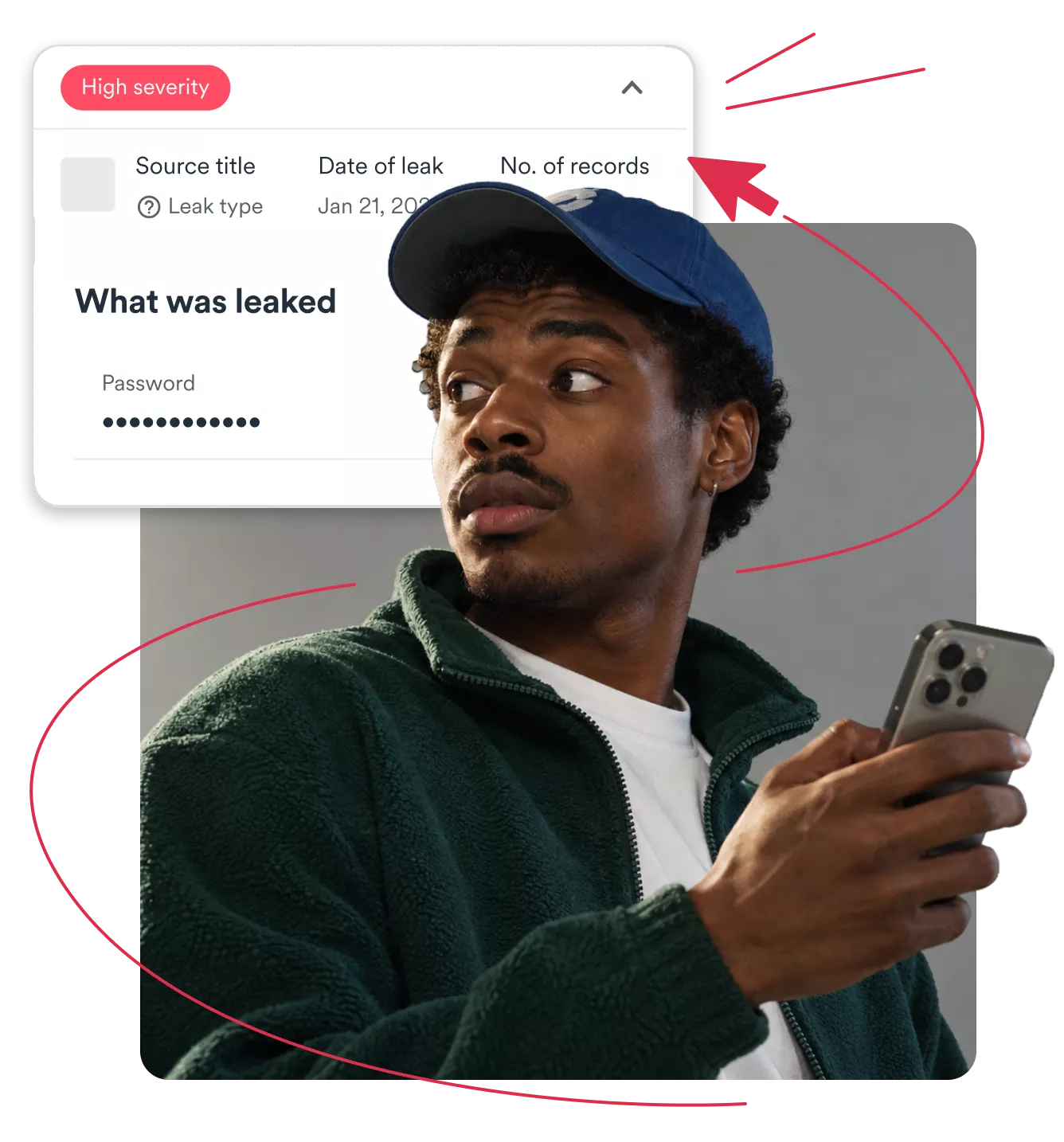
A password leak means your login credentials were exposed in a data breach, usually through a compromised website, a stolen database, or malware that harvests user credentials from infected devices. Leaked passwords rarely stay in one place — attackers test them across hundreds of sites via credential stuffing. The risks multiply with every account that shares the same password.
Once your password is out there, attackers can use it to break into multiple accounts, potentially leading to:

Attackers log in to your email, banking, or social media accounts using leaked credentials and lock you out.
Identity thieves use your exposed personal data to open accounts in your name, redirect payments, or file fraudulent claims.

Compromised passwords for payment platforms or banking apps can lead to direct monetary damage.
Comprehensive identity theft protection goes beyond securing a single account, helping you monitor for future breaches and act before attackers do.
Surfshark’s Data Leak Checker scans known data breaches to find out if your email address — and its password — have been exposed. Here’s how the free tool works:
1. Enter your email address: add the email you want to check.
2. Get your results: see which breaches exposed your information.
3. Secure affected accounts: change leaked passwords before they’re exploited.
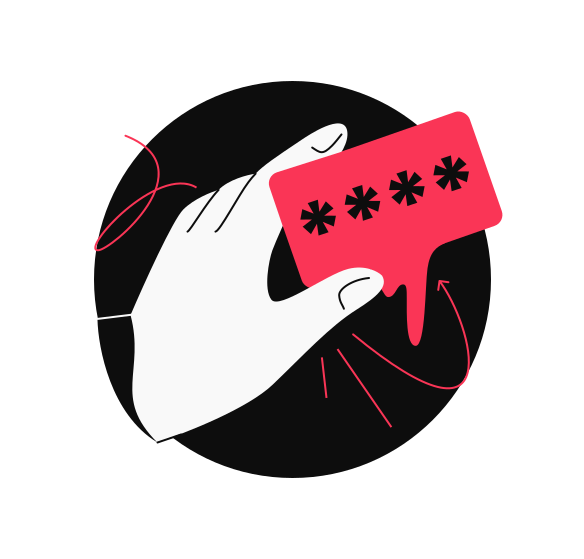
Note: Surfshark’s Data Leak Checker doesn’t check for standalone passwords. It checks whether your email address appears in breach databases and alerts you if those breaches included passwords associated with your email.
The window between a data breach and attackers exploiting stolen passwords is narrow. Take these steps if you suspect your password appeared in a data leak.
Update the password on every related account. Create something completely different with at least 12 characters, numbers, symbols, and mixed uppercase and lowercase letters.
2FA (Two-factor Authentication) adds a second verification step beyond your password. Even if someone has your stolen credentials, they can’t log in without that second factor. Use an authenticator app rather than SMS codes.

Check for suspicious activity like unfamiliar logins, password reset attempts, or changes you didn’t make. If you notice anything, secure the account immediately and contact the service provider.
Surfshark Alert continuously monitors your email addresses for new leaks. If a known data breach exposes passwords or other personal data linked to those addresses, you receive an alert with the exposure details.
Monitor multiple email addresses from a single dashboard — here’s how:
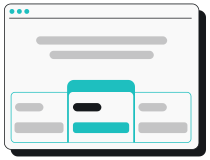
Choose your preferred pricing plan and subscribe. Alert is available in the Surfshark One and One+ bundles.
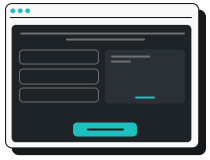
Go to the Surfshark web app and add your email addresses. Each is checked against databases of known breaches.
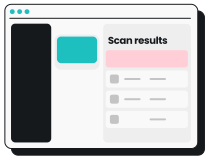
Get notified when your information appears in a new breach and follow the recommended steps to secure your accounts.
Get early warnings so you can change leaked passwords and lock down affected accounts before they’re exploited.
Password leaks are one threat to your privacy, but they’re not the only one. Surfshark brings together multiple tools to help you stay protected on every front.
When these tools work together, you’re not just reacting to password leaks — you’re building a stronger privacy setup wherever you surf.
Alert’s ongoing password leak protection is available in our Surfshark One and One+ bundles, which offer an all-in-one suite of cybersecurity tools.
Shields you with all-round security for your browsing, devices, and identity.
Keeps your online activities & devices safe, with extra focus on identity protection.