






Alternative email is designed to improve your privacy and boost security online. However, to stay truly safe, there’s a lot more cyber ground to cover. With a Surfshark One subscription, you also get a bundle of essential solutions and security tools:
Email masking: keep your real email out of the next leak
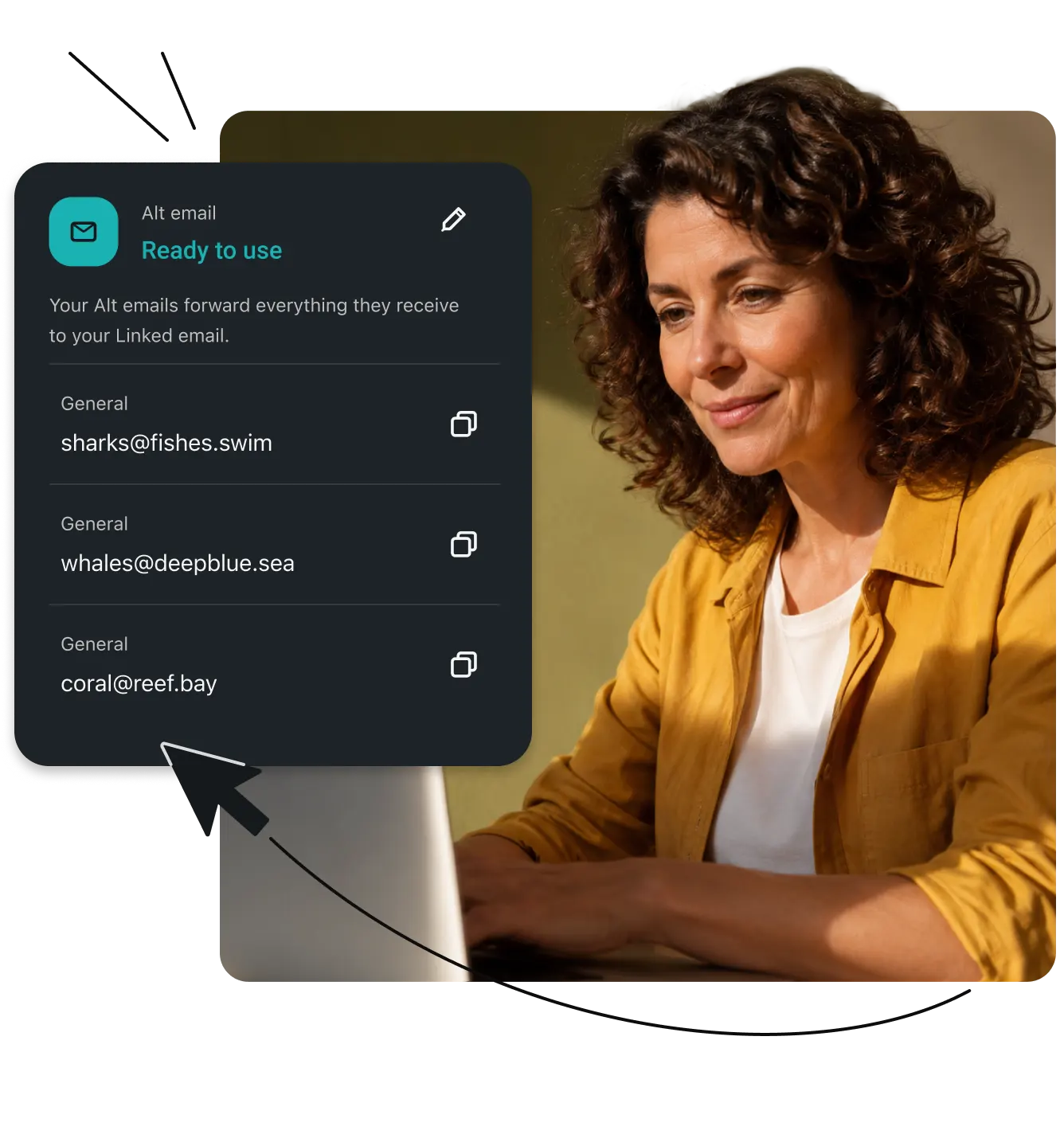
Every sign-up is another place your email could leak. Create an alternative email that forwards messages to your primary inbox, while masking your real address.
- Sign up for sites with a masked email, so a hacked site never gets your real one
- Keep your real email off scammers’ and data brokers’ lists
- Pause or delete a mask the second spam or phishing attempts start showing up
30-day money-back guarantee
Widely trusted with 40M+ global app downloads, rewarded with 30+ recognition awards
Data as of 2026-03-26
Data as of 2026-03-26
What is email masking?
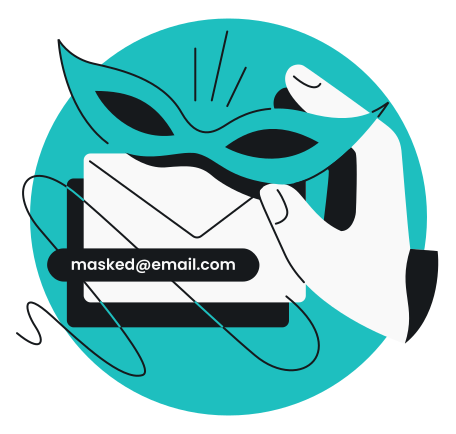
An email mask is a secondary email address you create to protect your primary email account.
Instead of entering your primary email address when signing up for newsletters, online shopping, or other services, you provide a masked alias. With email masking, any message sent to your alternate address is automatically forwarded directly to your primary inbox. The sender only ever sees the alias, keeping your personal email address private.
Exposed email addresses appear in about 3 data leaks each, on average
17% of US adults surveyed lost money to a scam in the past 12 months
$1.31B reported lost to personal data leaks in 2025
Why use email masking?
- Protect your primary email from spam: enhance your spam filtering and keep promotional emails and newsletters separate from your personal communications. Sign-up lists can be sold, shared, and leaked, so a mask keeps your real address off them.
- Prevent data leak risks: if a website you signed up for suffers a data breach, hackers only get your masked alias, not your primary email address. A leaked alias is one you can switch off. A leaked real address stays tied to your bank, shopping, and social accounts.
- Maintain control: if an email mask starts receiving unwanted spam or phishing attempts, you can simply pause it or create a new alias address, without changing your personal email account, which would mean updating all accounts tied to it.
Keep your email private in 3 simple steps
Create an email mask
Generate up to three unique email masks using Alternative ID.
Use it when signing up online
Provide your new email mask whenever a website asks for your contact information.
Receive forwarded emails
Get emails to your primary inbox. Your personal address stays private, and you can delete or pause the email mask anytime.
When to use email masking
|
Use email masking for:
|
Don’t use email masking for:
|
|
Online shopping: get discount codes and receipts without the endless promotional spam
|
Banking and finance: keep your main financial accounts tied to your secure, primary identity
|
|
Newsletters and marketing subscriptions: read what you want, pause the masked alias when you lose interest
|
Healthcare and government services: medical portals and tax services require official, verifiable contact info
|
|
Free trials and AI tools: test out new apps, platforms, and AI tools without subscribing to mailing lists and giving away personal data
|
Identity verification: use your primary email for password managers and secure logins
|
|
Community forums and creating new online accounts: protect yourself from scraping and public exposure
|
Professional or official correspondence: maintain credibility in job applications, business communications, or official documents
|
Email masking vs. email aliases vs. temporary emails
There are a few different ways to protect your inbox. Here is how the most common methods compare:
Email masking / alternative email
A dedicated email service that generates a fully functional, realistic-looking email address. It forwards mail to your primary inbox and can be turned off anytime.
Best for: ongoing accounts, shopping, and newsletters where you want to keep access but retain privacy.

Standard email alias
A variation of your current email (for example, yourname+shopping@gmail.com as a Gmail alternative). While it helps organize your inbox, it doesn’t mask your true identity, making it easy for spammers to figure out your real address, and, if it ends up in a data leak, the risk falls on your primary email, too.
Best for: basic inbox filtering.

Temporary email / burner email
A disposable inbox on a public website that deletes itself after a few minutes or hours.
Best for: a one-time verification code on a site you will never visit again.
Limitations: you will permanently lose access to the account once the inbox expires.
Why protect your primary inbox with email masking?

Minimize the impact of data leaks
Even if a website where you’ve used a masked email gets hacked, your primary email address — and any sensitive data associated with it — remains safe.
Stay in control of your data
Masked email addresses help you prevent unwanted data collection and cut off any company that sells your information.
Lower the risk of phishing attacks
Scammers can’t target an email address they don’t have. Keep your primary email off malicious spam lists.

Protect your identity
An alternate email makes it harder for someone to trace your online activities back to you, mitigating risks such as doxxing, profiling, email tracing, and unwanted attention.

Enhance anonymity
An alternative email allows you to participate freely in online discussions without revealing your personal information, keeping your identity private.

Reduce spam
Stop marketing junk from cluttering your main inbox. If a masked email starts attracting spam, you can simply disable or delete it.
Take control of your online identity before someone else does
Sign-ups ask for your name, address, and birth date, and any database that stores them can be breached. Surfshark offers alternative emails as part of its broader identity protection tool — personal data masking.
Don’t choose between missing out on a great online discount and handing over your personal data — with Surfshark’s personal data masking, you can stay in control of where your personal information is shared.
Give websites masked versions of your real details:
- Alternative name, surname, and birth date
- Alternative home address
- Masked email address
- Masked phone number (paid add-on)
Email masking is just one part of your digital security
VPN
Secure your online activity
Use Surfshark VPN to encrypt your data and mask your IP address for safe and private internet access.
DATA LEAK MONITORING
Get data leak alerts
Get notified by Surfshark’s data leak monitoring if your personal information, including emails, passwords, credit cards, and IDs, is leaked.
ANTIVIRUS
Shield your devices
Keep your devices safe from viruses and malware with powerful, real-time Surfshark Antivirus protection.

EMAIL SCAM CHECKER
Stay ahead of phishing scams
Easily detect phishing emails in your primary Gmail inbox with Surfshark’s email scam checker.
Compare Surfshark’s plans
Surfshark Starter
Comes with a VPN & Alternative ID — essentials for your daily browsing.
- VPN: surf safely online
- Personal data masking: protect your identity
- Ad blocker: block ads & pop-ups
Surfshark One
Shields you with all-round security for your browsing, devices, and identity.
- VPN: surf safely online
- Personal data masking: protect your identity
- Ad blocker: block ads & pop-ups
- Antivirus: armor your devices
- Data leak monitoring: get notified of leaks
Surfshark One+
Keeps your online activities & devices safe, with extra focus on identity protection.
- VPN: surf safely online
- Personal data masking: protect your identity
- Ad blocker: block ads & pop-ups
- Antivirus: armor your devices
- Data leak monitoring: get notified of leaks
- Incogni: reclaim your data
See why millions trust Surfshark
Check out what users and tech experts around the world have to say about Surfshark.

Teshir Jennifer
@memesfordigital
All the VPNs you mentioned are good. But Surfshark is the one I recommend in person for the best overall.
1:08 PM · Jul 28, 2024

Morgan Leggett
@YouBettaLeggett
I’ve had SurfShark for years. It’s amazing.
12:28 AM · Aug 14, 2024

Eakan
@eakangk
Trialling out @surfshark’s IP rotation. It is doing it pretty well. Seamless in the background.
3:20 PM · Oct 26, 2024
The reviews highlighted in this section were selected from publicly available posts on social media platforms. They reflect the opinions of individual users at the time of posting and may not represent the full range of our product features and qualities.
The reviews quoted on this page have been published by media outlets associated with Surfshark through affiliate partnerships. Their recommendations are based on their own independent research and insights to ensure value for the readers.
I have been using Surfshark since I got it and I love it!

MRWHOSETHEBOSS
20.2M subscribers
When I am traveling, I use Surfshark to access the internet quickly and securely, works like a treat in China.

SAM CHUI
3.61M subscribers
We love Surfshark because it is an easy-to-use app that you can download on all your devices.

MAX & OCCY
265K subscribers
The reviews quoted on this page have been published by media outlets associated with Surfshark through affiliate partnerships. Their recommendations are based on their own independent research and insights to ensure value for the readers.
“This is my first year and I absolutely love it. The fact I can have a good antivirus, great VPN, and incognito for like $120 a year is great.”
“I’ve been using Surfshark for 4 years on Android and ChromeOS with zero issues, it’s an absolute bargain”
“I’ve had it for 3 years and just renewed it for the next 2 years. I never have any issues with it and get my full internet speed..”
The reviews highlighted in this section were selected from publicly available posts on social media platforms. They reflect the opinions of individual users at the time of posting and may not represent the full range of our product features and qualities.