SURFSHARK TEAMS

Protect your team with Surfshark

  • Ensure safe remote work for your team
  • Safeguard internal company data
  • Manage access easily with an admin panel

Two smiling men and a woman. One of the men is wearing a red beanie and glasses.
MacOs
Windows
Linux
Ios
Android
Firetv
Chrome
Firefox
Edge
Playstation
Xbox
MacOs
Windows
Linux
Ios
Android
Firetv
Chrome
Firefox
Edge
Playstation
Xbox
MacOs
Windows
Linux
Ios
Android
Firetv
Chrome
Firefox
Edge
Playstation
Xbox

Benefits of Surfshark for teams

Easy-to-use admin panel

Manage multiple accounts effortlessly with our admin panel. Control user access — check the amount of available accounts and assign access in one dashboard.

Multiple device protection

Ensure your team members are always shielded from online threats, no matter the device in hand. Laptops, phones, tablets — all types of devices can be secured with Surfshark.

Worldwide reach

Surfshark offers 4500+ servers in 100+ countries, and most servers are equipped with 10 Gbps ports. This means a faster VPN connection and the freedom to choose any server globally.

Antivirus comes with more security tools for small teams

Surfshark One — a cybersecurity bundle for all-over protection. Surf the web without tracking, secure your devices from threats, & guard your accounts’ security.

VPN

Secure your connection

Enjoy your online adventures with 24/7 privacy protection by the award-winning Surfshark VPN

A smiling woman with glasses and curly hair looking down at her tablet
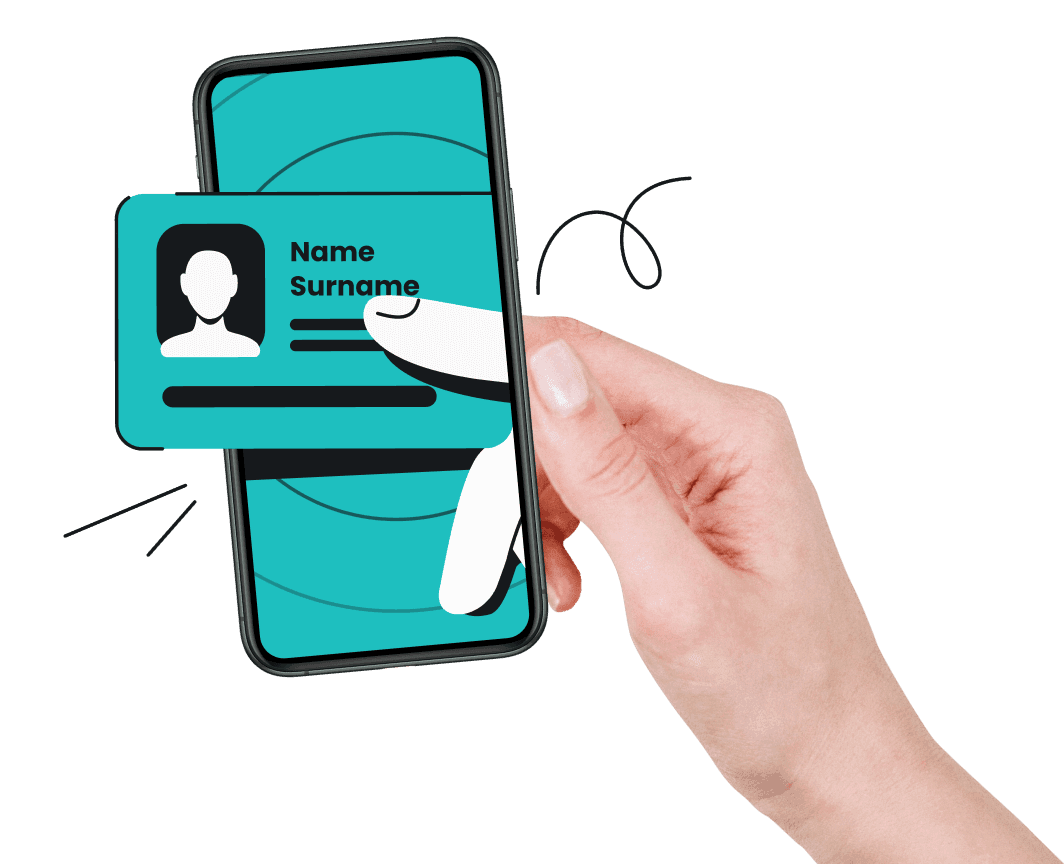
A hand entering a phone screen, with two of its animated fingers holding a name and surname card
ALTERNATIVE ID

Keep your personal data private

Create a brand new online identity and a proxy email with Alternative ID. Use it to shield your info, avoid data leaks and a spam-filled inbox.

ANTIVIRUS

Protect your devices

Surfshark Antivirus — powerful device protection that secures everything, from your webcam to your files. Experience 24/7 security that you can set and forget.
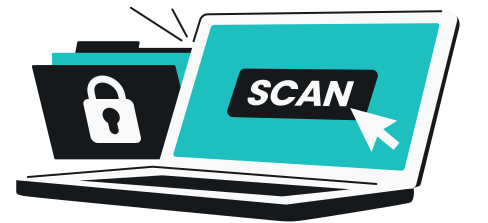
A computer screen with the word scan and a mouse cursor on it, and files with a lock symbol beside it
ALERT

Get data leak alerts

Alert notifies you the moment your email addresses, IDs, credit cards, or other personal data gets leaked online.


A hand holding a red warning light with an exclamation mark on it
SEARCH

Browse ad-free without digital footprints with the Surfshark Search engine.

A search box with the words Search securely written in it, and a mouse cursor beside it
INCOGNI

Remove your data from the web

Boost your small business data security by removing personal or company information from data brokers' databases with Incogni, available only in the Surfshark One+ plan.
More about Incogni

The best Surfshark plans for teams

Ensure your business is safe with award-winning security solutions.

Starter

Comes with a VPN & Alternative ID — essentials for your daily browsing.

From$5.90/mo.*
  • VPN: surf safely online
  • Alt ID: protect your identity
  • CleanWeb: block ads & pop-ups
  • Antivirus: armor your devices
  • Alert: monitor data breaches
  • Search: browse privately
  • Identity theft coverage: up to $1M
  • Incogni**: reclaim your data

One

Perfect if you seek all-round security for your browsing, devices, and identity.

From$6.90/mo.*
  • VPN: surf safely online
  • Alt ID: protect your identity
  • CleanWeb: block ads & pop-ups
  • Antivirus: armor your devices
  • Alert: monitor data breaches
  • Search: browse privately
  • Identity theft coverage: up to $1M
  • Incogni**: reclaim your data

One+

Helps secure your online activities and devices, with a focus on identity theft protection and recovery.

From$9.40/mo.*
  • VPN: surf safely online
  • Alt ID: protect your identity
  • CleanWeb: block ads & pop-ups
  • Antivirus: armor your devices
  • Alert: monitor data breaches
  • Search: browse privately
  • Identity theft coverage: up to $1M
  • Incogni**: reclaim your data

* Monthly per-user pricing with a 1-year plan. Price varies by user count (minimum 5 users).

** Available for US, UK, EU, Swiss and Canadian residents only.

How to get Surfshark for teams

To get Surfshark for teams, click on the “Get an offer” button below. Fill out the form and we will contact you with an offer. Choose the plan that best suits your needs, whether that’s Surfshark One, Surfshark One+, or a custom combination of the plans. You will need a minimum of 5 licenses to submit your request.
A hand holding a stopwatch.

No IT team? No problem!

Surfshark provides 24/7 support through live chat and email. We also offer a searchable knowledge base and easy-to-follow visual guides to help you quickly manage your team's safety using our user-friendly dashboard.
We love Surfshark because it is an easy-to-use app that you can download on all your devices. - MAX & OCCY
We love Surfshark because it is an easy-to-use app that you can download on all your devices.
MAX & OCCY
282K subscribers
The reviews quoted on this page have been published by media outlets associated with Surfshark through affiliate partnerships. Their recommendations are based on their own independent research and insights to ensure value for the readers.

Frequently asked questions

What is a VPN for teams?

A VPN (Virtual Private Network) for teams is an online security tool that enables businesses to establish a private and encrypted communication channel over the internet and protect their company’s internal resources.

Why should companies use a VPN for teams?

VPNs for teams are designed to enhance the security of data transmission and protect sensitive information from unauthorized access. Businesses should use them to secure employee device connections for remote work, protect internal resources, and prevent data breaches.

Is Surfshark VPN trustworthy?

Yes, Surfshark is a trustworthy company. We maintain the highest security standards for all our services and products. You can find out more about our security practices in our Trust Center.

In which countries does Surfshark have servers?

Surfshark offers 4500+ servers in 100+ countries. To check specific locations, you can visit our server page.

Are Dedicated IP and user activity tracking features of VPN for teams?

No, user activity tracking and Dedicated IP are not features of VPN for teams.